
PROSARIS para PC
Prosaris Solutions Ltd.
Descarga PROSARIS en PC con GameLoop Emulator
PROSARIS en PC
PROSARIS, proveniente del desarrollador Prosaris Solutions Ltd., se ejecuta en el sistema Android en el pasado.
Ahora, puedes jugar PROSARIS en PC con GameLoop sin problemas.
Descárgalo en la biblioteca de GameLoop o en los resultados de búsqueda. No más mirar la batería o llamadas frustrantes en el momento equivocado nunca más.
Simplemente disfrute de PROSARIS PC en la pantalla grande de forma gratuita!
PROSARIS Introducción
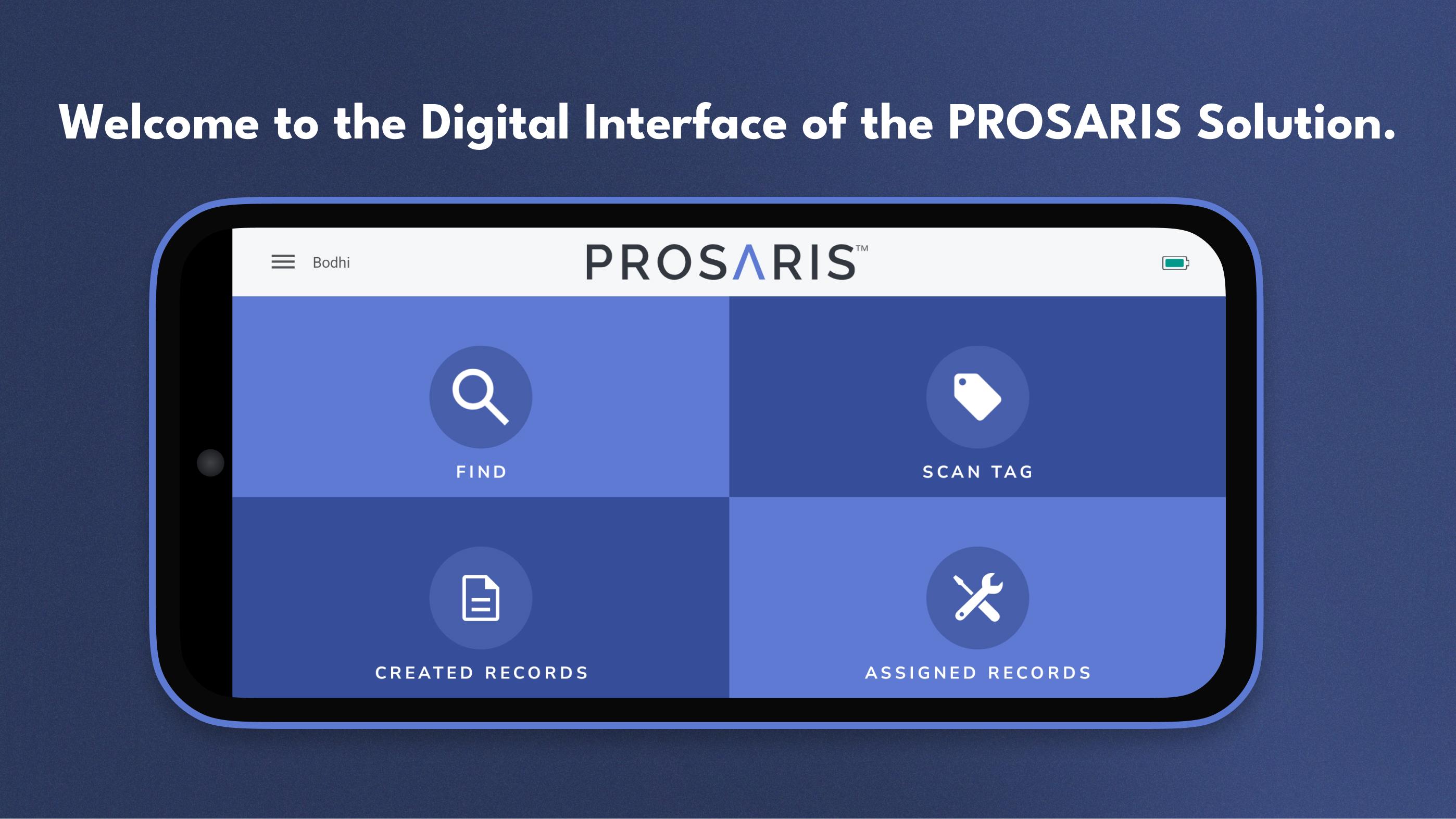
The PROSARIS App provides the digital interface of our PROSARIS Smart Detection & Energy Management Solution. Please note that a PROSARIS OL1 or OL2 ultrasonic sensor is required to fully access the app’s features and functionality. Just connect the sensor to a mobile device with the downloaded PROSARIS app, and you’ve created a handheld ultrasonic source locator and event management tool.
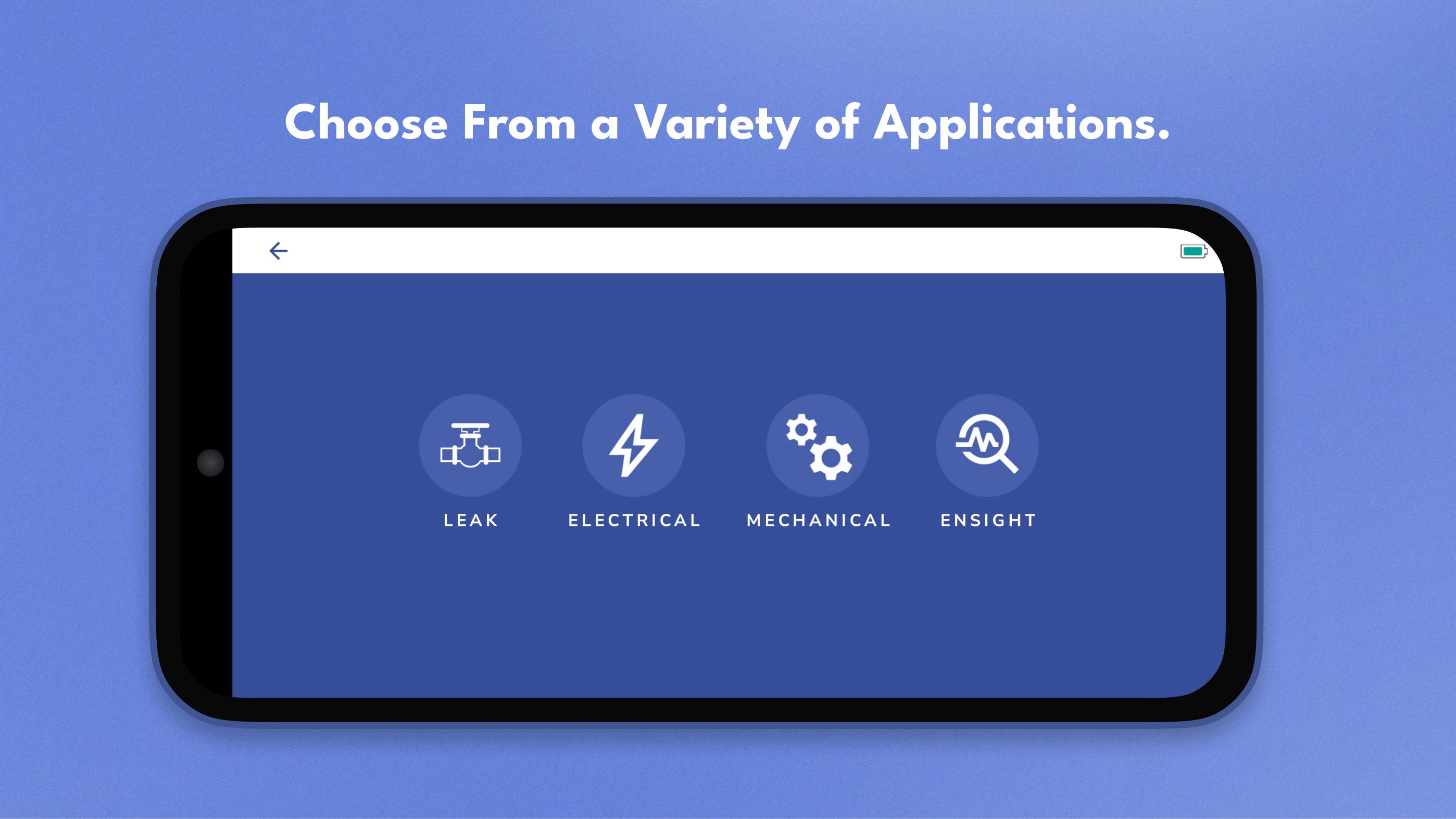
Locate fluid leaks and electrical faults with precision. The app receives data from the OL device’s 24 MEMS microphones and provides volume flow and calculated loss in real time. Additionally, you can upload your facility’s floorplans and create Routes, allowing you to more efficiently locate and document leaks and electrical integrity concerns.
Create records for future resolution. By incorporating event resolution into the regular workflow, PROSARIS enables you to minimize unplanned downtime and operate your systems at optimal efficiency. After you’ve located a leak or fault, easily create a record that includes all relevant data, sound recordings, and images. You can upload your records from the app to the PROSARIS Platform for further analysis, communication, and management. Assign records to team members for increased levels of organization and optimization. You can even add an NFC-enabled Smart Tag to your record, allowing other team members to effortlessly pick up where you left off.
Customize parameters and facility information. The app includes a wide range of settings that ensure your parameter, facility, and company data & information is as dynamic and accurate as possible.
Avance
Etiquetas
HerramientasInformación
Desarrollador
Prosaris Solutions Ltd.
La última versión
3.4.2
Última actualización
2025-08-21
Categoría
Herramientas
Disponible en
Google Play
Mostrar más
Cómo jugar PROSARIS con GameLoop en PC
1. Descargue GameLoop desde el sitio web oficial, luego ejecute el archivo exe para instalar GameLoop.
2. Abra GameLoop y busque "PROSARIS", busque PROSARIS en los resultados de búsqueda y haga clic en "Instalar".
3. Disfruta jugando PROSARIS en GameLoop.
Minimum requirements
OS
Windows 8.1 64-bit or Windows 10 64-bit
GPU
GTX 1050
CPU
i3-8300
Memory
8GB RAM
Storage
1GB available space
Recommended requirements
OS
Windows 8.1 64-bit or Windows 10 64-bit
GPU
GTX 1050
CPU
i3-9320
Memory
16GB RAM
Storage
1GB available space