
TabletAED Mindray BeneHeart C2 para PC
Doczero
Baixe TabletAED Mindray BeneHeart C2 no PC com o emulador GameLoop
TabletAED Mindray BeneHeart C2 no PC
TabletAED Mindray BeneHeart C2, vindo do desenvolvedor Doczero, está rodando no sistema Android no passado.
Agora, você pode jogar TabletAED Mindray BeneHeart C2 no PC com GameLoop sem problemas.
Faça o download na biblioteca GameLoop ou nos resultados da pesquisa. Chega de ficar de olho na bateria ou fazer chamadas frustrantes na hora errada.
Apenas aproveite o TabletAED Mindray BeneHeart C2 PC na tela grande gratuitamente!
TabletAED Mindray BeneHeart C2 Introdução
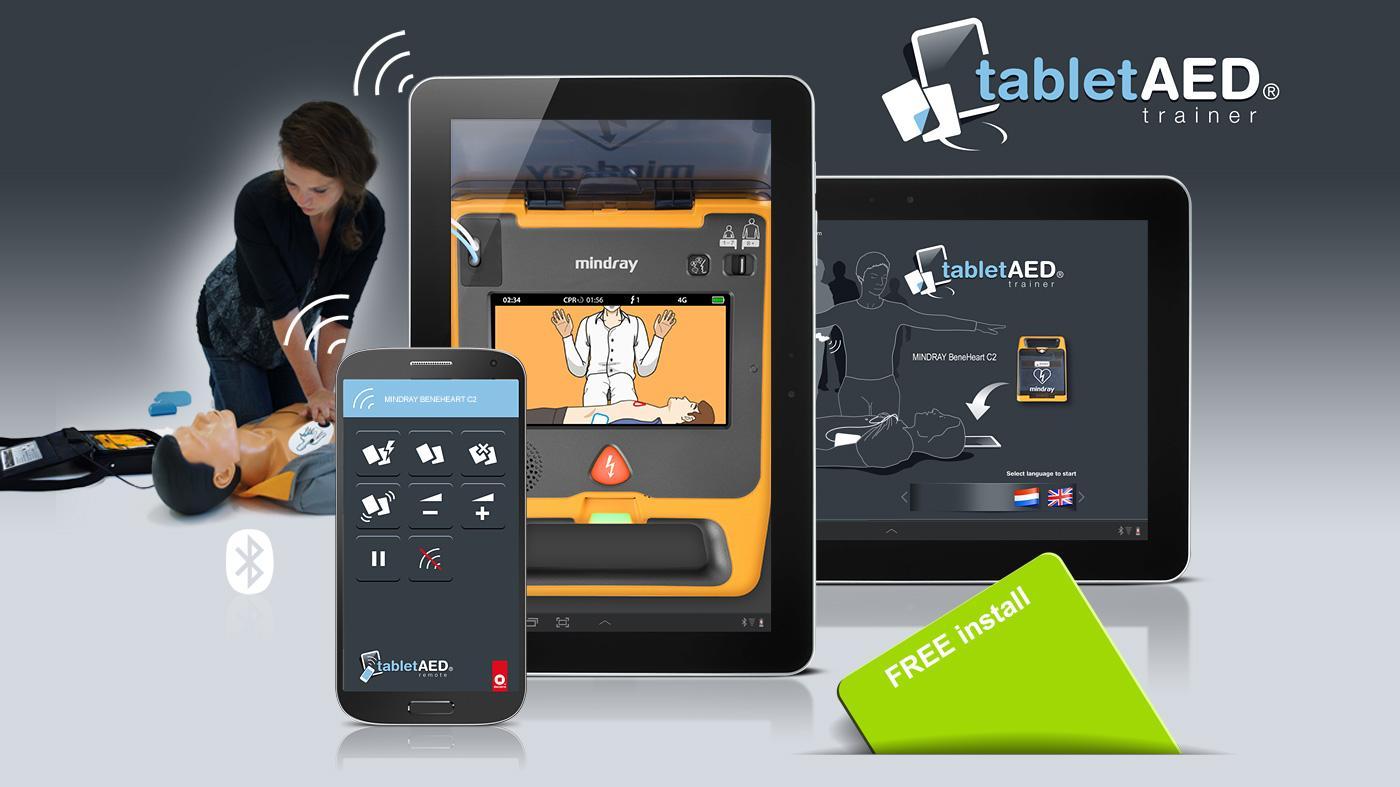
Discover the new way of training BLS&AED with digital AED trainers on your tablet. With your smartphone as remote control you can simply operate every TabletAED trainer. A professional low cost solution for every instructor.
In combination with the e-learning you have the ultimate instructor package. Install the TabletAED trainer app on your tablet. Do you prefer remote control, also install the free TabletAED remote app on your smartphone.
Quick start:
1. Install and open the TabletAED trainer app on your tablet.
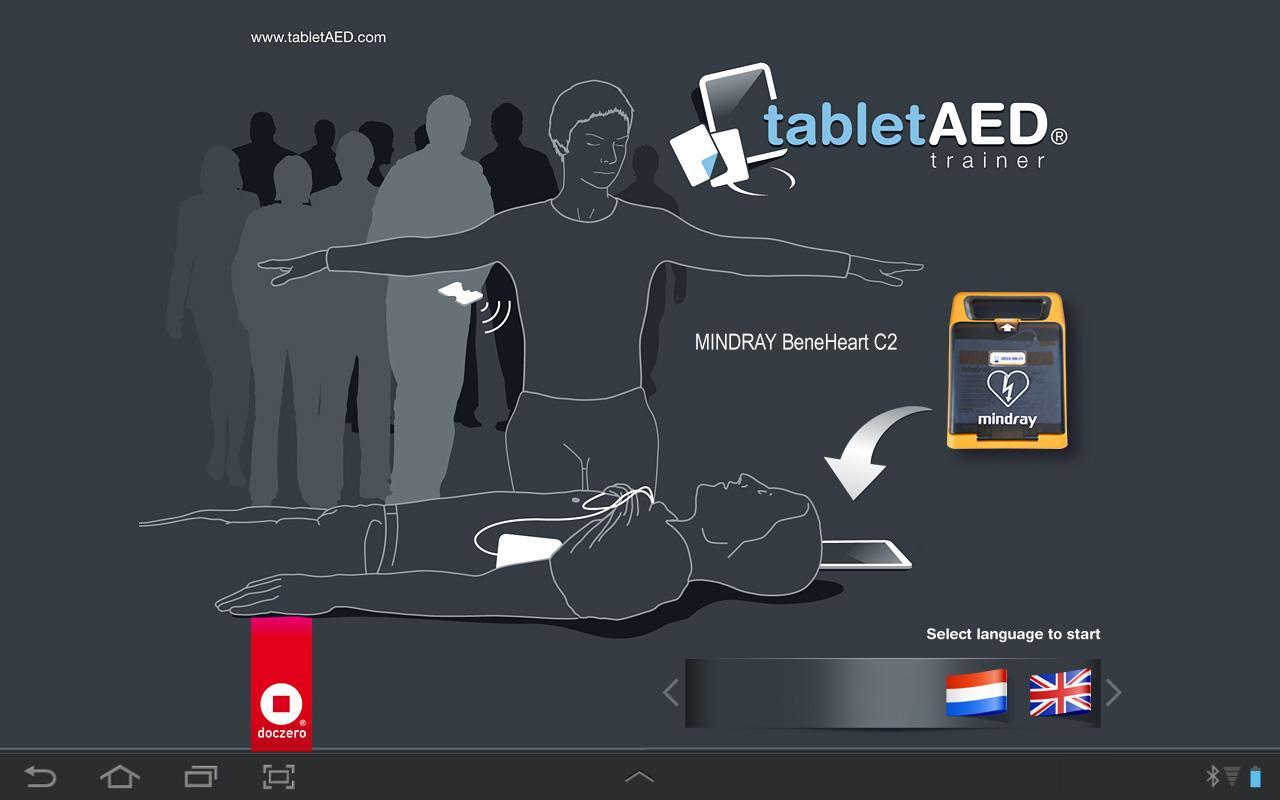
2. Select a language.
3. Operate your TabletAED trainer like you are used to. With the operation bar on top you simply give commands to the AED trainer and simulate a training scenario.
Use remote control:
1. Install the TabletAED remote app on your smartphone.
2. Open the TabletAED remote app (simultaneously with the TabletAED trainer app on your tablet).
3. Press the ‘Connection’ button and select your located tablet (with TabletAED trainer app installed). Press ‘Allow’ on the tablet to accept connection. After a few seconds connection will be established.
4. Operate your TabletAED trainer like you are used to. With the TabletAED remote app you simply give commands to the TabletAED trainer app and simulate a training scenario.
Visualizar
Tag
EducaçãoEm formação
Desenvolvedor
Doczero
Última versão
1.2
Ultima atualização
2022-05-14
Categoria
Educação
Disponível em
Google Play
Mostre mais
Como jogar TabletAED Mindray BeneHeart C2 com GameLoop no PC
1. Baixe o GameLoop do site oficial e execute o arquivo exe para instalar o GameLoop.
2. Abra o GameLoop e procure por “TabletAED Mindray BeneHeart C2”, encontre TabletAED Mindray BeneHeart C2 nos resultados da pesquisa e clique em “Install”.
3. Divirta-se jogando TabletAED Mindray BeneHeart C2 no GameLoop.
Minimum requirements
OS
Windows 8.1 64-bit or Windows 10 64-bit
GPU
GTX 1050
CPU
i3-8300
Memory
8GB RAM
Storage
1GB available space
Recommended requirements
OS
Windows 8.1 64-bit or Windows 10 64-bit
GPU
GTX 1050
CPU
i3-9320
Memory
16GB RAM
Storage
1GB available space