Typesy - Touch Typing PC
eReflect
Download Typesy - Touch Typing on PC With GameLoop Emulator
Typesy - Touch Typing on PC
Typesy - Touch Typing, coming from the developer eReflect, is running on Android systerm in the past.
Now, You can play Typesy - Touch Typing on PC with GameLoop smoothly.
Download it in the GameLoop library or search results. No more eyeing the battery or frustrating calls at the wrong time any more.
Just enjoy Typesy - Touch Typing PC on the large screen for free!
Typesy - Touch Typing Introduction
Are you ready to master the art of typing with Typesy, the ultimate typing tutor and keyboarding software?
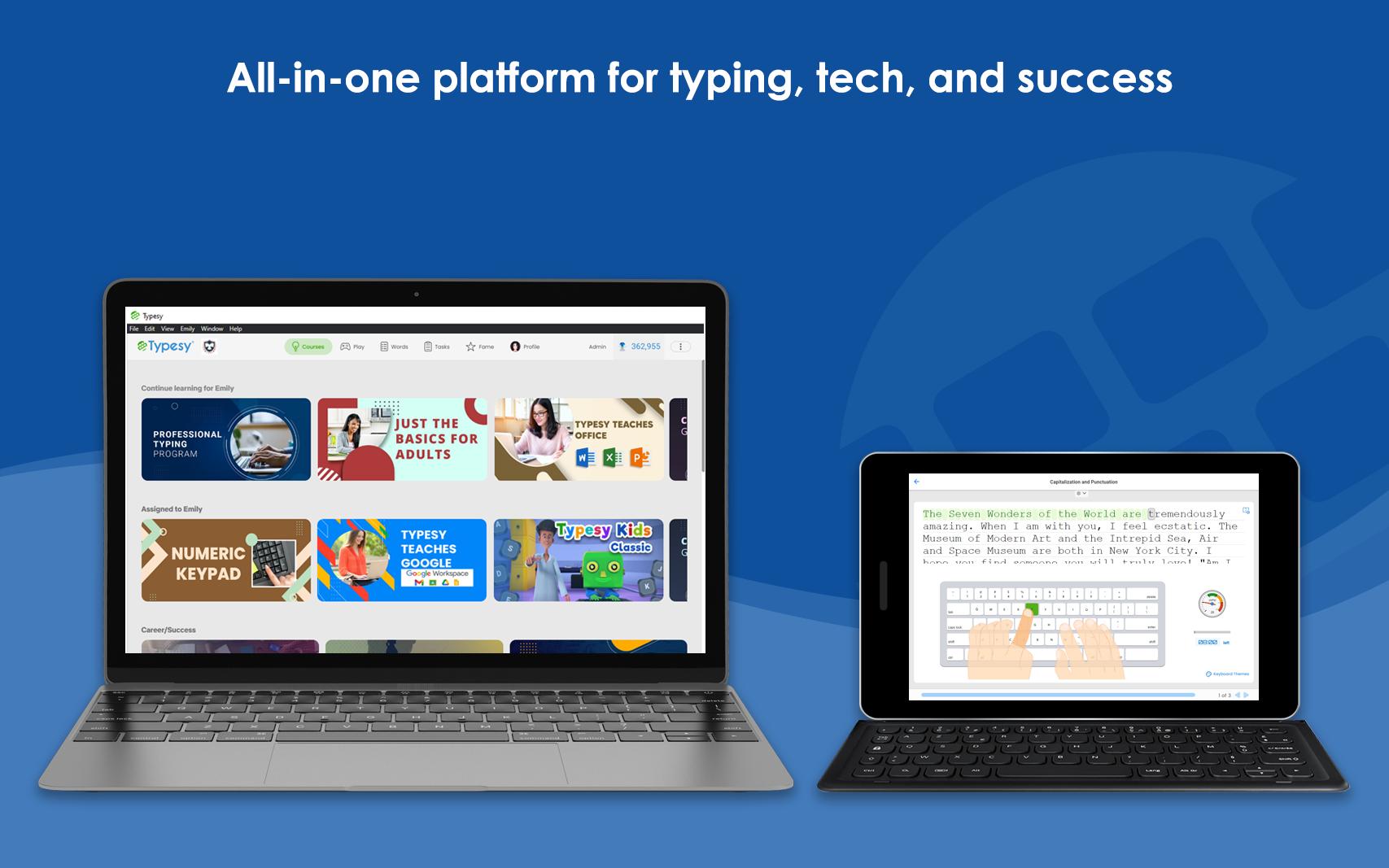
Typesy is your personal guide to becoming a typing pro, whether you're a beginner or looking to level up your skills. With engaging lessons, fun exercises, and cutting-edge technology, you'll type faster, more accurately, and with newfound confidence.
Key Features:
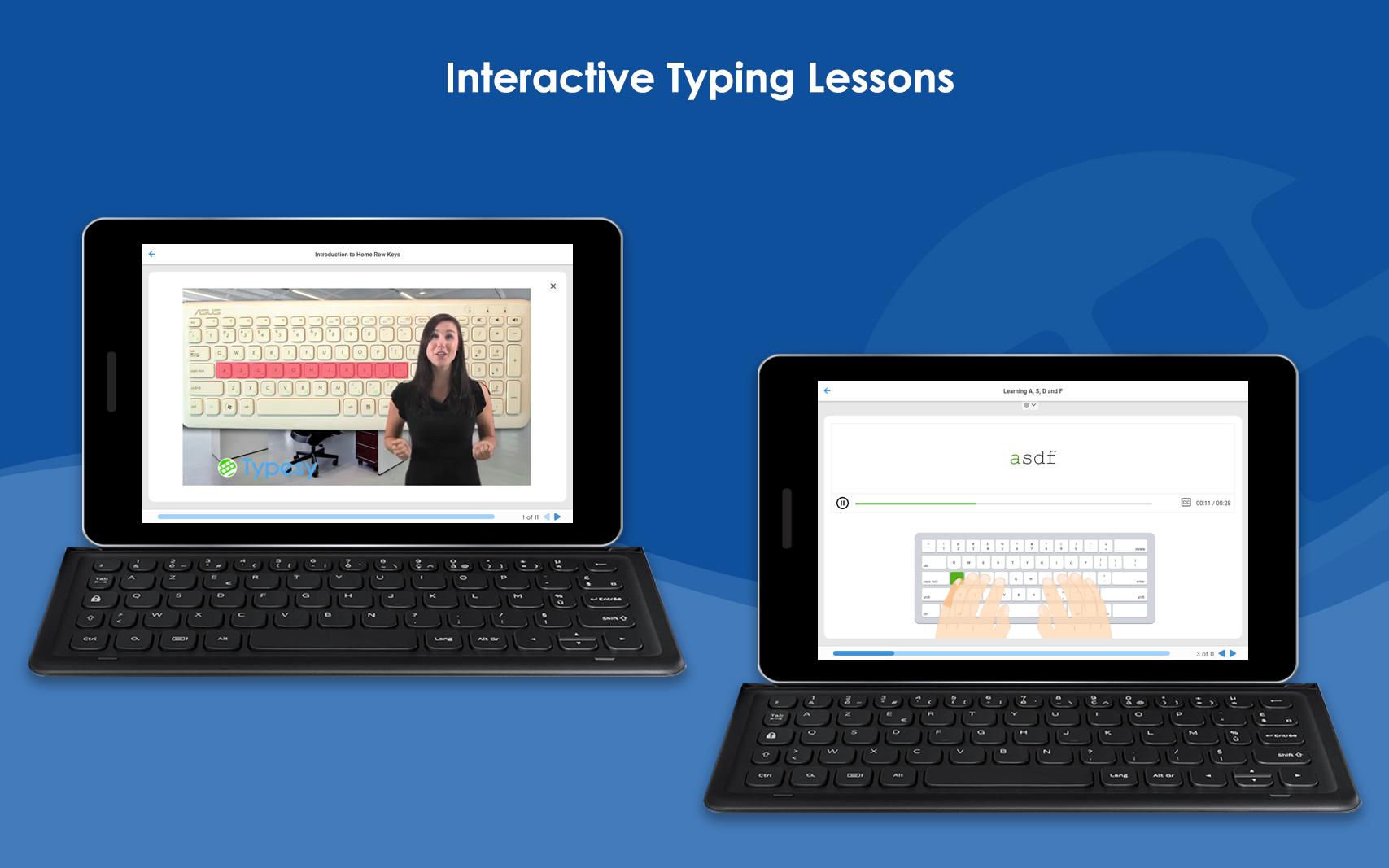
🚀 Interactive Typing Lessons: Dive into the interactive lessons tailored for all skill levels. Learn touch typing techniques and boost your WPM (words per minute) effortlessly.
🎮 Engaging Typing Games: Learning doesn't have to be boring! Enjoy a variety of typing games designed to make practice fun and addictive.
📚 Rich Content Library: Explore a vast library of texts and articles across different genres. Improve your typing while reading interesting and informative content.
⭐ Progress Tracking: Track your typing speed and accuracy over time. Watch yourself evolve into a typing pro with detailed performance analytics.
Join millions of satisfied learners who have transformed their typing skills with Typesy. Whether you want to enhance your professional productivity or simply type faster for personal use, Typesy has you covered.
Preview
Tags
EducationBoardInformation
Developer
eReflect
Latest Version
2025.10.2
Last Updated
2025-10-20
Category
Education
Available on
Google Play
Show More
How to play Typesy - Touch Typing with GameLoop on PC
1. Download GameLoop from the official website, then run the exe file to install GameLoop
2. Open GameLoop and search for “Typesy - Touch Typing” , find Typesy - Touch Typing in the search results and click “Install”
3. Enjoy playing Typesy - Touch Typing on GameLoop
Minimum requirements
OS
Windows 8.1 64-bit or Windows 10 64-bit
GPU
GTX 1050
CPU
i3-8300
Memory
8GB RAM
Storage
1GB available space
Recommended requirements
OS
Windows 8.1 64-bit or Windows 10 64-bit
GPU
GTX 1050
CPU
i3-9320
Memory
16GB RAM
Storage
1GB available space