Smart Light PC
Hangzhou Yaguan Technology Co.,Ltd
Download Smart Light on PC With GameLoop Emulator
Smart Light on PC
Smart Light, coming from the developer Hangzhou Yaguan Technology Co.,Ltd, is running on Android systerm in the past.
Now, You can play Smart Light on PC with GameLoop smoothly.
Download it in the GameLoop library or search results. No more eyeing the battery or frustrating calls at the wrong time any more.
Just enjoy Smart Light PC on the large screen for free!
Smart Light Introduction
Smart Light is committed to providing lightweight one-stop lighting solutions to quickly realize intelligent lighting. Create a fast and extreme lighting equipment operation experience for users.
【One-key fast batch pairing】
Users only need to power on and off the device once, and click the "pairing" button to complete the device pairing within 1 second, and support batch pairing of multiple devices in the space at the same time.
【Local control】
The mobile phone only needs to turn on the Bluetooth, even in extreme environments with no WiFi, no 4G network or poor signal, it can still control the device stably.
【Consistent centralized control experience】
The ultimate control experience of deep grinding. Quick response, synchronization of group control, and stable control distance.
【Multi-category support】
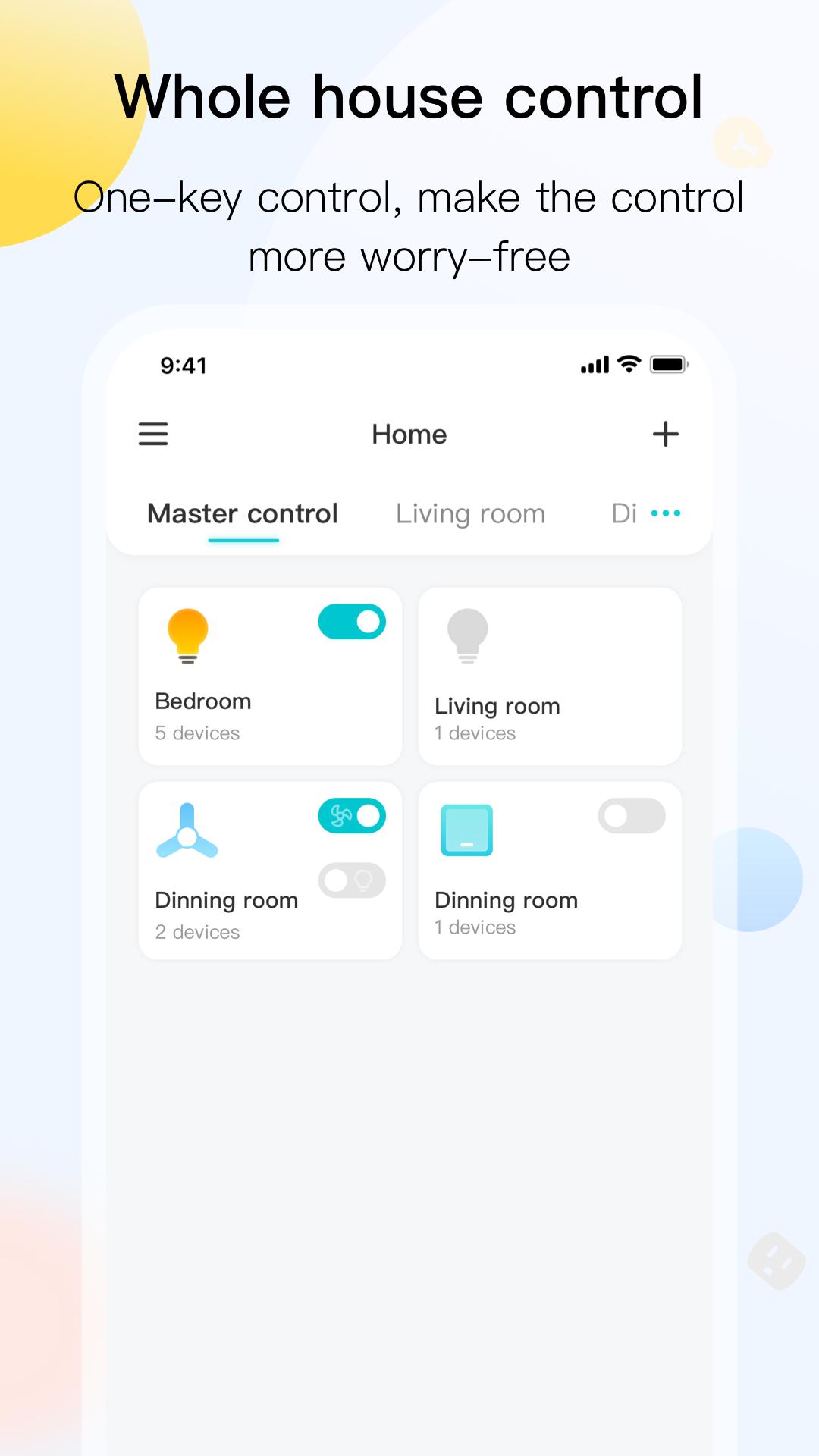
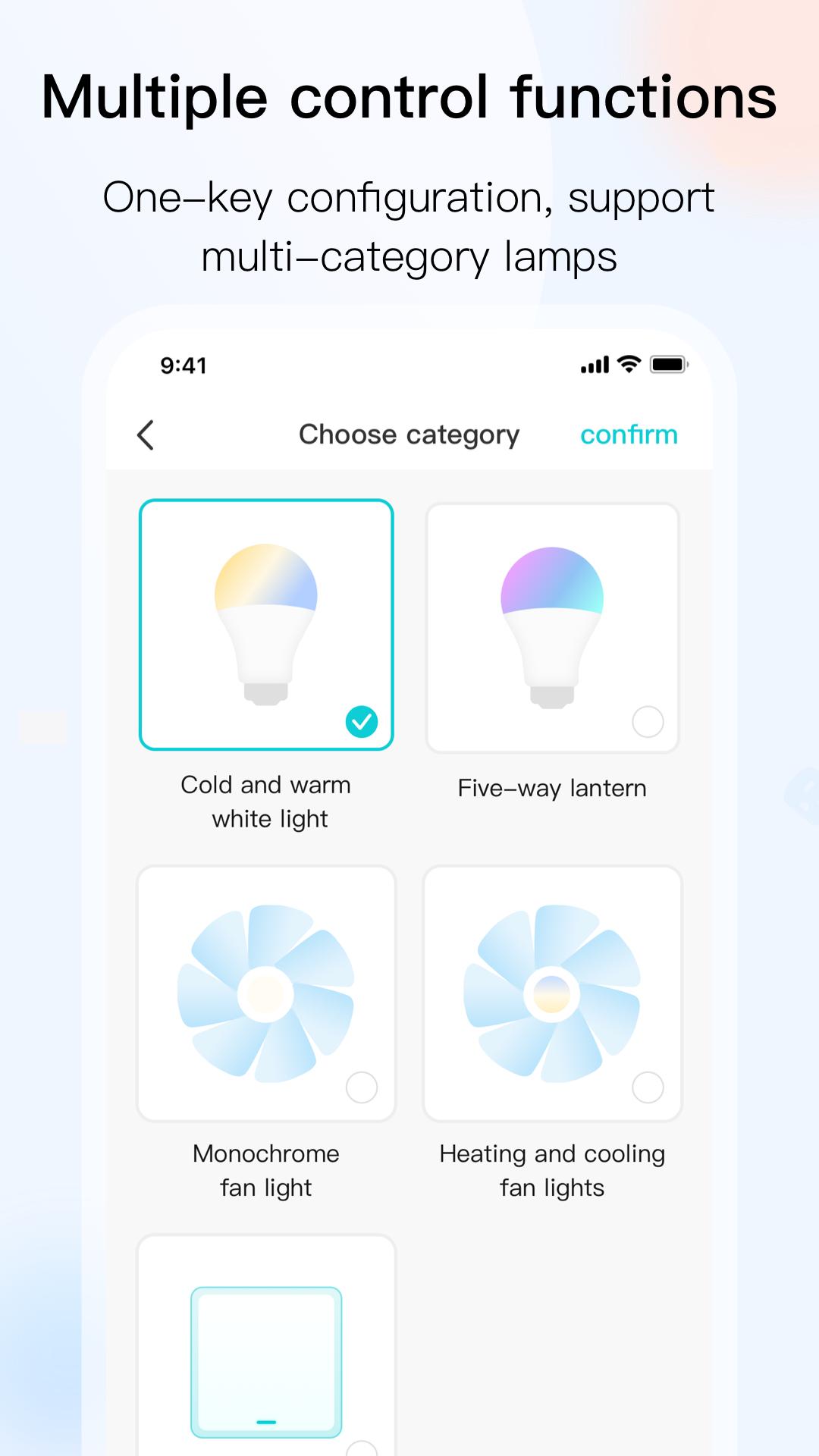
Color temperature lights, colored lights, fan lights, switches, support a variety of lighting-related categories, and realize the control of the whole house lighting system
Preview
Tags
House-&Information
Developer
Hangzhou Yaguan Technology Co.,Ltd
Latest Version
1.5.6
Last Updated
2022-12-14
Category
House-home
Available on
Google Play
Show More
How to play Smart Light with GameLoop on PC
1. Download GameLoop from the official website, then run the exe file to install GameLoop
2. Open GameLoop and search for “Smart Light” , find Smart Light in the search results and click “Install”
3. Enjoy playing Smart Light on GameLoop
Minimum requirements
OS
Windows 8.1 64-bit or Windows 10 64-bit
GPU
GTX 1050
CPU
i3-8300
Memory
8GB RAM
Storage
1GB available space
Recommended requirements
OS
Windows 8.1 64-bit or Windows 10 64-bit
GPU
GTX 1050
CPU
i3-9320
Memory
16GB RAM
Storage
1GB available space