
E-Tizen PC
Nufisys SARL
Download E-Tizen on PC With GameLoop Emulator
E-Tizen on PC
E-Tizen, coming from the developer Nufisys SARL, is running on Android systerm in the past.
Now, You can play E-Tizen on PC with GameLoop smoothly.
Download it in the GameLoop library or search results. No more eyeing the battery or frustrating calls at the wrong time any more.
Just enjoy E-Tizen PC on the large screen for free!
E-Tizen Introduction
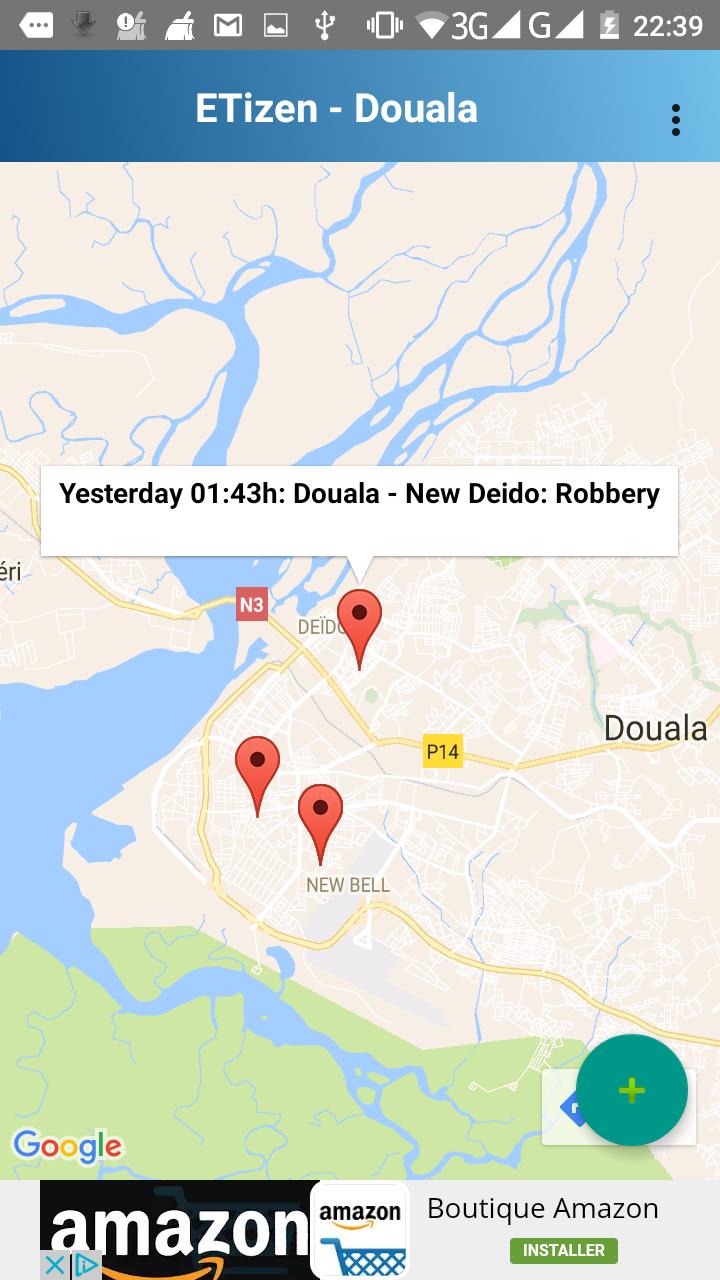
E-Tizen (ɪt.ɪ.zən) is a dedicated geosocial networking app. While generic social networking platforms have a geosocial networking component, the kind of context-relevant information required by people sharing the same life environment living in a city, tends to get lost in the huge data flow drained by those networks. Sure, hashtags can help but they certainly cannot be as efficient as a platform solely dedicated to that purpose.
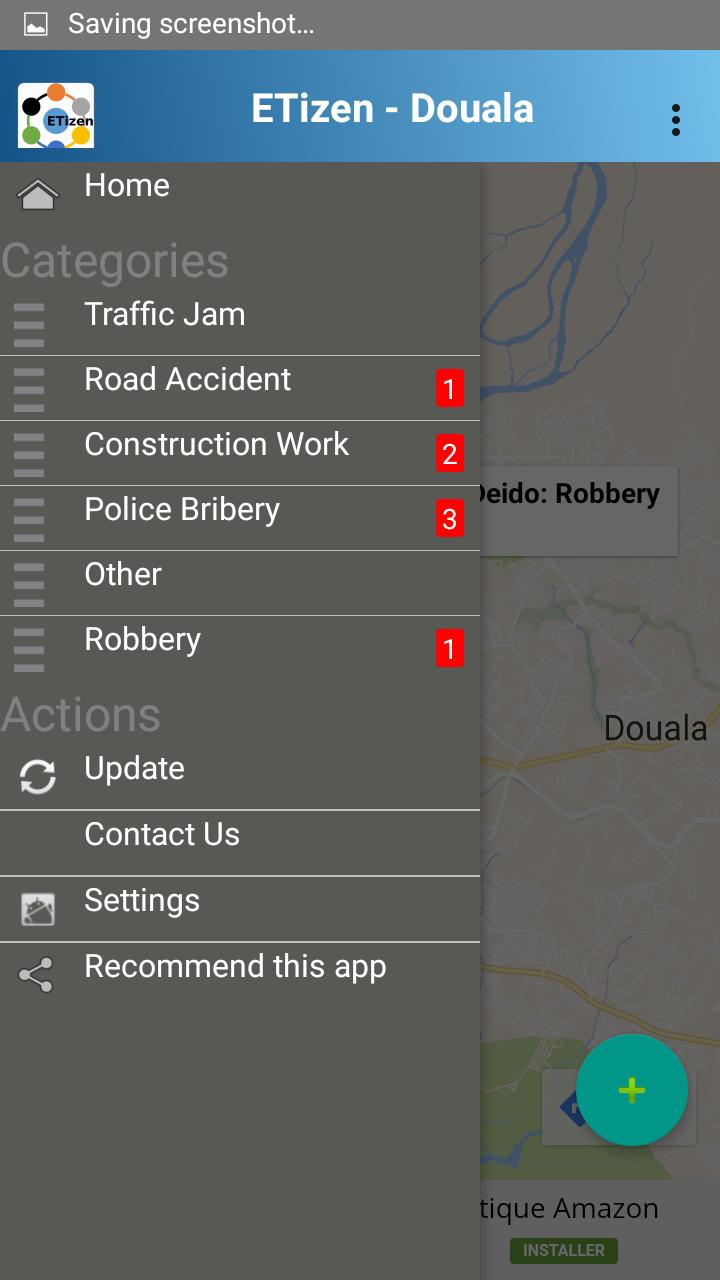
E-Tizen allows users to post safety relevant information resulting from experiences in cities they live in or which they visited, so that others can benefit from this useful information.
Beside safety-relevant information, users can share suggestions on possible improvements of specific places in the city, or simply indicate which places they like/dislike in the city.
Download, install the E-Tizen app now and turns yourself into a real citizen of the city by contributing to its improvement!
Preview
Tags
LifestyleInformation
Developer
Nufisys SARL
Latest Version
0.10
Last Updated
2020-04-26
Category
Lifestyle
Available on
Google Play
Show More
How to play E-Tizen with GameLoop on PC
1. Download GameLoop from the official website, then run the exe file to install GameLoop
2. Open GameLoop and search for “E-Tizen” , find E-Tizen in the search results and click “Install”
3. Enjoy playing E-Tizen on GameLoop
Minimum requirements
OS
Windows 8.1 64-bit or Windows 10 64-bit
GPU
GTX 1050
CPU
i3-8300
Memory
8GB RAM
Storage
1GB available space
Recommended requirements
OS
Windows 8.1 64-bit or Windows 10 64-bit
GPU
GTX 1050
CPU
i3-9320
Memory
16GB RAM
Storage
1GB available space