ELRO Connects PC
ELRO Europe
Download ELRO Connects on PC With GameLoop Emulator
ELRO Connects on PC
ELRO Connects, coming from the developer ELRO Europe, is running on Android systerm in the past.
Now, You can play ELRO Connects on PC with GameLoop smoothly.
Download it in the GameLoop library or search results. No more eyeing the battery or frustrating calls at the wrong time any more.
Just enjoy ELRO Connects PC on the large screen for free!
ELRO Connects Introduction
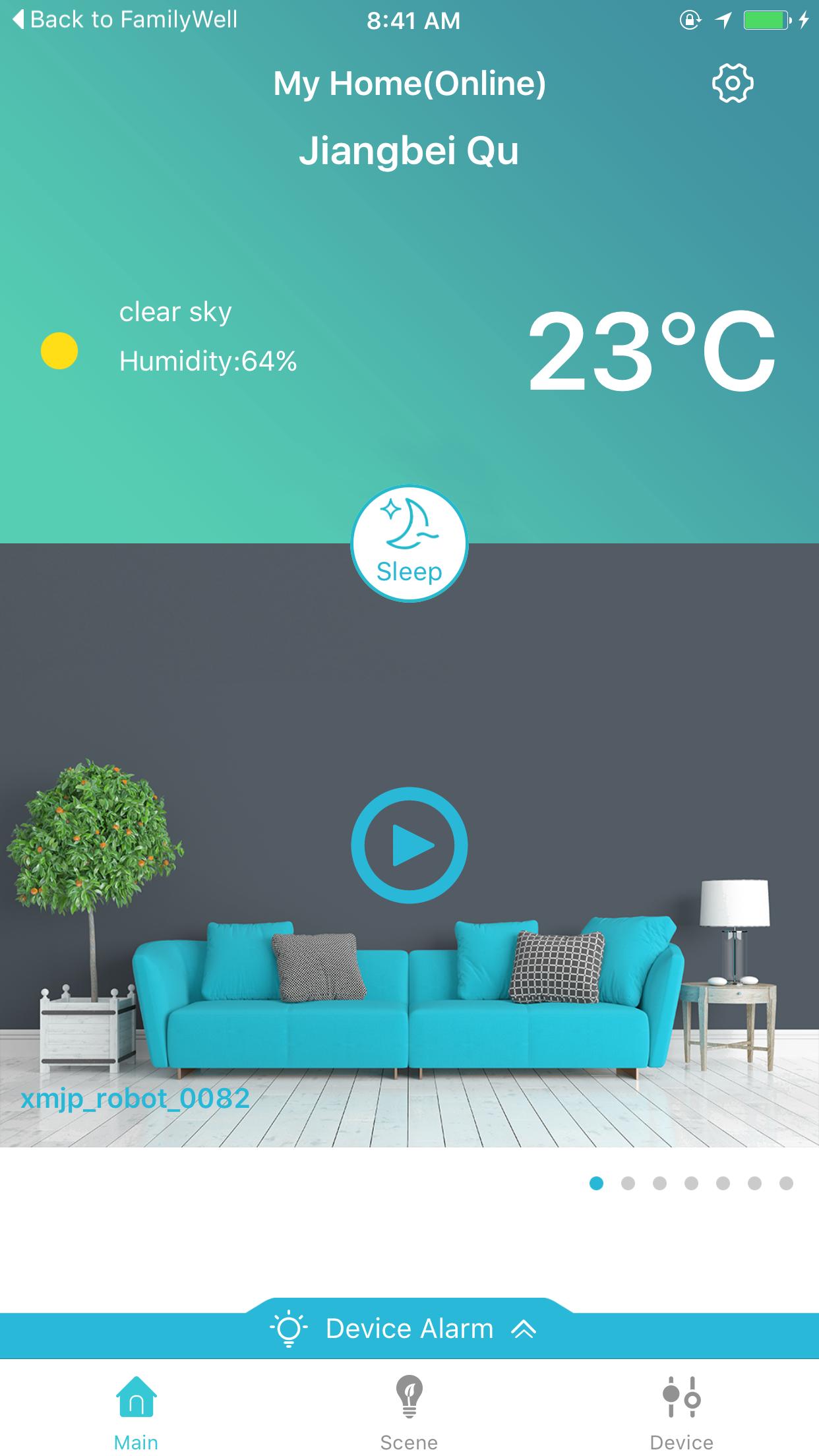
By using the ELRO Connects app you are able to easily connect all ELRO products to each other and to your smartphone. With the ELRO Connects app you can configure the devices, manage them and control them. All from one app!
You can connect a wide range of devices to the ELRO Connects. The products can be divided into 3 different categories:
1. Fire safety. Consisting of smoke-, CO-, heat- and water detectors.
2. Intruder security. Consisting of motion sensors, door-/window contacts, SOS button and a vibration/flash alarm.
3. Comfort. Consisting of a thermometer, radiator thermostat and smart switches.
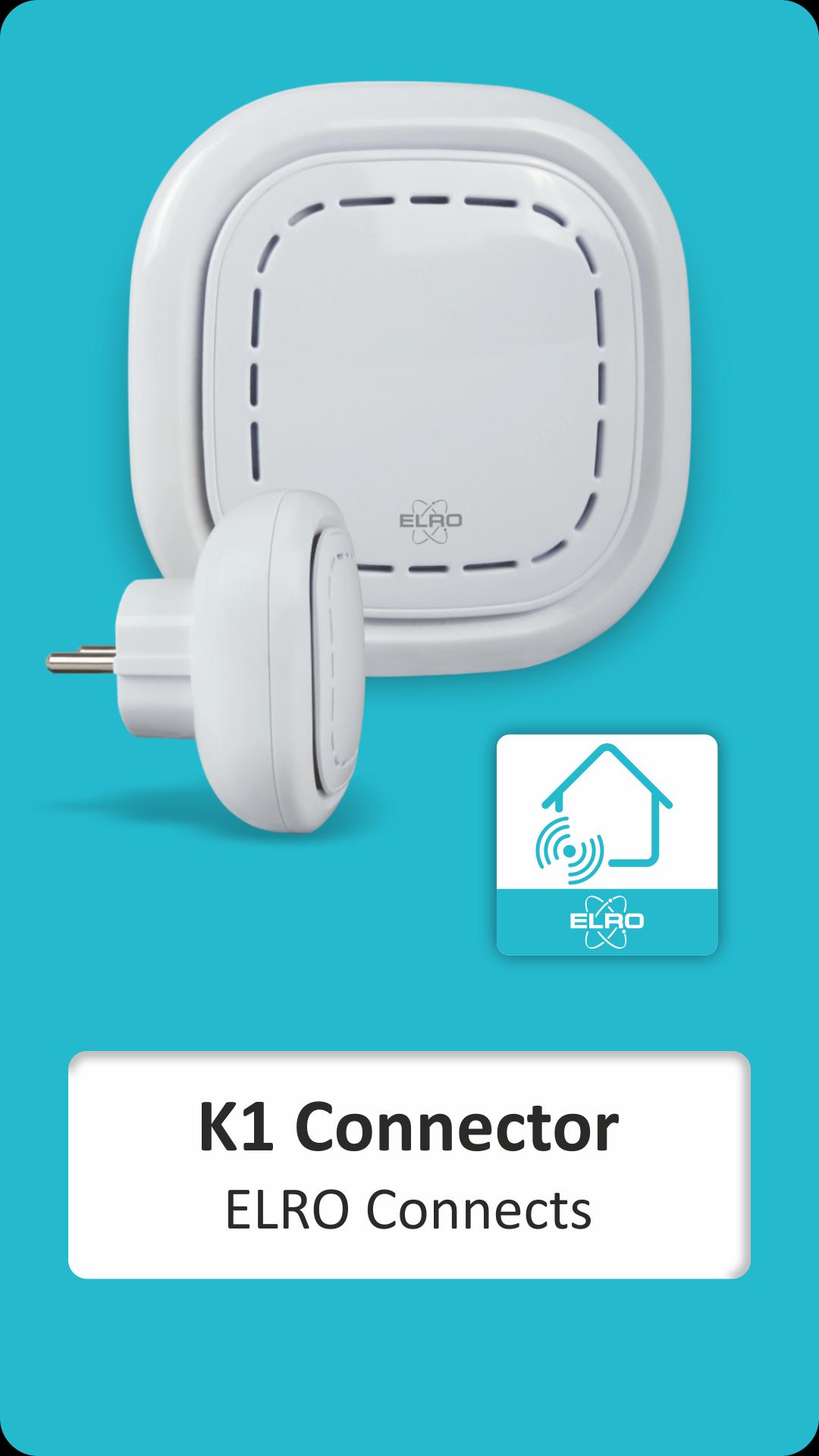
The main unit is the K1 connector, which provides the connection with the internet. This device includes a build in siren and LED lighting.
Make your life more comfortable with the ELRO connects app. The app enables you to set different scenes in which for example the light turns on/off at a set time. You can also make an automation related to detection of motion or doors opening.
Use water detectors for your washing machine and a radiator thermostat to heat up the bathroom in the morning.
By adding security devices such as motion sensors and magnetic contacts you turn the system into an alarm system.
Preview
Tags
LifestyleInformation
Developer
ELRO Europe
Latest Version
2.1.2
Last Updated
2024-08-24
Category
Lifestyle
Available on
Google Play
Show More
How to play ELRO Connects with GameLoop on PC
1. Download GameLoop from the official website, then run the exe file to install GameLoop
2. Open GameLoop and search for “ELRO Connects” , find ELRO Connects in the search results and click “Install”
3. Enjoy playing ELRO Connects on GameLoop
Minimum requirements
OS
Windows 8.1 64-bit or Windows 10 64-bit
GPU
GTX 1050
CPU
i3-8300
Memory
8GB RAM
Storage
1GB available space
Recommended requirements
OS
Windows 8.1 64-bit or Windows 10 64-bit
GPU
GTX 1050
CPU
i3-9320
Memory
16GB RAM
Storage
1GB available space