
VisualLive PC
Visual Live 3D LLC
Download VisualLive on PC With GameLoop Emulator
VisualLive on PC
VisualLive, coming from the developer Visual Live 3D LLC, is running on Android systerm in the past.
Now, You can play VisualLive on PC with GameLoop smoothly.
Download it in the GameLoop library or search results. No more eyeing the battery or frustrating calls at the wrong time any more.
Just enjoy VisualLive PC on the large screen for free!
VisualLive Introduction
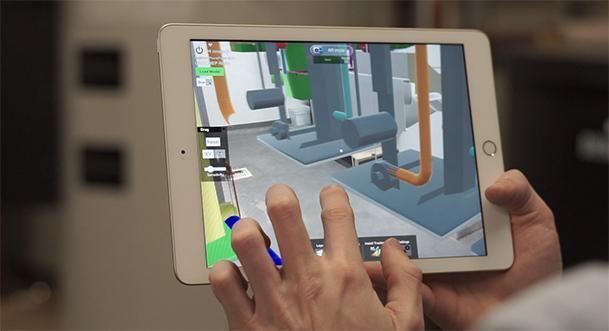
VisualLive (Formerly Mobilive) is an Augmented Reality (AR) mobile app for Architecture, Construction and Engineering. With VisualLive, you can push your 3D models to your mobile device to view in 1:1 scale to bring the virtual world into the jobsite using our Revit and Navisworks plugins. Your BIM is locked down to it’s real-world location so you can freely walk around the model and explore it from all angles.
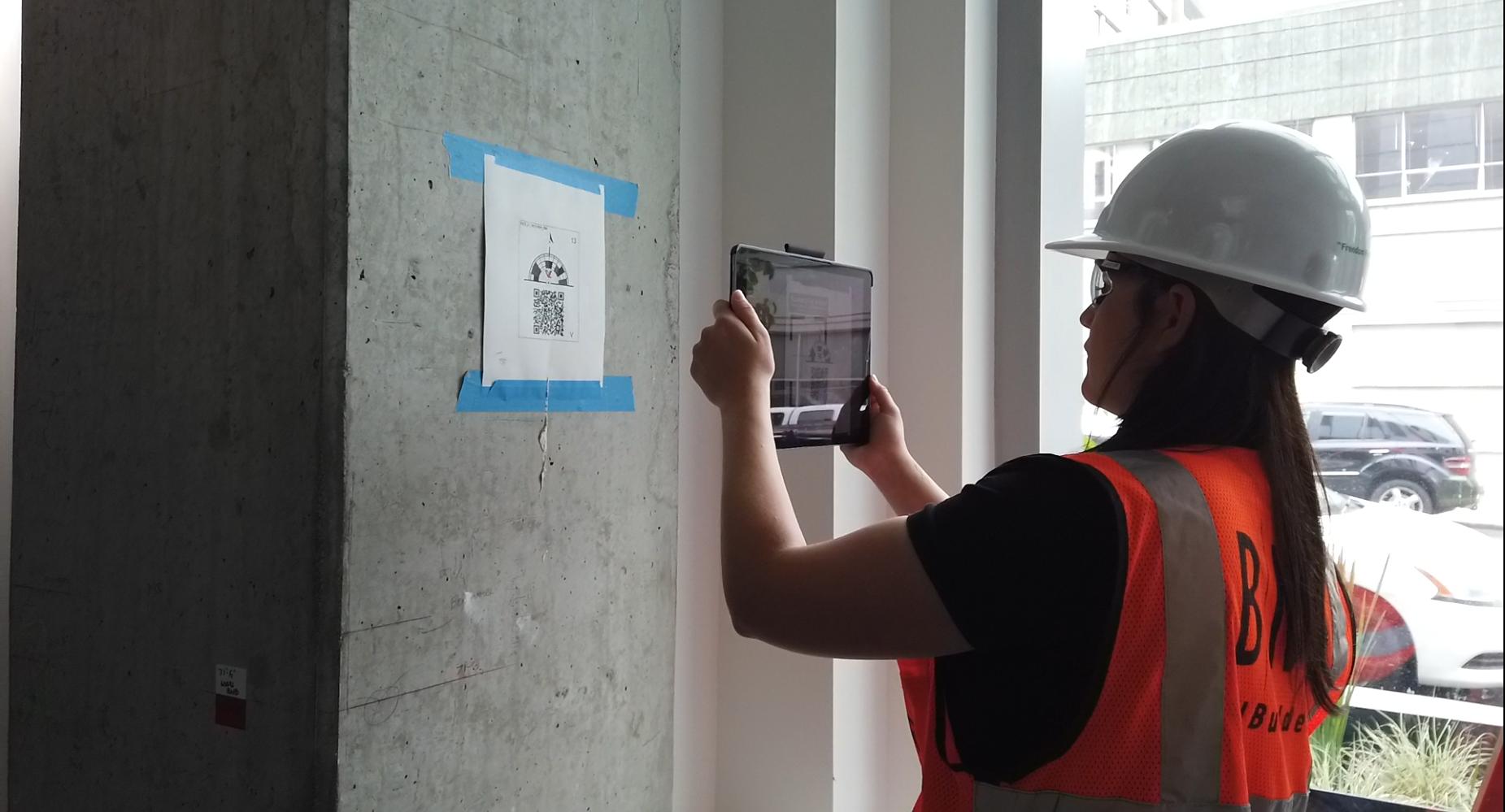
Users of Revit and Navisworks, can install our plugins from the VisualLive website to upload your models directly to VisualLive. With these plugins, you can create markers to easily align your 3D model in Augmented Reality (AR), create your model's hierarchy and break down very large models into worksets and viewpoints so they're easy to load on mobile devices.
Push your design models to iPhone/iPad or Android with a few simple clicks.
Features:
Visualize Designs On-Site in True Scale with VisualLive™
AR Mode - Visualize your design in true 1:1 scale
Virtual Mock Up - Scale down slider for table-top presentation
Layers - Isolate geometry and turn on/off model groups
Issue Tracking - Capture design discrepancies against reality
Markups - Add notes on issues and send to design team
Navigate Mode - Virtually walk in your 3D BIM
Measurement - Measure point-to-point design and reality
Properties - View building model information
Sync - Save up to 5,000 models locally on devices
Preview
Tags
ProductivityInformation
Developer
Visual Live 3D LLC
Latest Version
3.5.40
Last Updated
2023-04-07
Category
Productivity
Available on
Google Play
Show More
How to play VisualLive with GameLoop on PC
1. Download GameLoop from the official website, then run the exe file to install GameLoop
2. Open GameLoop and search for “VisualLive” , find VisualLive in the search results and click “Install”
3. Enjoy playing VisualLive on GameLoop
Minimum requirements
OS
Windows 8.1 64-bit or Windows 10 64-bit
GPU
GTX 1050
CPU
i3-8300
Memory
8GB RAM
Storage
1GB available space
Recommended requirements
OS
Windows 8.1 64-bit or Windows 10 64-bit
GPU
GTX 1050
CPU
i3-9320
Memory
16GB RAM
Storage
1GB available space