
WifiQR PC
Turuncu
Download WifiQR on PC With GameLoop Emulator
WifiQR on PC
WifiQR, coming from the developer Turuncu, is running on Android systerm in the past.
Now, You can play WifiQR on PC with GameLoop smoothly.
Download it in the GameLoop library or search results. No more eyeing the battery or frustrating calls at the wrong time any more.
Just enjoy WifiQR PC on the large screen for free!
WifiQR Introduction
You may want to share your home or business WiFi with your friends and customers but your password may contain strange characters and may spelling it is be difficult!
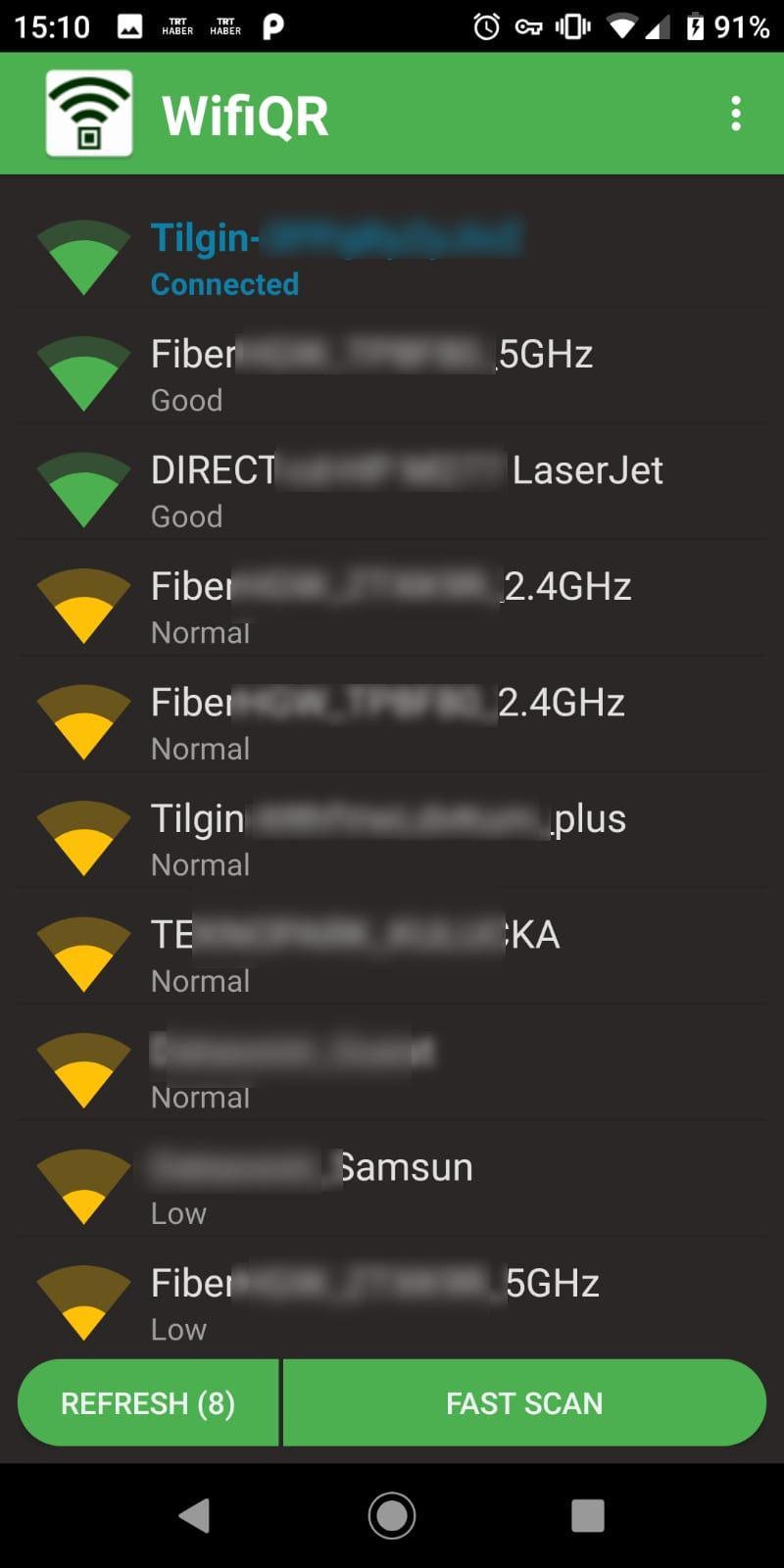
Use WifiQR to connect a wifi by QR or share your WiFi name and password with others!
It's so simple to using this app that anyone can easily connect to a Wifi by scanning it's QR code or generate his/her own WiFi's easilty connectable QR code!
And application is only 2 MB!
Its free to use ( may contain ads :/ but we must to earn¯\_(ツ)_/¯ ).
You can connect us to say something, order some new applications and donate us. ( ͡° ͜ʖ ͡°)
Just install and try!
Why we need these permissions?
Fistly, application using Internet Connection Permission but app is using it to connect to your WiFi. We dont pull ANY data belongs to you! In fact, we dont have a server for this and we dont use any of your data.
We use Camera permission to scan QR code from your Camera.
We use GPS to scan your WiFi list. In new Android versions GPS is necessary to make a Wifi scan.
We use storage permission to save your generated QR code to your phone.
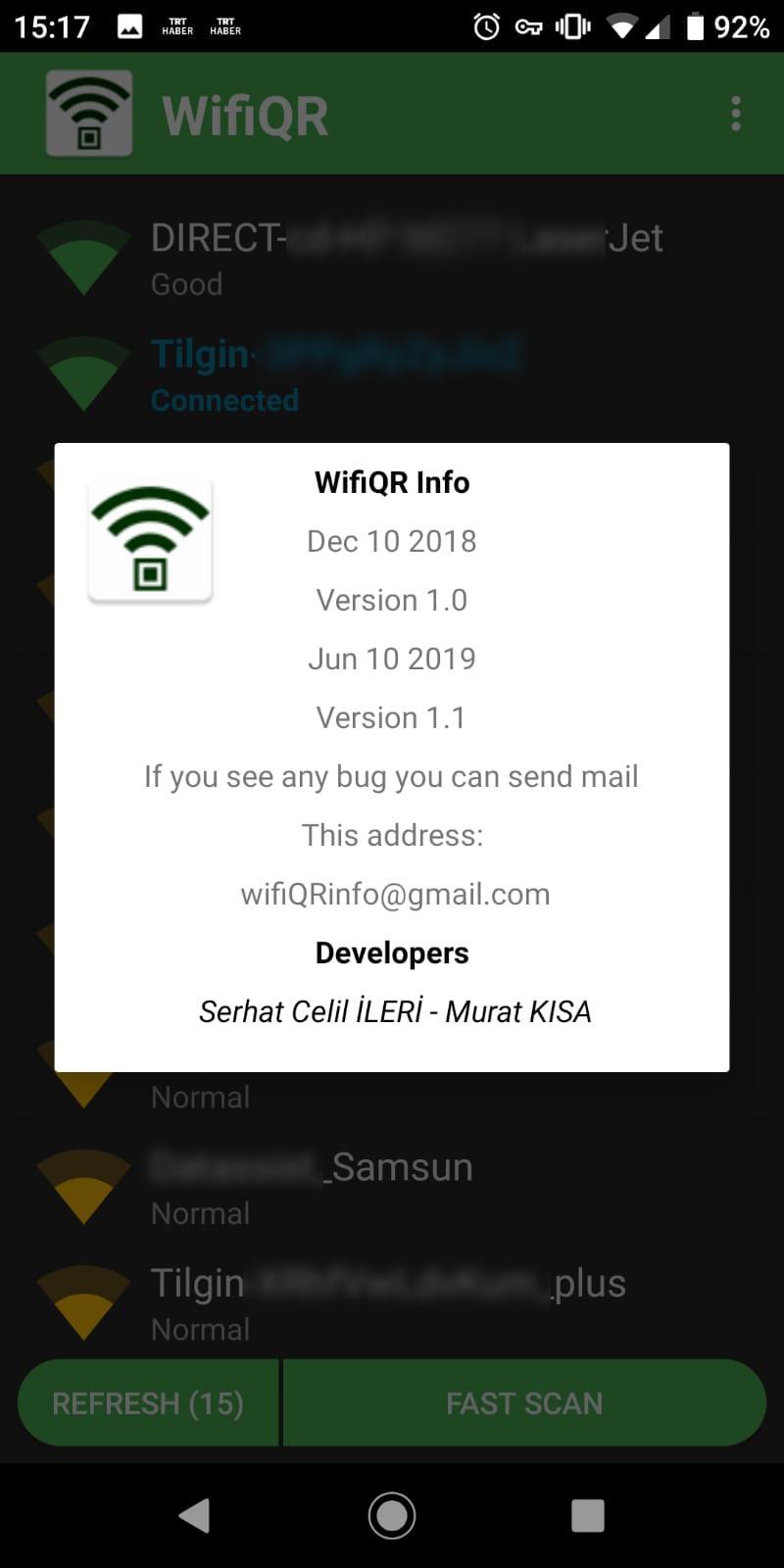
If any questions, connect us. ಠᴗಠ
Preview
Tags
ProductivityInformation
Developer
Turuncu
Latest Version
1.1
Last Updated
2019-06-13
Category
Productivity
Available on
Google Play
Show More
How to play WifiQR with GameLoop on PC
1. Download GameLoop from the official website, then run the exe file to install GameLoop
2. Open GameLoop and search for “WifiQR” , find WifiQR in the search results and click “Install”
3. Enjoy playing WifiQR on GameLoop
Minimum requirements
OS
Windows 8.1 64-bit or Windows 10 64-bit
GPU
GTX 1050
CPU
i3-8300
Memory
8GB RAM
Storage
1GB available space
Recommended requirements
OS
Windows 8.1 64-bit or Windows 10 64-bit
GPU
GTX 1050
CPU
i3-9320
Memory
16GB RAM
Storage
1GB available space