
Proxy Browser + Downloader PC
Next Innovations ID
Download Proxy Browser + Downloader on PC With GameLoop Emulator
Proxy Browser + Downloader on PC
Proxy Browser + Downloader, coming from the developer Next Innovations ID, is running on Android systerm in the past.
Now, You can play Proxy Browser + Downloader on PC with GameLoop smoothly.
Download it in the GameLoop library or search results. No more eyeing the battery or frustrating calls at the wrong time any more.
Just enjoy Proxy Browser + Downloader PC on the large screen for free!
Proxy Browser + Downloader Introduction
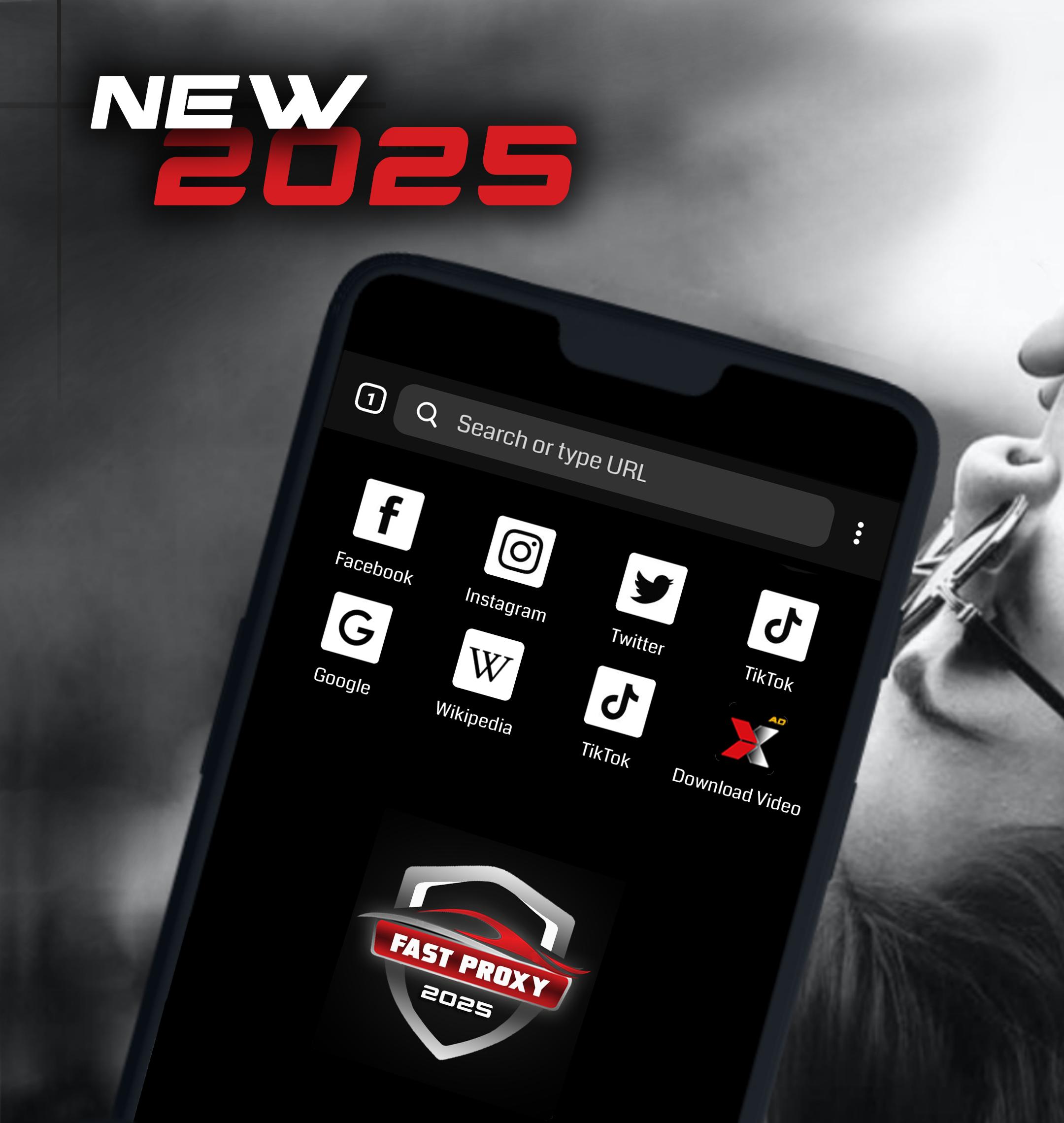
Enjoy a fast and secure browsing experience with Proxy Browser & Video Downloader. This app combines the benefits of a proxy browser and video downloader in one easy-to-use tool. Access blocked websites in your country, protect your privacy with high-level encryption, and download your favorite videos from various platforms in the best quality!
FEATURES:
------------------
- Built-in Proxy.
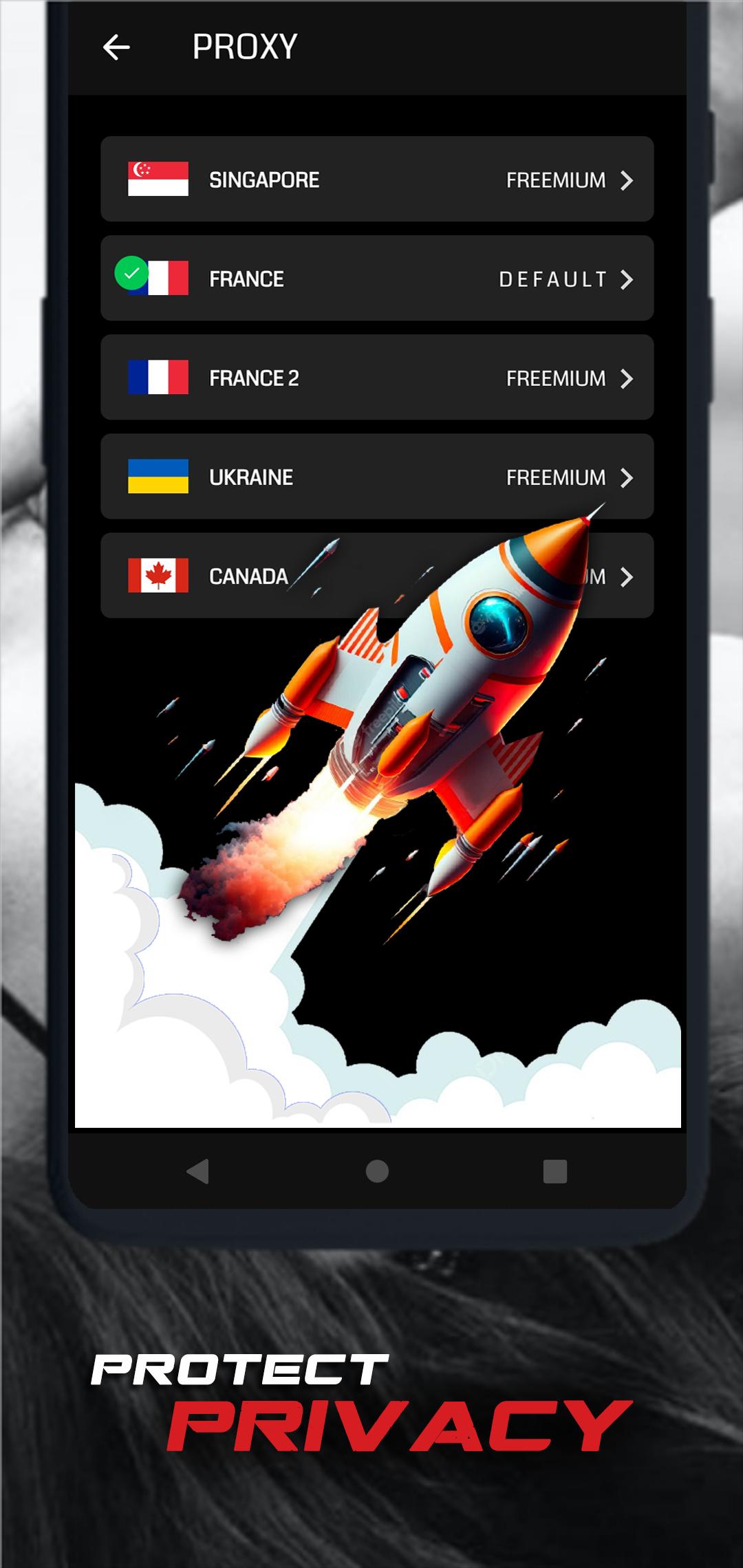
Access blocked websites and enjoy an unrestricted internet experience. Our proxy browser allows you to browse safely and anonymously, protecting your personal data from prying eyes.
- Easy Video Downloading
Download videos from various sites such as Facebook, Instagram, X and more! Simply find the video you like, click download, and save it to your device in the highest quality.
- Security & Privacy
Protect your identity that keeps your data safe while browsing the web. With our proxy browser, you can browse without fear of being tracked.
- User-Friendly Interface
Enjoy a clean and intuitive design that makes browsing and downloading videos faster and easier.
- Download in Multiple Formats
This app allows you to download videos in various formats and qualities, including HD and Full HD, according to your preferences.
Benefits:
- Unlock websites and geo-restricted content.
- Save data with a fast and lightweight browser.
- Built-in video downloader for one-click video downloads.
- Save time with uninterrupted video downloads.
- Privacy and security without compromise.
How to Use:
- Open the Proxy Browser & Video Downloader app.
- Use the browser to access the site you want to open.
- Find the video you want to download and click the available download icon.
- Choose the quality and format of the video, then start the download.
- Enjoy offline videos anytime!
Note:
- Some platforms may have copyright policies that limit the ability to download videos. Please use this app in accordance with the laws applicable in your region.
- Download speeds may vary depending on your internet connection and the video source.
Download now and enjoy fast, secure browsing with the ability to download your favorite videos to your device!
Preview
Tags
ToolsInformation
Developer
Next Innovations ID
Latest Version
14.0.0
Last Updated
2025-09-20
Category
Tools
Available on
Google Play
Show More
How to play Proxy Browser + Downloader with GameLoop on PC
1. Download GameLoop from the official website, then run the exe file to install GameLoop
2. Open GameLoop and search for “Proxy Browser + Downloader” , find Proxy Browser + Downloader in the search results and click “Install”
3. Enjoy playing Proxy Browser + Downloader on GameLoop
Minimum requirements
OS
Windows 8.1 64-bit or Windows 10 64-bit
GPU
GTX 1050
CPU
i3-8300
Memory
8GB RAM
Storage
1GB available space
Recommended requirements
OS
Windows 8.1 64-bit or Windows 10 64-bit
GPU
GTX 1050
CPU
i3-9320
Memory
16GB RAM
Storage
1GB available space