Ghost Detector PC
Zeepa Tech
Download Ghost Detector on PC With GameLoop Emulator
Ghost Detector on PC
Ghost Detector, coming from the developer Zeepa Tech, is running on Android systerm in the past.
Now, You can play Ghost Detector on PC with GameLoop smoothly.
Download it in the GameLoop library or search results. No more eyeing the battery or frustrating calls at the wrong time any more.
Just enjoy Ghost Detector PC on the large screen for free!
Ghost Detector Introduction
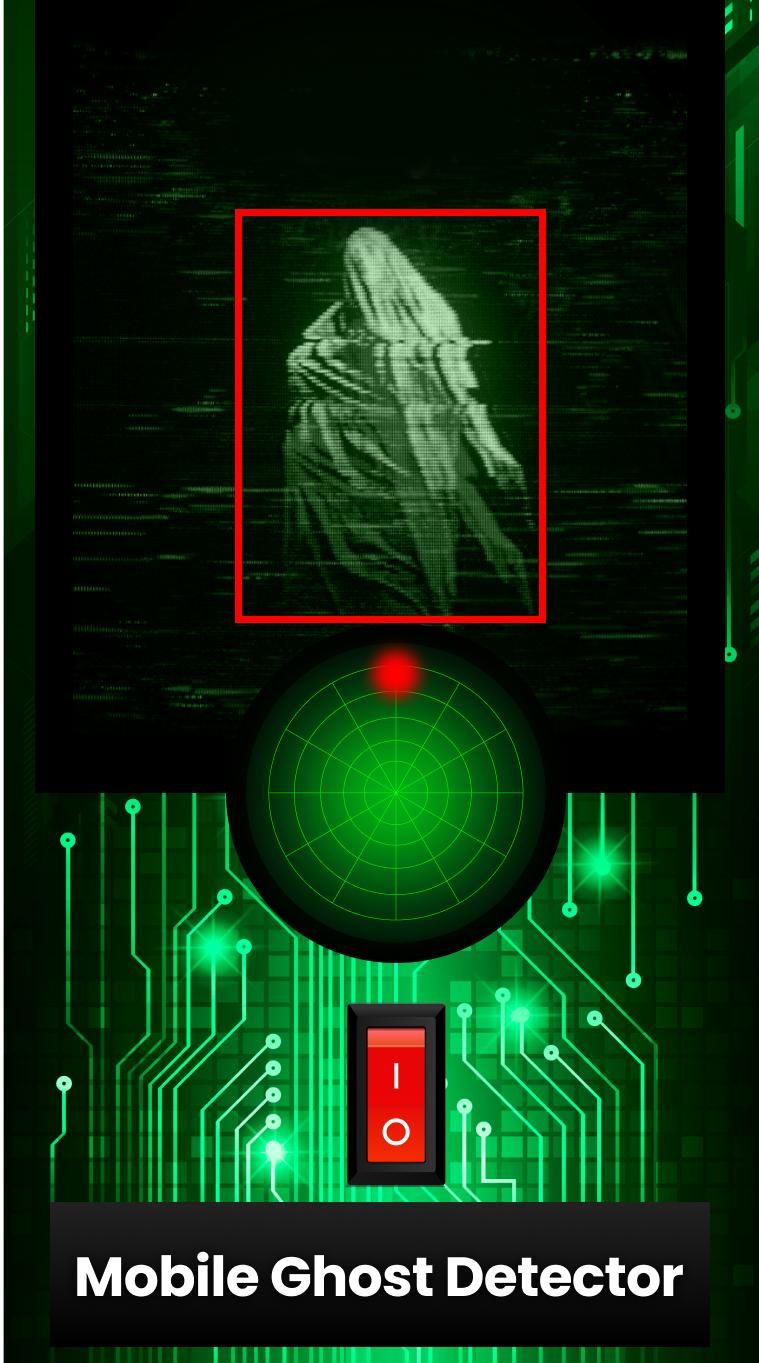
Step into the unknown with the ultimate ghost detector and EMF meter app. Whether you're a passionate ghost hunter or just love a good ghost camera prank, this app delivers an immersive experience for exploring supernatural activity around you.
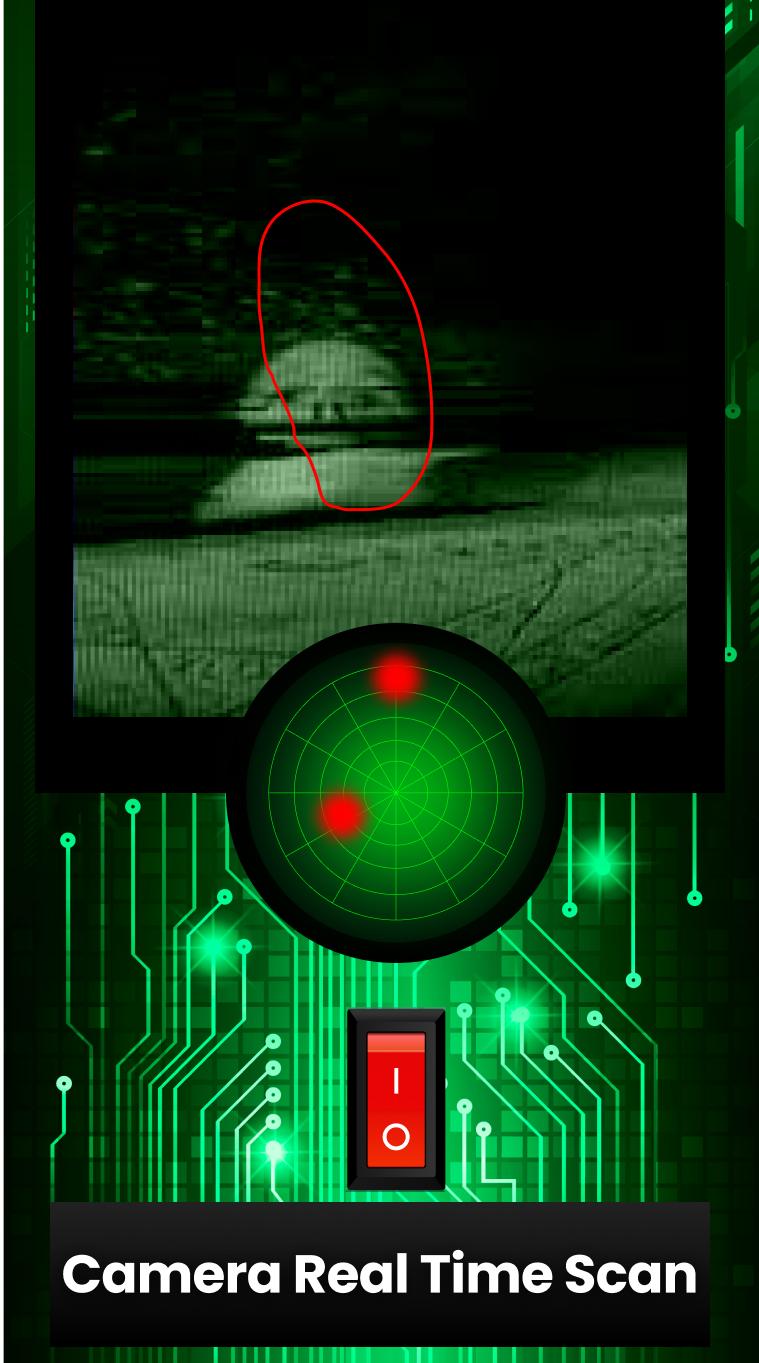
Our smart EMF and ghost scanner tool is designed to track electromagnetic fluctuations that may indicate ghost presence. Activate the built-in ghost radar and start ghost hunting with accurate signals and scanning power. The ghost tracker highlights energy fields and potential ghost movements in your area.
This powerful ghost finder combines EMF meter, ghost detector, and ghost radar into one compact tool that helps you uncover scary anomalies. Use the dynamic ghost scanner to investigate hidden supernatural zones, and capture moments using the built-in ghost camera — perfect for creating shocking ghost prank reactions.
Designed for fans of the paranormal, this ghost hunting app gives you the tools to experience the thrill. Launch the ghost tracker at night, activate the EMF tool during investigations, or use the ghost finder just for fun. The EMF meter and ghost radar interface is simple yet powerful, ideal for tracking ghost signals or just pulling off a good prank.
Explore dark places, scan your environment, and hunt for ghosts. Whether you're an amateur ghost hunter or enjoy a good scary laugh, this ghost detection app is built for thrilling fun and spooky adventures.
Features:
Easy to use ghost detector app
Powerful EMF meter for scanning electromagnetic fields
Accurate ghost detector and ghost radar
Realistic ghost camera for capturing surprises
Advanced ghost tracker to follow unknown activity
Multiple modes for ghost hunting, ghost scanner, and ghost finder fun
Ideal for prank sessions with friends or serious supernatural exploration
Get this ghost detector app now and begin your next ghost hunting mission. Whether you're chasing a ghost, measuring with an EMF, or simply pulling off a clever prank, this app brings the supernatural to life in an unforgettable way.
Preview
Tags
ToolsEntertainmentInformation
Developer
Zeepa Tech
Latest Version
1.0.42
Last Updated
2025-08-17
Category
Tools
Available on
Google Play
Show More
How to play Ghost Detector with GameLoop on PC
1. Download GameLoop from the official website, then run the exe file to install GameLoop
2. Open GameLoop and search for “Ghost Detector” , find Ghost Detector in the search results and click “Install”
3. Enjoy playing Ghost Detector on GameLoop
Minimum requirements
OS
Windows 8.1 64-bit or Windows 10 64-bit
GPU
GTX 1050
CPU
i3-8300
Memory
8GB RAM
Storage
1GB available space
Recommended requirements
OS
Windows 8.1 64-bit or Windows 10 64-bit
GPU
GTX 1050
CPU
i3-9320
Memory
16GB RAM
Storage
1GB available space