
VPN4Games - VPN Proxy Games PC
Persec Co., Ltd.
Download VPN4Games - VPN Proxy Games on PC With GameLoop Emulator
VPN4Games - VPN Proxy Games on PC
VPN4Games - VPN Proxy Games, coming from the developer Persec Co., Ltd., is running on Android systerm in the past.
Now, You can play VPN4Games - VPN Proxy Games on PC with GameLoop smoothly.
Download it in the GameLoop library or search results. No more eyeing the battery or frustrating calls at the wrong time any more.
Just enjoy VPN4Games - VPN Proxy Games PC on the large screen for free!
VPN4Games - VPN Proxy Games Introduction
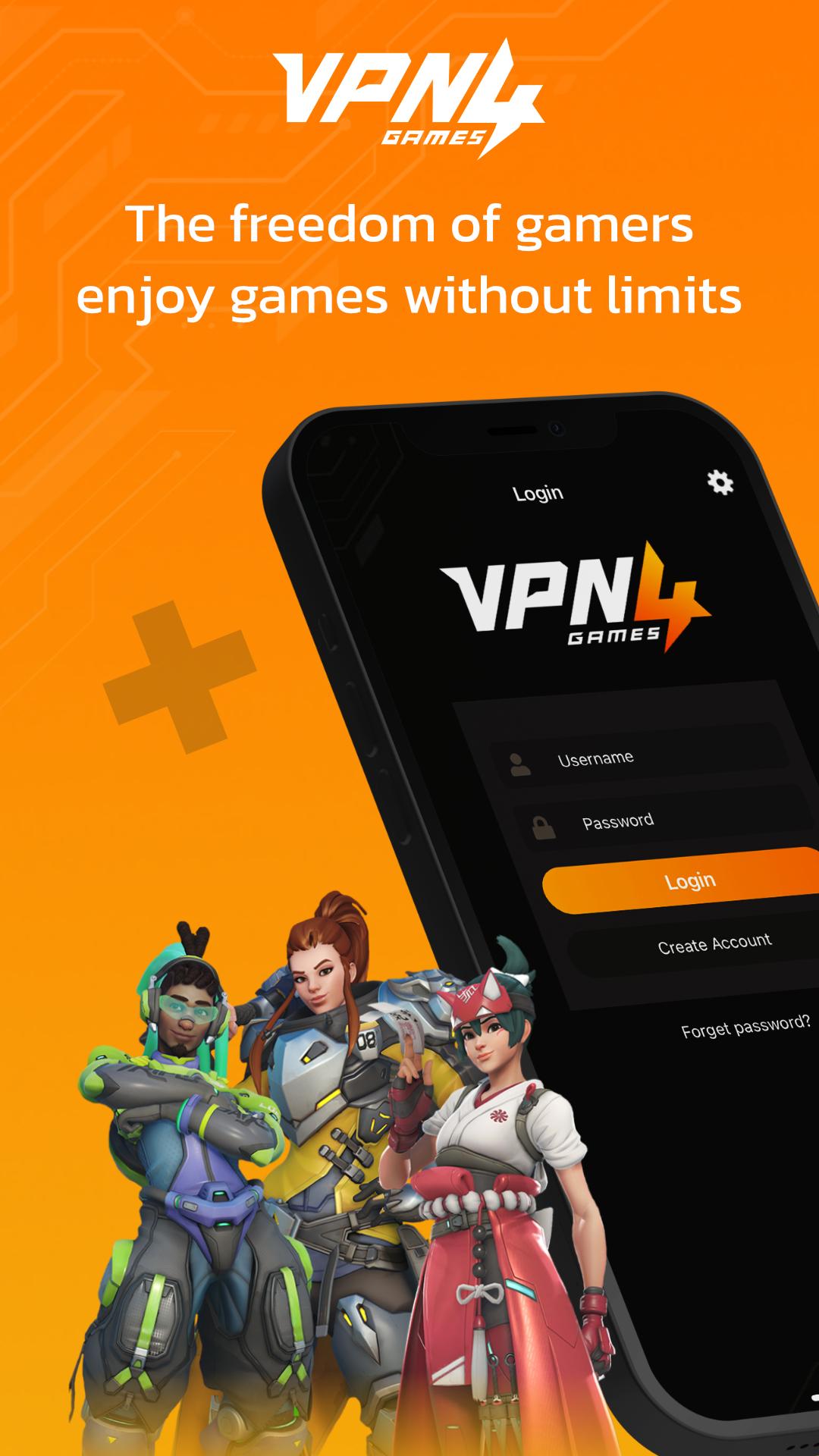
VPN4Games – VPN for Online & Mobile Games and Websites
helps change your IP to unblock games, reduce lag, lower ping, and easily access the websites you want.
What VPN4Games offers you:
★ Free trial available after email verification or by watching ads
★ Unblock popular online games, mobile games, and websites
★ Affordable price with easy access
What you can do with VPN4Games:
- Play smoothly with reduced lag and ping on games like PUBG Mobile, RoV, Free Fire, Genshin Impact, Call of Duty: Mobile, and more
- Unblock websites and social platforms such as Netflix, YouTube, Facebook, Instagram, Line, WhatsApp, Twitch, etc.
- Bypass WiFi restrictions at work, school, or university
- VPN High-speed connection with no speed limits
- VPN Easy-to-use app, compatible with all devices
Fast & Stable VPN
VPN4Games provides more than 200 proxy servers across 20+ countries worldwide, including Thailand, Singapore, Japan, Korea, Hong Kong, USA, UK, Germany, Russia, Indonesia, Australia, and more.
What is a VPN?
A VPN (Virtual Private Network) is a technology that enhances your online security by encrypting your data and using a dedicated gateway, allowing you to connect safely and easily with devices or servers within the same VPN network.
Flexible Plans:
▶ 7 Days
▶ 1 Month
▶ 3 Months
▶ 1 Year
Multiple payment options supported: Credit/Debit Card, PayPal, True Wallet, and more.
📩 Need help or have questions? Contact us:
Facebook: https://www.facebook.com/vpn4games
LINE: @vpn4games
Email: support@vpn4games.com
Preview

Tags
ToolsInformation
Developer
Persec Co., Ltd.
Latest Version
11.1
Last Updated
2025-10-27
Category
Tools
Available on
Google Play
Show More
How to play VPN4Games - VPN Proxy Games with GameLoop on PC
1. Download GameLoop from the official website, then run the exe file to install GameLoop
2. Open GameLoop and search for “VPN4Games - VPN Proxy Games” , find VPN4Games - VPN Proxy Games in the search results and click “Install”
3. Enjoy playing VPN4Games - VPN Proxy Games on GameLoop
Minimum requirements
OS
Windows 8.1 64-bit or Windows 10 64-bit
GPU
GTX 1050
CPU
i3-8300
Memory
8GB RAM
Storage
1GB available space
Recommended requirements
OS
Windows 8.1 64-bit or Windows 10 64-bit
GPU
GTX 1050
CPU
i3-9320
Memory
16GB RAM
Storage
1GB available space