中国香港
  • Global
  • México
  • 中國台灣
  • India
  • Indonesia
  • Türkiye
  • Việt Nam
  • ประเทศไทย
  • Brasil
  • Perú
  • Colombia
  • Argentina
  • Россия
  • السعودية
  • مصر
  • پاکستان
  • Malaysia
  • 日本
  • 中国香港
  • Philippines
下載
Baldur's Gate: Faces of Good and Evil

Baldur's Gate: Faces of Good and Evil

54 好評 / 59 評分 | 版本: 1.0.0

Beamdog

  • Hong Kong
    HK$12.94HK$12.94
    去商店
  • Argentina
    HK$3.67HK$3.67
    去商店
  • Turkey
    HK$6.12HK$6.12
    去商店

用GameLoop模拟器在電腦上玩Baldur's Gate: Faces of Good and Evil


Baldur's Gate: Faces of Good and Evil,是由Beamdog開發的一款時下流行的steam遊戲。 您可以使用 GameLoop 下載Baldur's Gate: Faces of Good and Evil和熱門Steam遊戲以在電腦上玩。點擊“獲取”按鈕,您就可以在 GameDeal 獲得最新最優惠的價格。

獲取 Baldur's Gate: Faces of Good and Evil Steam 遊戲

Baldur's Gate: Faces of Good and Evil,是由Beamdog開發的一款時下流行的steam遊戲。 您可以使用 GameLoop 下載Baldur's Gate: Faces of Good and Evil和熱門Steam遊戲以在電腦上玩。點擊“獲取”按鈕,您就可以在 GameDeal 獲得最新最優惠的價格。

Baldur's Gate: Faces of Good and Evil 遊戲特點

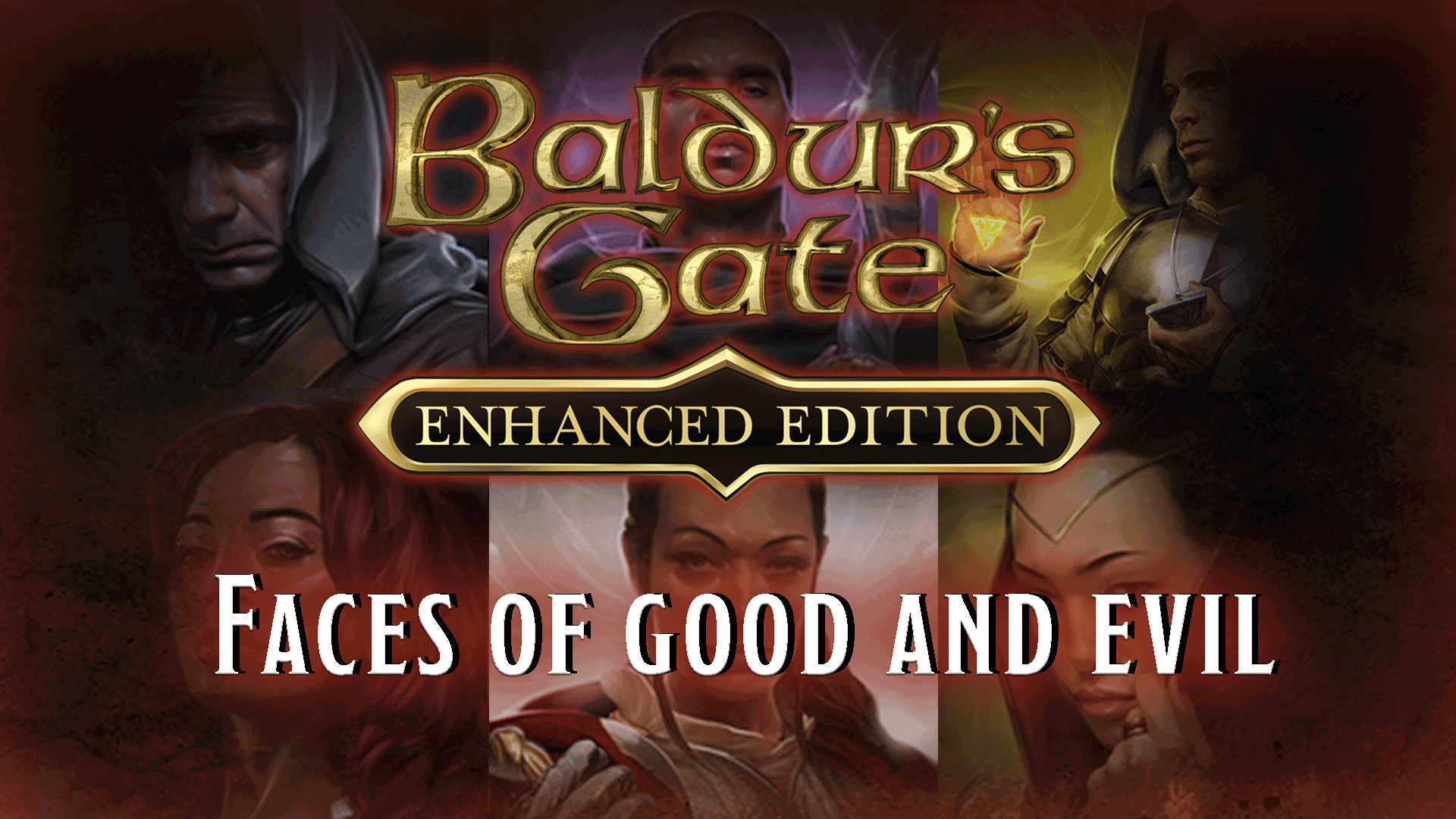
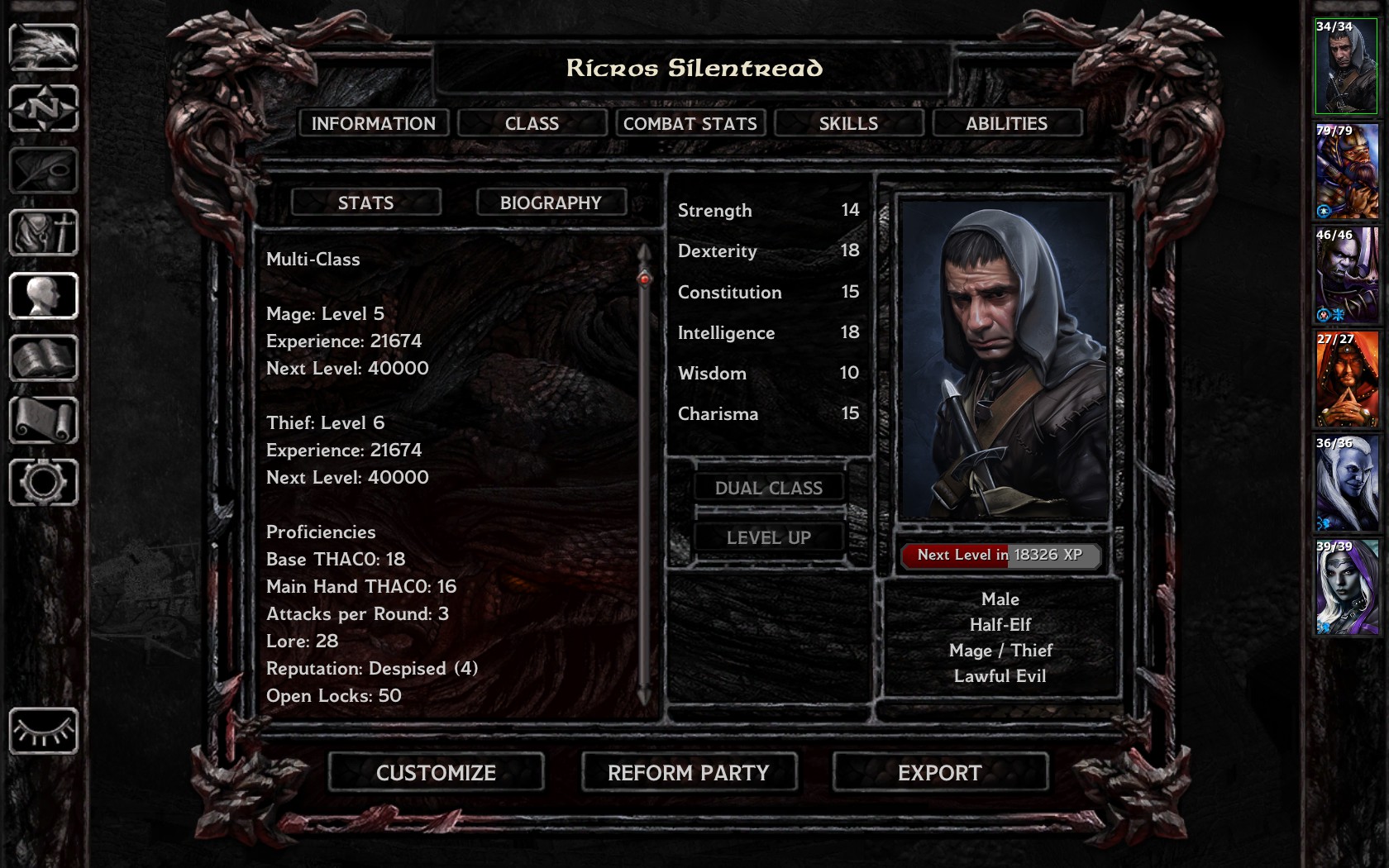
Customize your character’s look and feel with six brand new character portraits commissioned from world famous illustrator and concept artist Kieran Yanner! Gather a party of fresh faces and venture forth onto Faerûn!

Features:

  • Three male portraits

  • Three female portraits

更多

用GameLoop模拟器在電腦上玩Baldur's Gate: Faces of Good and Evil

獲取 Baldur's Gate: Faces of Good and Evil Steam 遊戲

Baldur's Gate: Faces of Good and Evil,是由Beamdog開發的一款時下流行的steam遊戲。 您可以使用 GameLoop 下載Baldur's Gate: Faces of Good and Evil和熱門Steam遊戲以在電腦上玩。點擊“獲取”按鈕,您就可以在 GameDeal 獲得最新最優惠的價格。

Baldur's Gate: Faces of Good and Evil 遊戲特點

Customize your character’s look and feel with six brand new character portraits commissioned from world famous illustrator and concept artist Kieran Yanner! Gather a party of fresh faces and venture forth onto Faerûn!

Features:

  • Three male portraits

  • Three female portraits

更多

預覽

  • gallery
  • gallery

訊息

  • 開發商

    Beamdog

  • 最新版本

    1.0.0

  • 更新時間

    2017-08-14

  • 類別

    Steam-game

更多

評論

  • gamedeal user

    Sep 27, 2017

    I'm a little down as there are only 6 new images and they don't go BG2. It's basically $2 for a hat, which is a little steep for such an old game, and one that hats are free. However, I totally want to support this and will change my review to recommend if it works in BG2 in the near future. Also why not IWD compatibility and voices? I'd pay $4 for voices. For a "DLC done right comparison" look at this: https://www.youtube.com/watch?v=1yX5nhBQ2XI
  • gamedeal user

    Oct 2, 2018

    Why buy this when you can download another package from moddb that's vastly, VASTLY superior to anything this 2 dollar package delivers and it's well over 500 portraits to choose from. Just google super ultimate portrait pack and unzip it to your My Documents\Baldur's Gate Enhanced Edition\portraits and delete every file that doesn't end with an L. It's just smaller version of the portrait as the original infinity engine required that. Yeah, I got this in a bundle and I still think it's a bad purchase.
  • gamedeal user

    Jun 8, 2018

    6 portraits for €2 is expensive, but it would be fine (especially if you're a fan / collector) if at least you could import them in BG2. But you can't! So yeah, total rip-off. It feels exactly the same way than flushing €2 down the toilet (without the satisfaction of the sweet noise it would make, however). Just don't buy...
  • gamedeal user

    Jan 5, 2018

    Recommended on sale. The portraits are nice and fit well stylistically with the other portraits in the game, and I like being able to support and give credit to the artist. It's also nice to have a few options for non-white player characters. However, the selection's very limited -- only six portraits, all human -- so it's maybe not worth buying unless you have a specific character in mind to use one of them for. The portraits also don't show up automatically in BG2EE, but you can add them yourself easily by copying the image files from the portraits folder in your BG1EE install directory to My Documents\Baldur's Gate II - Enhanced Edition\portraits.
  • gamedeal user

    Aug 26, 2017

    They are good quality portraits, however, they currently can't be exported to BG2 which is somewhat disappointing when you intend of finishing the trilogy with your new character.
  • gamedeal user

    Oct 16, 2022

    You can just add your own images to the game, and save yourself the money.
  • gamedeal user

    Oct 19, 2020

    6 portraits. Not even particularly nice ones. Was rather disappointed, especially when considering the wealth of gorgeous fan made portraits I've been able to find online for free.
  • gamedeal user

    Jun 16, 2021

    Do not buy this unless your are buying the infinity engine collection/bundle on sale. its not worth it as other people have pointed out.
  • gamedeal user

    Jun 11, 2018

    WHAT THE F**K DID I JUST BUY?!?! OMG, DON'T BUY THIS GARBAGE!! DON'T LET BEAMDOG MAKE 2$ OFF YOUR LAZINESS AND BLIND CONSUMERISM, IT WILL TAKE YOU ALL OF 2 MINUTES TO MAKE YOUR OWN AS FOLLOWS: MAKE YOUR OWN BMPs OUT OF FANTASY ART FROM GOOGLE (i.e. just Google "female warrior fantasy art", "dark priestess fantasy", etc). SAVE THE PICTURES IN A FOLDER, OPEN MS PAINT, EDIT YOUR PICTURE BY CROPPING IT TO APPROXIMATE PORTRAIT SHAPE, THEN USING "RESIZE" TO FIRST CHANGE THE HEIGHT OR WIDTH TO 330 OR 210 PIXELS RESPECTIVELY, WHICHEVER # ALLOWS FOR PIXELS TO SPARE ON THE OTHER SO THAT BOTH NUMBERS EQUAL OR EXCEED 330x210, THEN CROP OFF THE EXCESS PIXELS BY USING THE RECTANGULAR SELECTION TOOL TO SELECT A 330x210 AREA OF THE PICTURE (you can see the pixel count at the bottom of Paint while selecting, carefully select exactly 330x210 pixels of it, your mouse sensitivity may make this difficult, if so, lower it in the control panel), THEN "R-CLICK SELECTED PICTURE AREA>CUT>FILE>NEW" (don't save the changes when prompted), RESIZE THE BLANK AREA TO SMALLER THAN 330x210, PASTE THE 330x210 PIXELS YOU JUST CUT INTO THAT LITTLE BLANK AREA, SAVE IT AS "xxxxxxxL.bmp", RESIZE THE PICTURE "xxxxxxxL.bmp" AGAIN ADJUSTING PIXELS HEIGHT TO 266, SAVE AS "xxxxxxxM.bmp" AND THEN USE THE RECTANGULAR SELECTION FEATURE TO SELECT AN 84x54 PIXEL AREA OF THE CHARACTER'S FACE, CUT IT, SELECT FILE>NEW, RESIZE THE BLANK AREA TO SMALLER THAN 84x54, AND PASTE, THEN SAVE AS "xxxxxxxS.bmp" (you should end up with 3 bmp files with similar names - do not exceed 7 characters before the "L", "M" or "S", per my examples throughout this instructional, after you're done, place them in a folder called "Portraits" in your "Documents>Baldur's Gate Enhanced Edition" folder). TADA! YOU HAVE JUST DONE WHAT BEAMDOG WAS GOING TO CHARGE YOU 2$ FOR AND YOU GOT A BETTER PICTURE THAT YOU ACTUALLY CHOSE YOURSELF AND ACTUALLY LIKE!.. note: You might only need to create a 330x210 sized portrait now for Baldur's Gate EE, but the method I described still works for all versions of Baldur's Gate, and GUESS WHAT?! YEP, YOU CAN ALSO JUST COPY YOUR PORTRAITS FOLDER FROM YOUR "DOCUMENTS>BALDUR'S GATE ENHANCED EDITION" FOLDER AND PASTE IT INTO YOUR "DOCUMENTS>BALDUR'S GATE II ENHANCED EDITION" FOLDER AND NOW THEY WORK THERE TOO, UNLIKE THIS WASTE OF MONEY BEAMDOG CALLS A 2$ PORTRAIT PACK! AMAZING! GDi!! SERVES ME RIGHT FOR NOT READING WHAT IT WAS FIRST....ARE YOU KIDDING ME BEAMDOG?!?! YOU'RE SELLING 6 330x210 PIXEL 24-BIT BMPs FOR 2$?! GET REAL!! YOU SHOULD BE ASHAMED OF YOURSELVES! WHY DON'T YOU ACTUALLY MAKE ADDITIONAL MODULES THAT ARE WORTHWHILE?! YOU HAVE A GOLDEN GOOSE HERE AND WE'D BE HAPPY TO PAY FOR ACTUAL ADDITIONAL CONTENT!
  • gamedeal user

    May 19, 2021

    It's just a few portraits of no greater quality than the millions you can find online. They don't even match the style of the vanilla portraits. I wouldn't want to point fingers but I'm sure I've seen bits of these portraits in other artworks before, cut together in photoshop like many BG portraits have been over the years? I dunno. But if they are and they are selling them that's no good.
Load More

常見問題

PC Games Cheaper On Gamedeal | Find The Best Deals of Games Here!

Finding the right place to get the best game deals can prove to be quite a hassle when comparing game prices on multiple sites. However, you can skip through all the trouble by letting Gamedeal handle the price comparisons and grab only the best deal prices for you!


We compare game prices on all the trusted storefronts and list game deals starting with the lowest price possible at the moment. Looking for something more specific? Search it on Gamedeal and find all the best deals and cd keys discount codes to make the most out of your bucks. 


Not sure what you looking for? Browse through our massive library of games from different genres to find epic deals for your favorite games from the biggest retailers in the market. Can’t afford the game you are looking for? Make sure to wishlist it and stay up-to-date with all the price changes in the future.


Say Bye to Hefty Game Deals!

Gamedeal is your one-stop shop to find all the best deals from your favorite retailers including Steam, Epic Games, Gamestop, and many more under one roof. Looking for games that cost you nothing? We have got you covered with our free games list that includes free PC and Playstation games.


We help you stay on top of the news with upcoming Steam sales and Gamestop promo codes to ensure you get the game of your choice at the lowest price possible. From old-school classics to modern AAA titles, there is something for everyone to play here.

更多類似應用

查看全部
點擊安裝