Smart switch Data transfer app 電腦版
Zentic Apps
用GameLoop模拟器在電腦上玩Smart switch Data transfer app
Smart switch Data transfer app 電腦版
來自發行商 Zentic Apps 的 Smart switch Data transfer app 能夠在安卓系統上運行。
現在,您可以在電腦上使用 GameLoop 模擬器流暢地玩 Smart switch Data transfer app。
在 GameLoop 遊戲庫或搜索結果中下載。 不需要再暢玩遊戲時盯著電池電量或被令人懊惱的來電打斷。
只需在電腦大屏幕上免費下載暢玩Smart switch Data transfer app 電腦版!
Smart switch Data transfer app 簡介
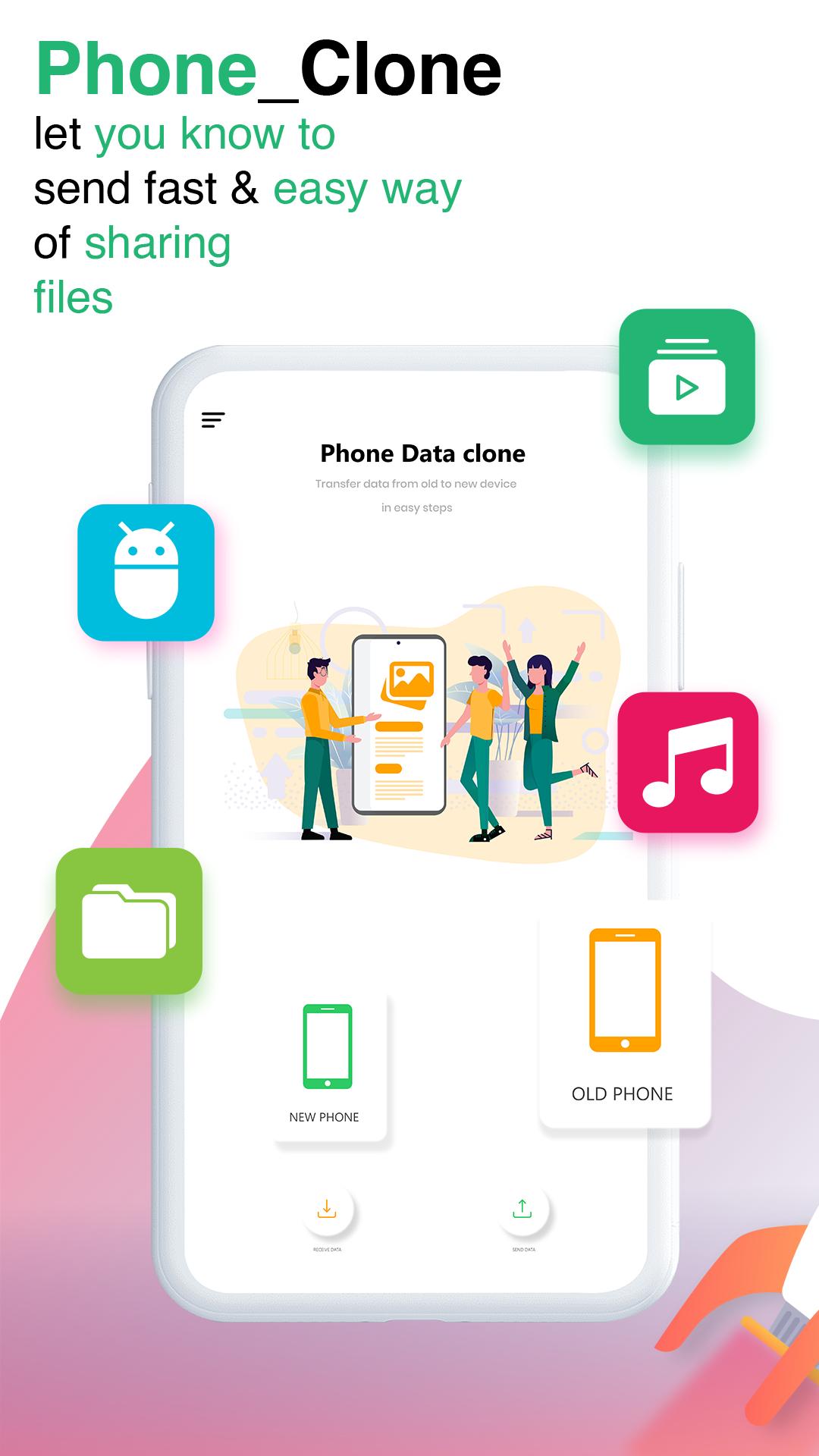
Are you thinking to purchase a new phone? purchase a new phone is an exciting feeling, but with that great feeling you feel tens about transferring data from old to a new phone. Data transfer from one to another phone is a hard task.
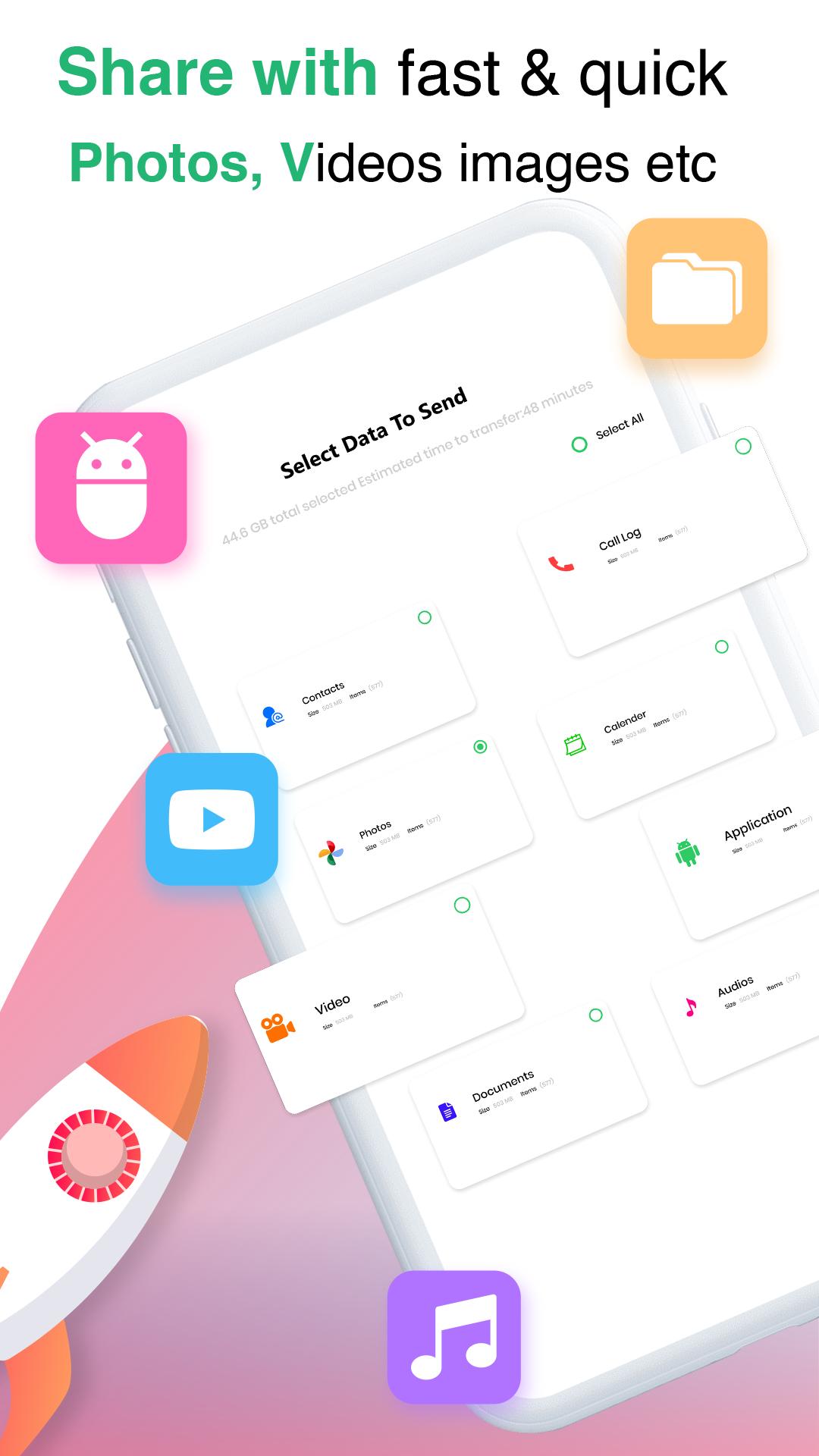
In this technical time it is a time waste to do switch files by a data cable or manually etc, you do not have to transfer files manually, transfer data from one phone to another is surprisingly easy now with our Phone Clone app. Phone clone is a favorable data shifting app for all android phones to move data from one mobile to another. move all data of the old phone to the new one with super speed. Use the cloning app for sharing images, videos, documents files, apps, and all media files. Our Phone Clone app is the perfect cloner to switch data, There will be no need for any cable or any wire to send data from one to another phone. Android Phone switch app for cloning app to transfer apps, Transfer videos, transfer images, transfer apps, and document.
clone your old phone data to the new phone like it was never moved, every file will take its own space like it was in the old phone, so just clone the phone now with Phone Clone.
Features
★ Any kind of data with any size can be transferred whether you are online or offline.
★ You will b able to Customize where to move your incoming data, You can set the proposed files folder in settings.
★ Clone Phone is a secure app for sharing data from one phone to your other android phone.
★ Sharply Switch your mobile phone to another mobile phone.
★ Send files without any fear of cell phone company because our phone cloning app is capable for all kinds of mobiles to transfer files.
★Beautiful designs of UX/UI.
Allow These Permissions:
Wi-Fi:
You need to turn ON For Wi-Fi for direct connection in both devices.
Storage:
Allow the Storage permission to read your files and clone them.
Contacts:
This permission is required to transfer contacts (In case you want to clone contacts).
Calendar:
Allow the Calendar permission to move calendar data.
Location:
For peer to the peer device, it is a must to allow the app to access the location.
How To Use:
Be assured that you have installed the phoneclone app on both old & new devices, after that run the app.
Follow the following steps.
1. Just turn On the Wi-Fi icon but it will not use your Wi-Fi Data
2. Choose Old phone and New phone.
3. Choose multiple or separate files you want to clone.
4. wait for the app to find your new phone,
5. Now press the send button.
6. connect with your new phone.
and data will start to clone.
This is the smart switch mobile phone cloner, Clone your Old phone to the new one with this latest beautifully designed app with effective features.
So Install the My phone Clone app and move the data easily.
Use our App Phone clone, if you get a good experience with it then kindly share your good thoughts with us.
預覽
標籤
工具訊息
開發商
Zentic Apps
最新版本
2.2.5
更新時間
2023-10-07
類別
工具
同時可用
Google Play
更多
如何在電腦上用 GameLoop 玩 Smart switch Data transfer app
1. 從官網下載GameLoop,然後運行exe文件安裝GameLoop
2. 打開GameLoop,搜索“Smart switch Data transfer app”,在搜索結果中找到Smart switch Data transfer app,點擊“安裝”
3. 享受在 GameLoop 上玩 Smart switch Data transfer app 的樂趣
Minimum requirements
OS
Windows 8.1 64-bit or Windows 10 64-bit
GPU
GTX 1050
CPU
i3-8300
Memory
8GB RAM
Storage
1GB available space
Recommended requirements
OS
Windows 8.1 64-bit or Windows 10 64-bit
GPU
GTX 1050
CPU
i3-9320
Memory
16GB RAM
Storage
1GB available space