
WIFI Signal Strength Scanner: Network & WIFI Meter 電腦版
Cyber Development Tech
用GameLoop模拟器在電腦上玩WIFI Signal Strength Scanner: Network & WIFI Meter
WIFI Signal Strength Scanner: Network & WIFI Meter 電腦版
來自發行商 Cyber Development Tech 的 WIFI Signal Strength Scanner: Network & WIFI Meter 能夠在安卓系統上運行。
現在,您可以在電腦上使用 GameLoop 模擬器流暢地玩 WIFI Signal Strength Scanner: Network & WIFI Meter。
在 GameLoop 遊戲庫或搜索結果中下載。 不需要再暢玩遊戲時盯著電池電量或被令人懊惱的來電打斷。
只需在電腦大屏幕上免費下載暢玩WIFI Signal Strength Scanner: Network & WIFI Meter 電腦版!
WIFI Signal Strength Scanner: Network & WIFI Meter 簡介
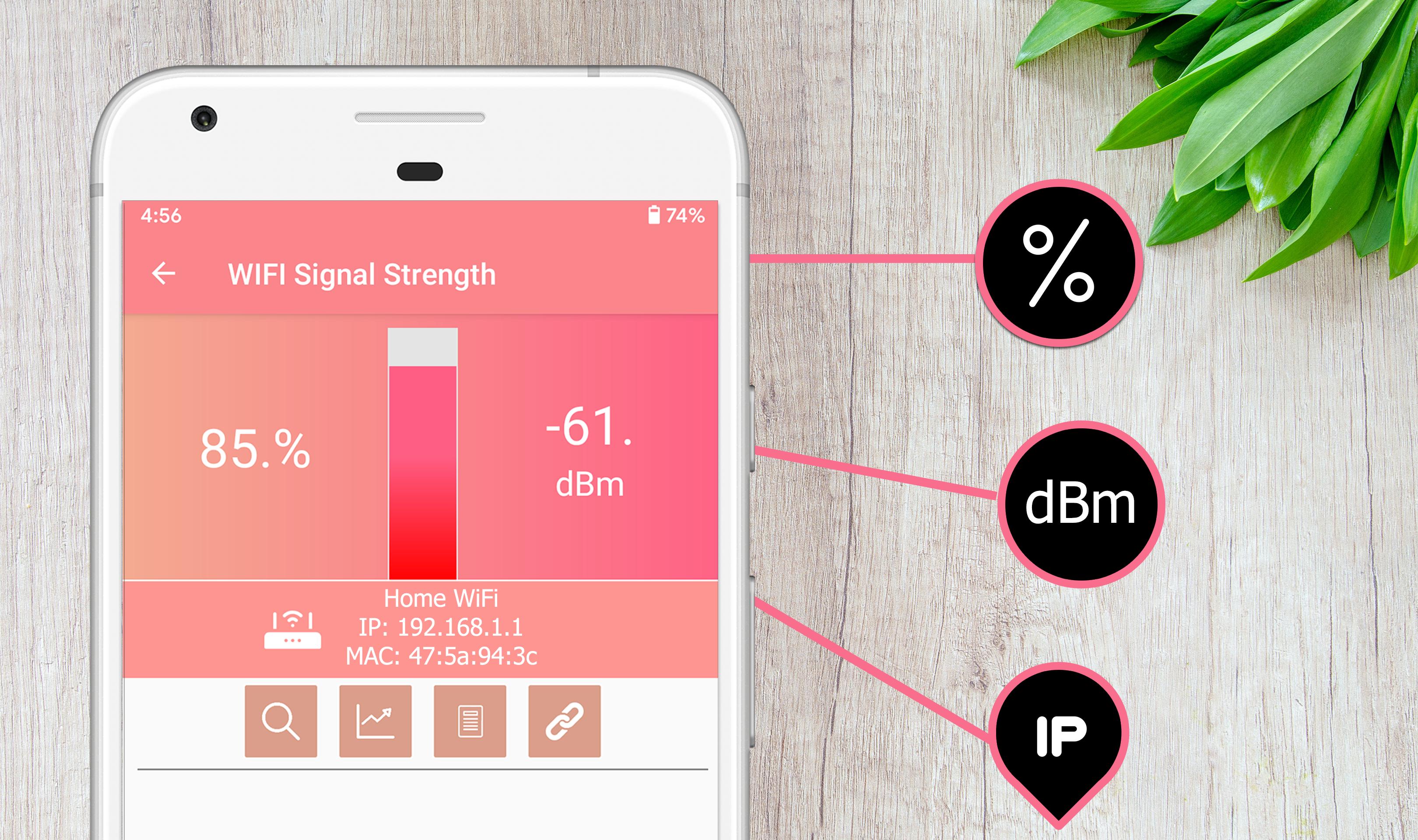
Are you looking for a professional WIFI signal strength meter and network monitoring tool for android? Do you want powerful WIFI signal analyzer and network scanners apps that can lets you view your current WIFI connection signal strength and detect WIFI Signal Strength around you? Let's download WIFI Signal Strength Scanner: Network & WIFI Meter for free. The perfect WIFI Signal Pro app is ready for you now! wifi booster, wifi ar most useful tool ever
WIFI Signal Strength Meter: Network & WIFI Scanner is one of the best WIFI signal optimizer apps, with a clean UI interface and amazing functionalities. You can view your current WIFI signal strength instantly and easily, test the strength of your WIFI signal, find the perfect spots and good areas in your WIFI network, and get detailed information about your WIFI. Discover our WIFI connection signal strength now, and enjoy finding the best WIFI signal in your house, work, or anywhere. wifi ar most useful tool ever
WIFI Signal Strength Meter: Network & WIFI Scanner is different from other WIFI signal extender apps because it provides a real-time network scanner to find the signal strength instantly for an amazing experience. Our goal is to help you to optimize your connection, shows the Wi-Fi channels around you, and helps you to find a less crowded channel for your wireless router. Download it for free now, and solve the most common WIFI issue. You can use WIFI signal booster later to adjust your needs, wifi ar most useful tool ever
Why you have to download and install WIFI Signal Strength Meter on your android smartphone or tablet? wifi ar most useful tool ever
It’s very easy to use so you need just to install it for free on your device and use it instantly. The best thing is that you don't need to create an account before using our app.
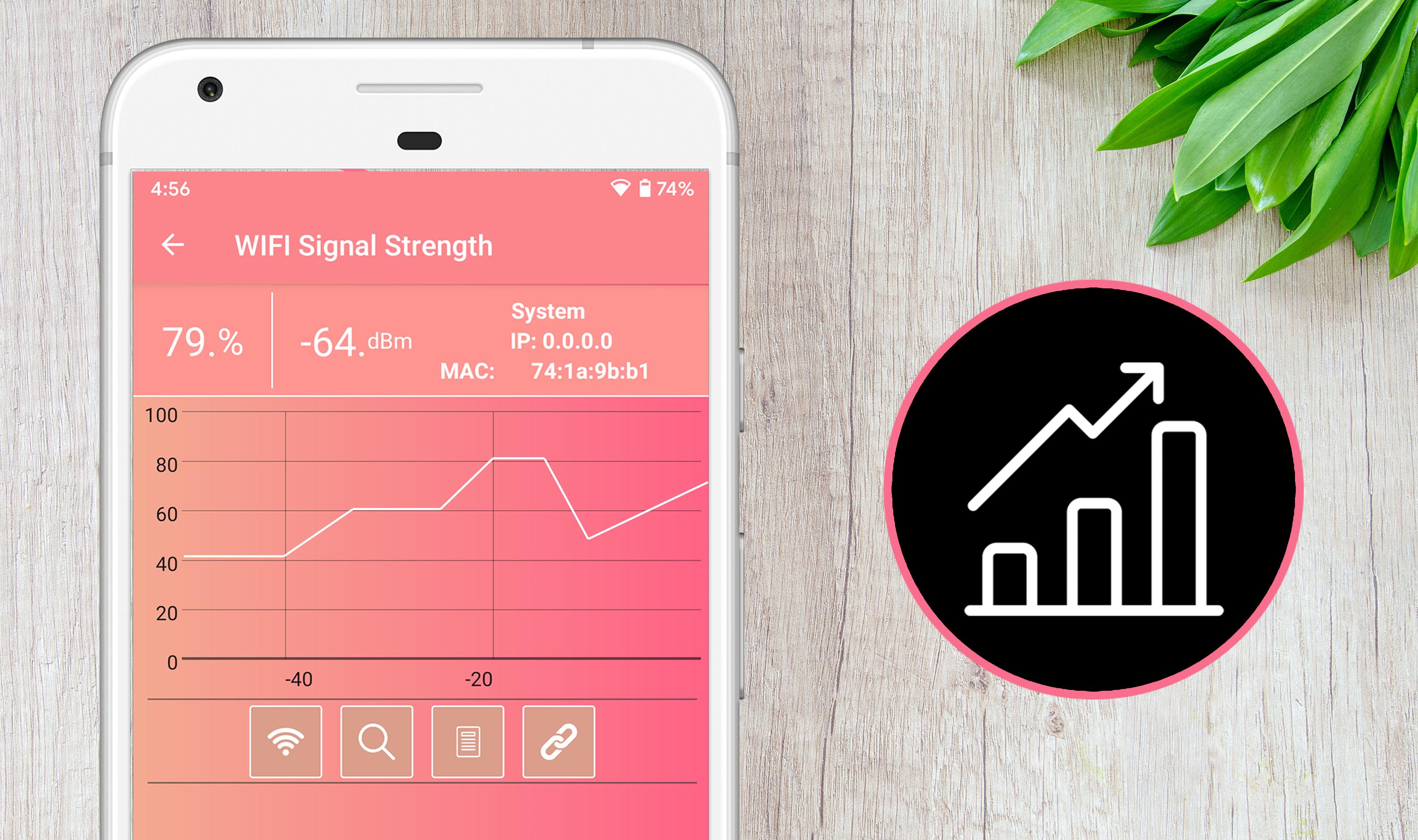
It’s constantly updating the signal strength with WIFI signal analyzer
Features: wifi booster
Instant: Constantly updating the signal strength and network monitor
Easiest: One tap to view your current WIFI signal strength.
Secure: Protect your information and privacy.
Simple: Find the best spots and areas with the highest WIFI signal easily.
Download the WIFI Signal Strength Meter: Network & WIFI Scanner for free, and enjoy analyzing and optimizing the WIFI signal easily with WIFI signal optimizer by checking the best location for signals with this App wifi booster, wifi ar most useful tool ever
預覽
訊息
開發商
Cyber Development Tech
最新版本
1.2
更新時間
2020-05-17
類別
工具
同時可用
Google Play
更多
如何在電腦上用 GameLoop 玩 WIFI Signal Strength Scanner: Network & WIFI Meter
1. 從官網下載GameLoop,然後運行exe文件安裝GameLoop
2. 打開GameLoop,搜索“WIFI Signal Strength Scanner: Network & WIFI Meter”,在搜索結果中找到WIFI Signal Strength Scanner: Network & WIFI Meter,點擊“安裝”
3. 享受在 GameLoop 上玩 WIFI Signal Strength Scanner: Network & WIFI Meter 的樂趣
Minimum requirements
OS
Windows 8.1 64-bit or Windows 10 64-bit
GPU
GTX 1050
CPU
i3-8300
Memory
8GB RAM
Storage
1GB available space
Recommended requirements
OS
Windows 8.1 64-bit or Windows 10 64-bit
GPU
GTX 1050
CPU
i3-9320
Memory
16GB RAM
Storage
1GB available space