Logo Maker Plus - Logo Creator for PC
Logopit - Logo Maker & Graphic Design Creator
Unduh Logo Maker Plus - Logo Creator di PC Dengan Emulator GameLoop
Logo Maker Plus - Logo Creator di PC
Logo Maker Plus - Logo Creator, berasal dari pengembang Logopit - Logo Maker & Graphic Design Creator, berjalan di sistem Android di masa lalu.
Sekarang, Anda dapat memainkan Logo Maker Plus - Logo Creator di PC dengan GameLoop dengan lancar.
Unduh di perpustakaan GameLoop atau hasil pencarian. Tidak ada lagi memperhatikan baterai atau panggilan frustasi pada waktu yang salah lagi.
Nikmati saja Logo Maker Plus - Logo Creator PC di layar besar secara gratis!
Logo Maker Plus - Logo Creator Pengantar
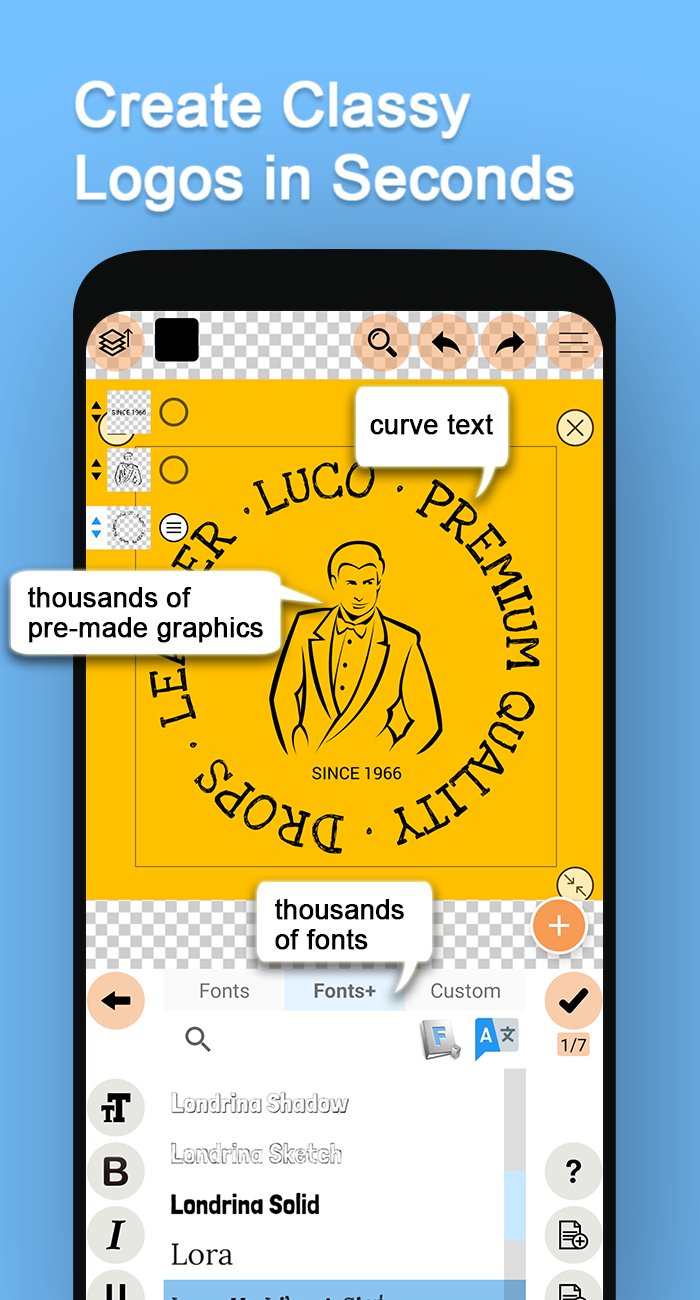
Create original logos and designs using thousands of free graphic elements and editing options. There's no limit on creativity on "Logo Maker Plus" [Logopit Plus], we provide icons, symbols & monograms on every category that you'll need. You can make an original logo in no time with this all in one logo generator. You can change color of the icons, or use a texture image for coloring your logo and use custom filters on them. A simple icon is going to look very different with the right texture for your design. You can also create original color gradients and use them on your logos. Giving your logo a 3D depth and making it look like a 3D logo is an option too. Wait no more and start using our Logo Maker free and see the difference. We are not just handing you free logo design templates which you cannot make anything new, we're giving you tools to create really original logos for your needs.
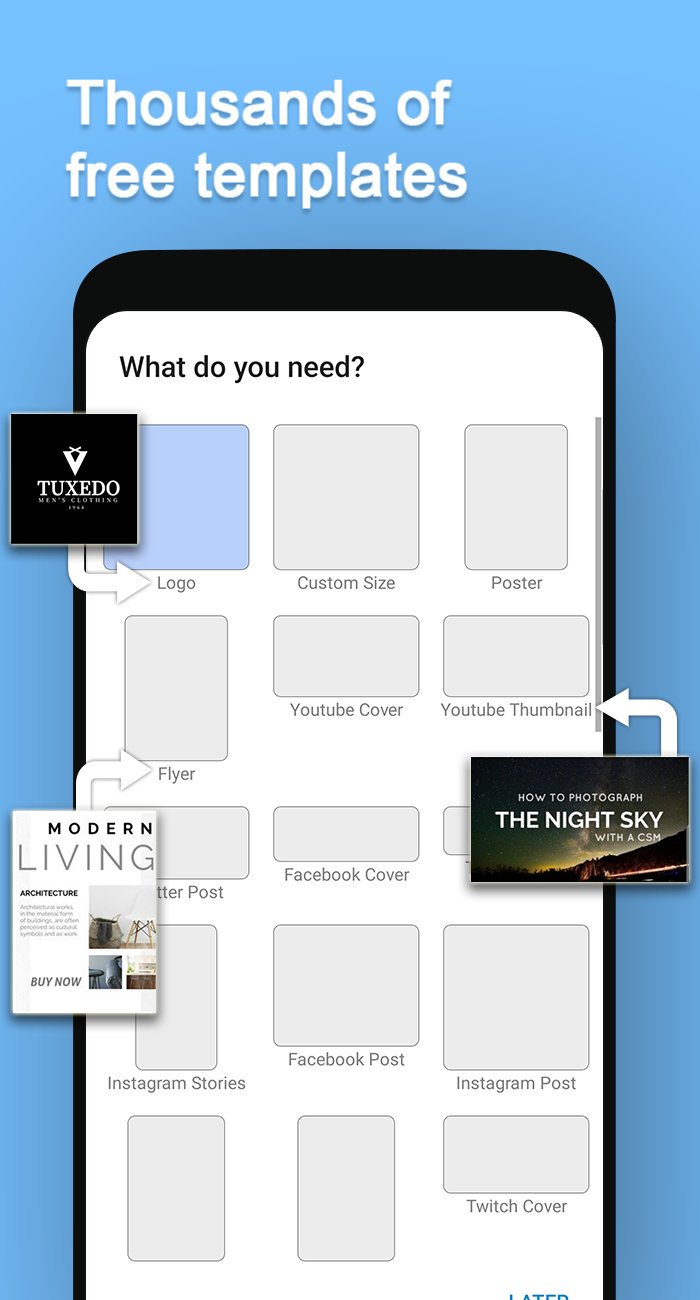
Additionally, you can generate more than just a logo design with Logo Maker Plus, it's simply not only a logo creator. All your social media covers can be created in a short time that you can call Logopit Plus also a cover maker, banner designer, photo editor or a poster maker. Most of your graphic design needs will be handled in one place. You can design Facebook Covers, Twitter Posts, Twitter Header pictures, Pinterest graphics, Posters, Youtube Cover photos, thumbnails, icons and many more. We provide 1000s of free ready made templates for Instagram Posts, Youtube Thumbnails and all those other social media graphics as icing on the cake.
Let's talk about typography & what magical looking texts you can put on photos with our Logo Maker. We just put a new fonts feature called "Fonts+" that got around 700 new font families which supports Latin to Arabic, Cyrillic to Greek, almost all languages. You can make your text look 3D by giving it three dimensional depth, remember Logopit is the only real 3D logo maker. You can make your text circular, you can bend text, you can make it wavy or you can use all of those features combined. There're also adjusting letterspacing & line-height options just in case.
And, using your own images & pictures. Import your images from the gallery of your device easily and add it to any design you want within a few seconds. You can use our 50 different photo filters on your images instantly. Not to mention the blending option. Yes, you can blend your images with other pictures and our premade patterns. Photo filters and photo blending... These aren't something you expect from a simple Logo Maker, are they? There's more, you can actually import your pictures right into icons, just try it for fun.
After you finish your design, you can save it as a draft so you can always come back later, modify it & generate a new design more awesome.
Logo Maker Plus in a nutshell;
• Choose and add multiple icons from our tens of thousands of free logos separated by multiple industries. Change color, apply gradient color, add texture, add border, add shadow, add three dimensional depth to your logo. (Premium and Exclusive Logo packages are available for our more interested users. Don't forget to check out the specially designed logos created using the golden ratio technique. After all, Logopit is a Logo Maker first.)
• Insert text with solid or gradient color, apply custom patterns, add border, shadow and 3D depth to it. Pick the most suitalble font inside 700 font types.
• Import your own pictures, use photo filters on them, blend them with other pictures. Add border, shadow and apply 3D depth to your pictures.
As the most complete logo designer for a business logo or just for your social media logo, Logo Maker Plus solves all your problems in one compact app. The most inspirational tools to design a logo + all other social media posts is at your service.
Pratinjau
Tag
FotografiPapanInformasi
Pengembang
Logopit - Logo Maker & Graphic Design Creator
Versi Terbaru
1.3.0.2
Terakhir Diperbarui
2025-06-07
Kategori
Fotografi
Tersedia di
Google Play
Menampilkan lebih banyak
Cara memainkan Logo Maker Plus - Logo Creator dengan GameLoop di PC
1. Download GameLoop dari situs resminya, lalu jalankan file exe untuk menginstal GameLoop.
2. Buka GameLoop dan cari “Logo Maker Plus - Logo Creator”, temukan Logo Maker Plus - Logo Creator di hasil pencarian dan klik “Install”.
3. Nikmati bermain Logo Maker Plus - Logo Creator di GameLoop.
Minimum requirements
OS
Windows 8.1 64-bit or Windows 10 64-bit
GPU
GTX 1050
CPU
i3-8300
Memory
8GB RAM
Storage
1GB available space
Recommended requirements
OS
Windows 8.1 64-bit or Windows 10 64-bit
GPU
GTX 1050
CPU
i3-9320
Memory
16GB RAM
Storage
1GB available space