
FF Recorder : Free Game Recorder for PC
Olla
Unduh FF Recorder : Free Game Recorder di PC Dengan Emulator GameLoop
FF Recorder : Free Game Recorder di PC
FF Recorder : Free Game Recorder, berasal dari pengembang Olla, berjalan di sistem Android di masa lalu.
Sekarang, Anda dapat memainkan FF Recorder : Free Game Recorder di PC dengan GameLoop dengan lancar.
Unduh di perpustakaan GameLoop atau hasil pencarian. Tidak ada lagi memperhatikan baterai atau panggilan frustasi pada waktu yang salah lagi.
Nikmati saja FF Recorder : Free Game Recorder PC di layar besar secara gratis!
FF Recorder : Free Game Recorder Pengantar
Want to record screen, live videos, gameplay, or tutorials easily & quickly with on screen recroder?
Looking for an easy screen record tool or a screen capture tool to record ux or your gaming?
Need simple tools to edit the video after recording?
Then this screen recorder &video recorder irecord app is just what you need.
FF Recorder - Screen Recorder & Video Recorder is a video screen recording and screen capture tool that helps you record screen and record videos in an easy way. Record your screen, record games you are playing, record videos that can’t be downloaded, record live shows & live streams. It is 100% free and in HD quality (up to 2K) ux recorder & gaming recorder app!
More importantly, FF Recorder is a free, stable, and high-quality screen video recorder that helps you record your screen with HD crystal-clear videos.
⏺️ Special Features:
- All screen record video capture support: gameplay, videos, live stream, or tutorials.
- Record with audio: Pick whether you want to record audio or not.
- Record video on screen in High Quality: 2K, 1080p, 16Mbps, 60FPS.
- Post-production phone screen recorder tools: Trim the video length.
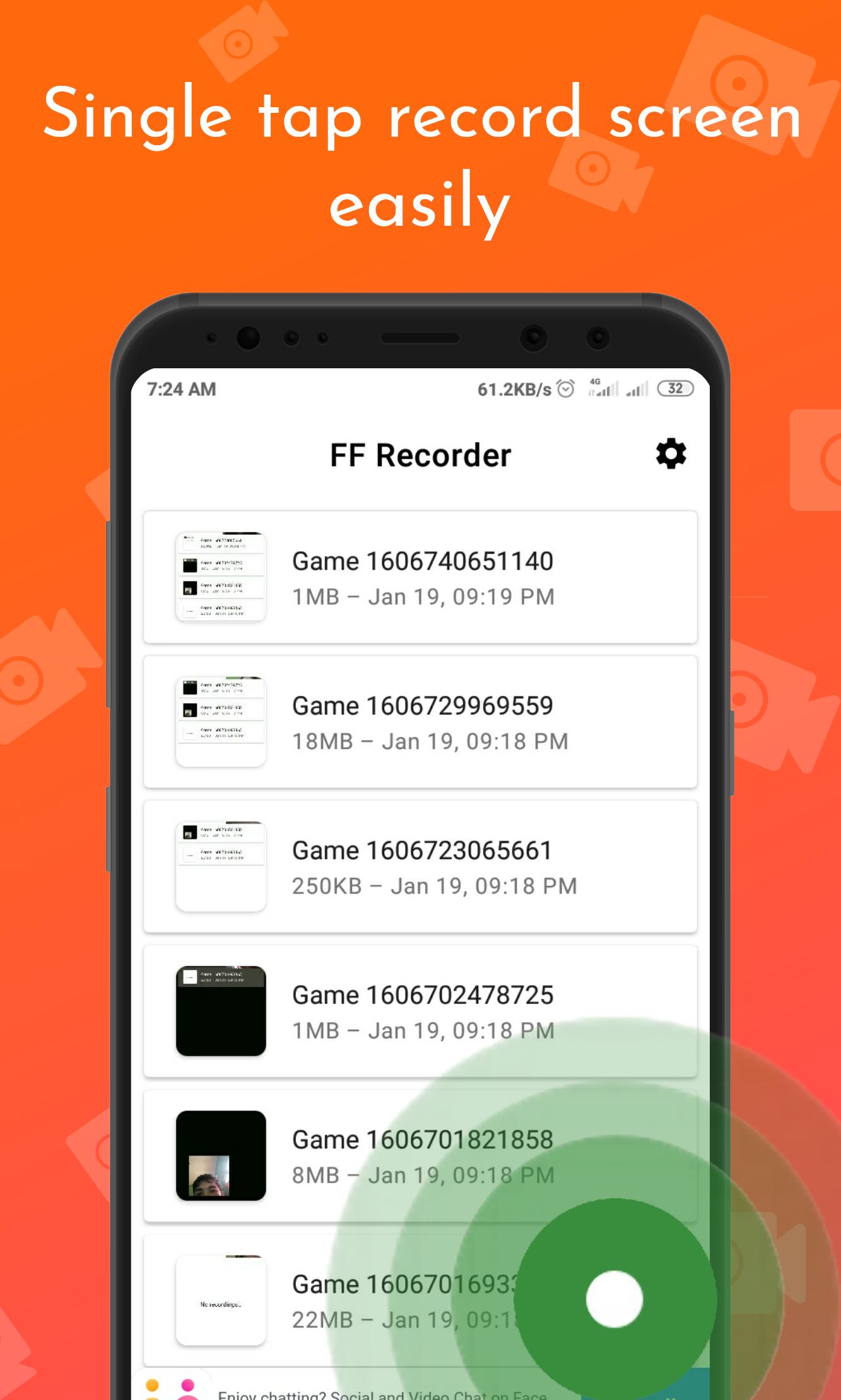
- Easy to capture recorder screen: Record my videos with just 1 tap.
- Floating Control Panel: 1 touch to control & snap the exact moment.
- Countdown timer: prepare before recording.
- Built-in video player: Playback recorded videos.
- Free recording app on screen, NO watermark, NO root needed, NO time limit.
⏺️ HD Video Recorder and Muti Resolution Recording Support
Record the screen and videos in high quality up to 2K, 1080p, 16Mbps, 60FPS. You can adjust the recording resolutions in 2K, 1080P, 720P, 480P, 360P, 240P.
⏺️ Screen Recorder with Audio
Want to record gameplay or a video tutorial with audio? This powerful screen recorder serves as a game screen recorder or ux recorder on screen. It records your voice fluidly and Clearly.
⏺️ Screen Recorder with Face Cam and Draw Tool
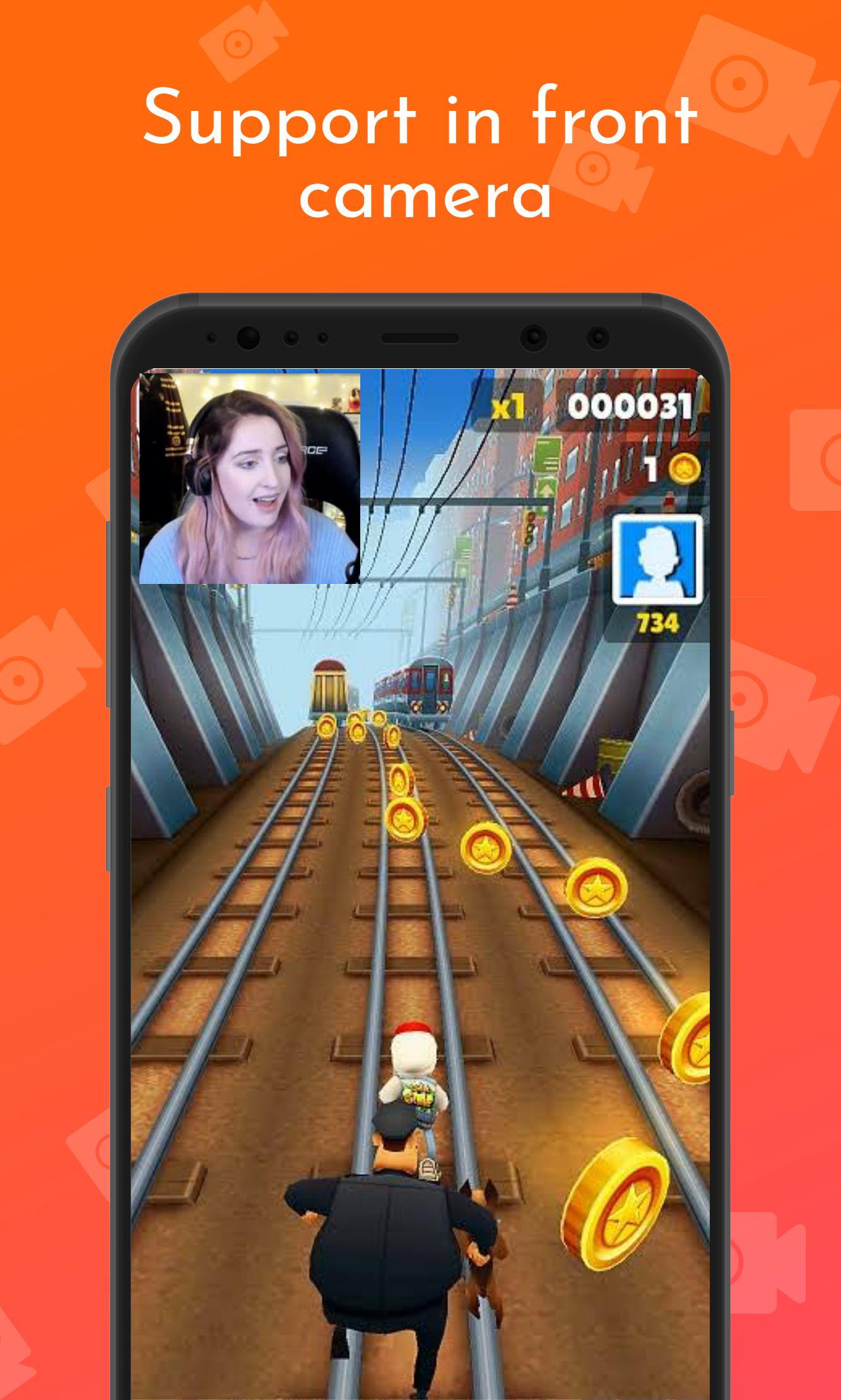
Our display recorder app can use the front camera to capture your video and the screen recording at the same time. Draw text on the screen while recording & record tutorials. Developers can create explanatory videos with ease too.
⏺️ Stable Game Recorder & No Time Limited
Record wonderful shots while playing games. No interruption in gameplay & no limits to the time.
⏺️ Record with Floating Panel & Notification Bar
The floating recording control panel helps record screens and videos easy. No switch between apps.
⏺️ Screen Record with No Watermark and Free
Keep your recorded videos clear and no annoying watermark like you will find on other screen recording apps for android.
⏺️ Easy Sharing for Screen Record
Easy to share recorded videos, game playing, and live shows with your friends or other social media. Share videos or screenshots to social apps.
Notes:
- FF Recorder - Screen Recorder & Video Recorder is a tool for video recording and screen recording with non-commercial use.
- We respect the copyright of the owners. So don’t record illegal videos or other live shows without the owners’ permission.
- This screen recorder audio video app is not associated with any social media and media platforms.
If this video screen capture app is helpful for you, please share the capture recorder app with your friends & family
Thank you for using FF Recorder - Screen Recorder & Video Recorder!
Pratinjau
Informasi
Pengembang
Olla
Versi Terbaru
1.0.6
Terakhir Diperbarui
2020-12-01
Kategori
Video-players-editors
Tersedia di
Google Play
Menampilkan lebih banyak
Cara memainkan FF Recorder : Free Game Recorder dengan GameLoop di PC
1. Download GameLoop dari situs resminya, lalu jalankan file exe untuk menginstal GameLoop.
2. Buka GameLoop dan cari “FF Recorder : Free Game Recorder”, temukan FF Recorder : Free Game Recorder di hasil pencarian dan klik “Install”.
3. Nikmati bermain FF Recorder : Free Game Recorder di GameLoop.
Minimum requirements
OS
Windows 8.1 64-bit or Windows 10 64-bit
GPU
GTX 1050
CPU
i3-8300
Memory
8GB RAM
Storage
1GB available space
Recommended requirements
OS
Windows 8.1 64-bit or Windows 10 64-bit
GPU
GTX 1050
CPU
i3-9320
Memory
16GB RAM
Storage
1GB available space