
Vanced Player - Free Block Ads for Video Tube for PC
Vanced Player Studio
GameLoop एमुलेटर के साथ पीसी पर Vanced Player - Free Block Ads for Video Tube डाउनलोड करें
पीसी पर Vanced Player - Free Block Ads for Video Tube
Vanced Player - Free Block Ads for Video Tube, डेवलपर Vanced Player Studio से आ रहा है, अतीत में Android सिस्टर्म पर चल रहा है।
अब, आप Vanced Player - Free Block Ads for Video Tube को पीसी पर GameLoop के साथ आसानी से खेल सकते हैं।
इसे GameLoop लाइब्रेरी या खोज परिणामों में डाउनलोड करें। अब और गलत समय पर बैटरी या निराशाजनक कॉलों पर ध्यान नहीं देना चाहिए।
बस मुफ्त में बड़ी स्क्रीन पर Vanced Player - Free Block Ads for Video Tube पीसी का आनंद लें!
Vanced Player - Free Block Ads for Video Tube परिचय
Vanced Player - Block All Ads for Video Tube and vanced will help you watch millions of music, documentary and videos.
More convenient installation, NO ADS, no need for microG.
---* FEATURES *----
* Features the option of an amoled black theme to reduce eye and battery strain.
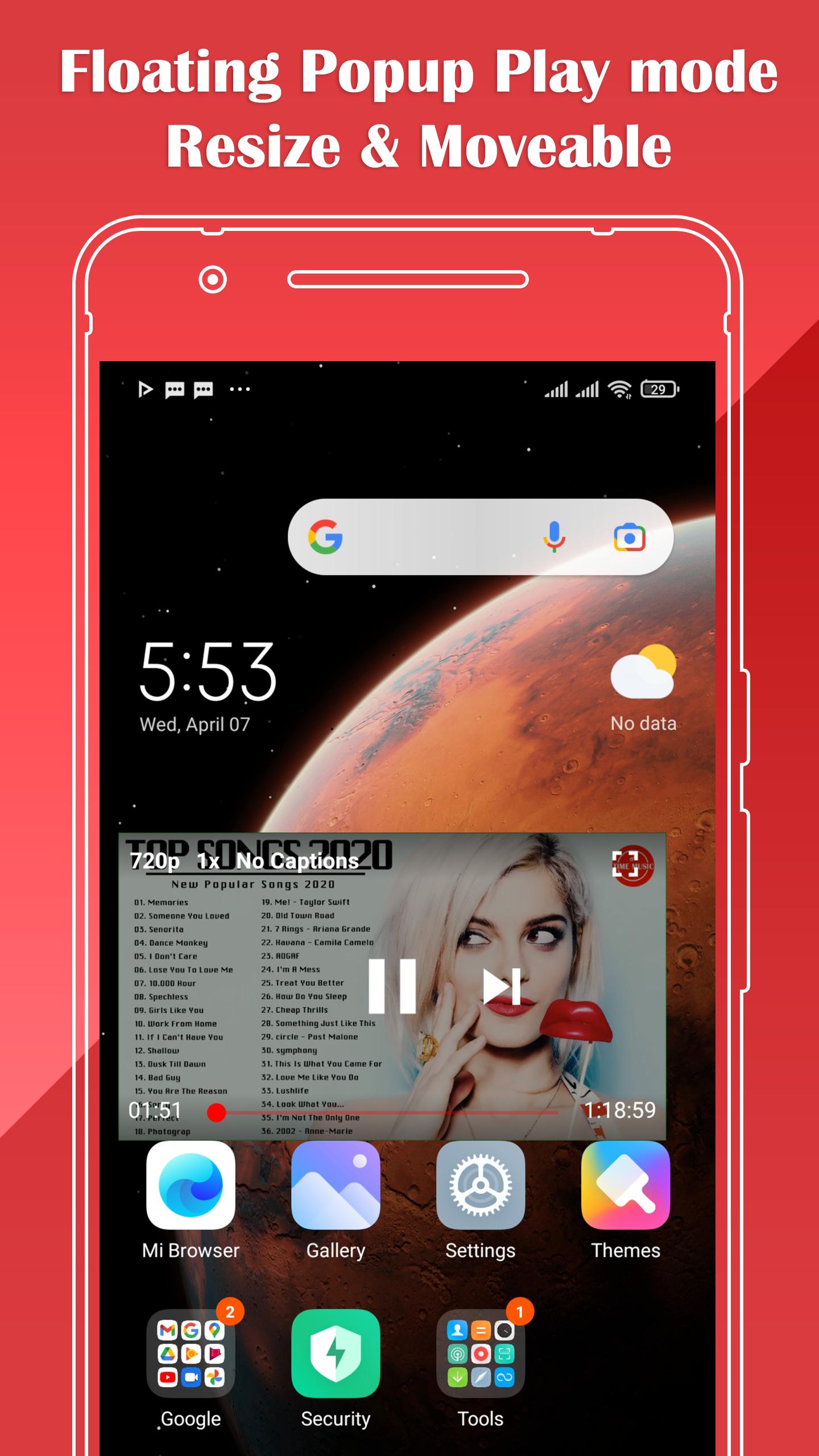
* Blocks All videos ads and allows you to play videos in the background or in Floating Popup Play Mode (only on android 8.0 and up)
* Swipe controls allow you to control brightness and volume like how it is in other video player apps (with configurable padding).
* Play in both full screen or floating popup window mode.
* New auto repeat feature allowing you to enjoy videos or simply continue playing a song on loop.
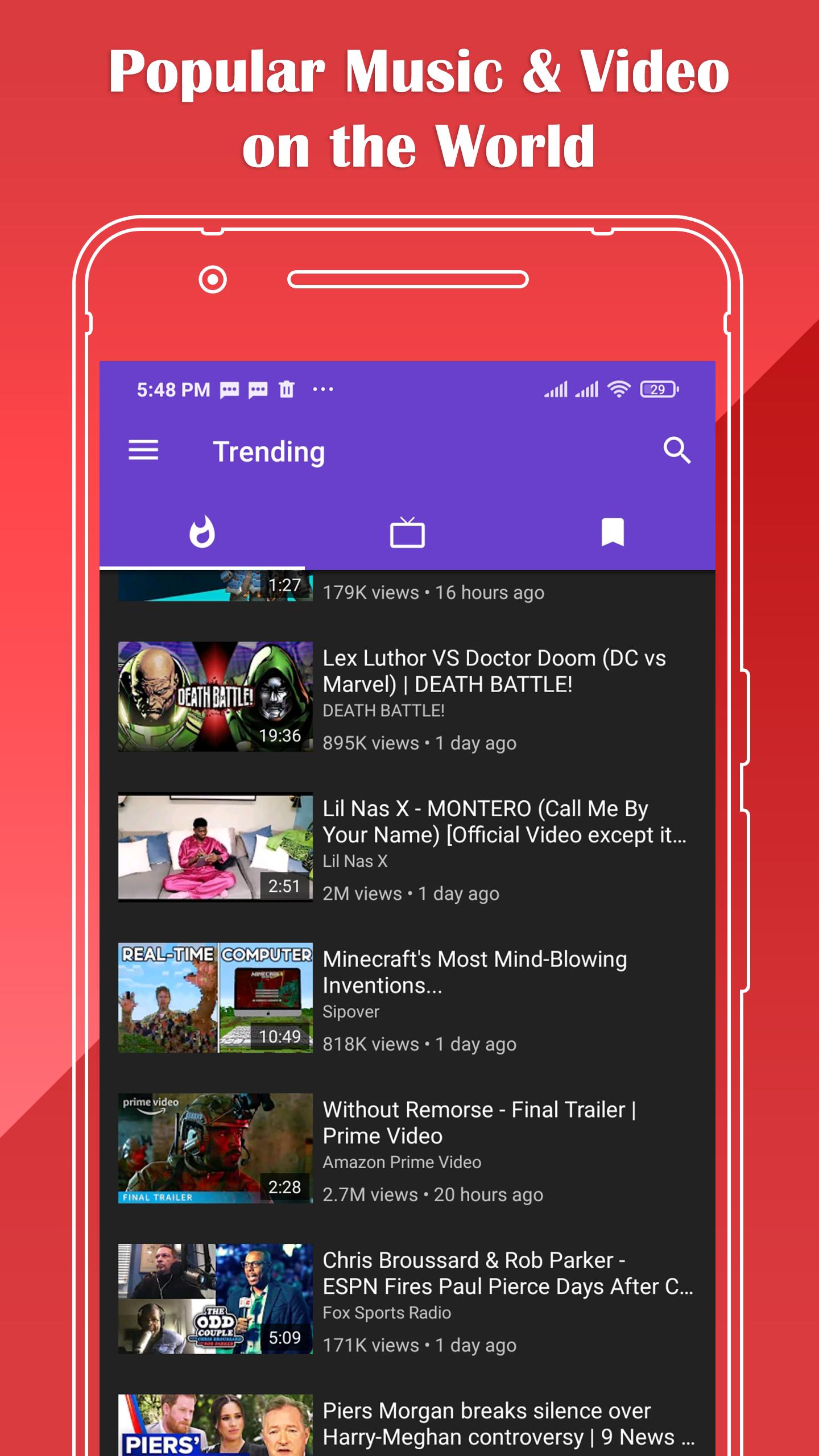
It has a top popup player you can watch videos while doing other activities. With Vanced Player - Play tube: you can search for your favorite videos, create your own playlists, discover new videos, and browse the daily Top Trend of your country, unlimited video watching!
Vanced Player - Play Tube: will help you watch millions of music and videos and lets you play in a floating popup for multitasking experience.
पूर्वावलोकन
जानकारी
डेवलपर
Vanced Player Studio
नवीनतम संस्करण
1.0.1
आखरी अपडेट
2021-04-07
श्रेणी
Video-players-editors
पर उपलब्ध
Google Play
और दिखाओ
पीसी पर गेमलूप के साथ Vanced Player - Free Block Ads for Video Tube कैसे खेलें
1. आधिकारिक वेबसाइट से GameLoop डाउनलोड करें, फिर GameLoop को स्थापित करने के लिए exe फ़ाइल चलाएँ।
2. गेमलूप खोलें और "Vanced Player - Free Block Ads for Video Tube" खोजें, खोज परिणामों में Vanced Player - Free Block Ads for Video Tube खोजें और "इंस्टॉल करें" पर क्लिक करें।
3. GameLoop पर Vanced Player - Free Block Ads for Video Tube खेलने का आनंद लें।
Minimum requirements
OS
Windows 8.1 64-bit or Windows 10 64-bit
GPU
GTX 1050
CPU
i3-8300
Memory
8GB RAM
Storage
1GB available space
Recommended requirements
OS
Windows 8.1 64-bit or Windows 10 64-bit
GPU
GTX 1050
CPU
i3-9320
Memory
16GB RAM
Storage
1GB available space