Zextras Drive para PC
Zextras
Descarga Zextras Drive en PC con GameLoop Emulator
Zextras Drive en PC
Zextras Drive, proveniente del desarrollador Zextras, se ejecuta en el sistema Android en el pasado.
Ahora, puedes jugar Zextras Drive en PC con GameLoop sin problemas.
Descárgalo en la biblioteca de GameLoop o en los resultados de búsqueda. No más mirar la batería o llamadas frustrantes en el momento equivocado nunca más.
Simplemente disfrute de Zextras Drive PC en la pantalla grande de forma gratuita!
Zextras Drive Introducción
Drive is a corporate file sharing app.
IMPORTANT: In order to use Drive app, it is necessary to have a Zextras Suite 3.0 or higher license on your Zimbra Open server 8.8.15 or higher.
Share anything, anywhere.
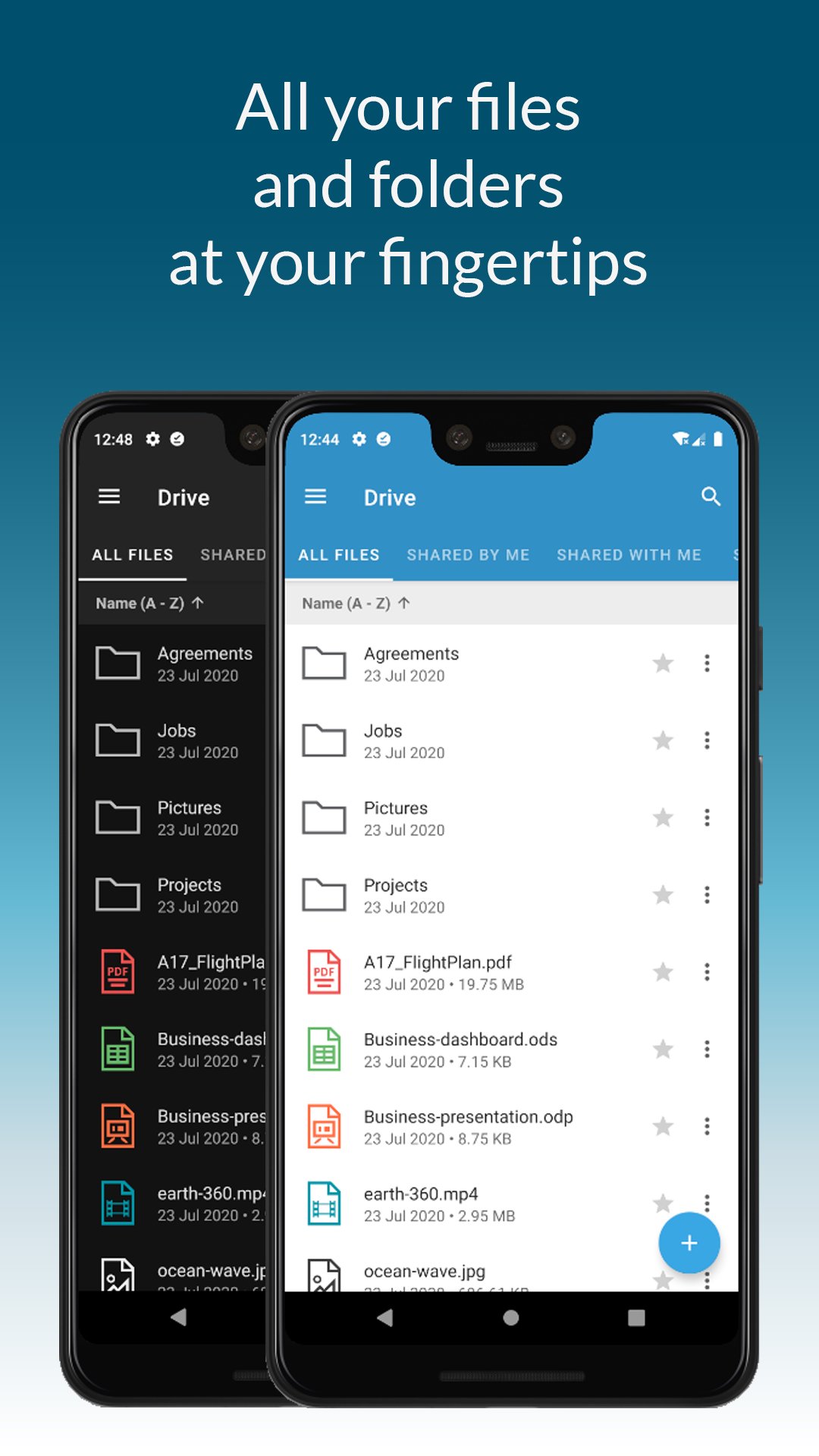
Drive app allows you to access your Drive files and folders anywhere, anytime.
Keep on synchronizing, managing and sharing with your buddies any kind of documents safely.
Thanks to Drive app you can:
• Securely access any file or folder held into your Drive
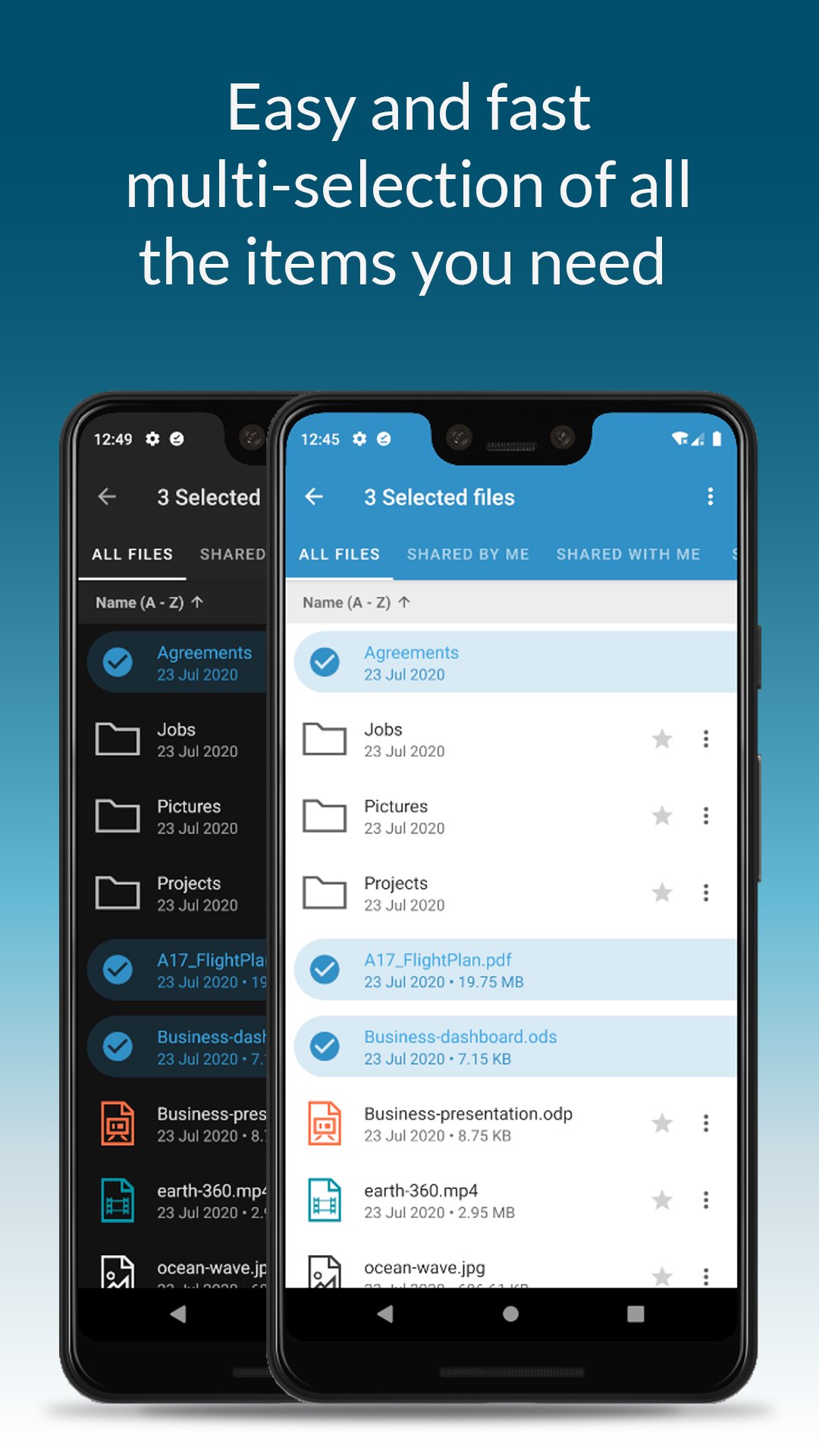
• Move, copy and delete files or folders
• Upload new files into Drive
• Edit file’s metadata (name, description)
• Keep files synchronized in order to consult them even when there is no internet connection
• Access shared files and folder
• Manage the trash
• Manage links for sharing files and folders
• UI support for tablets
• Preview of documental and multimedia files directly into the app
Zextras Drive app allows you to easily share anything using your device: you can upload content and share files with colleagues through a safe and trusted channel.
Access your camera and upload pics and videos straight into your Drive app, share any kind of files and manage the share with other users, defining access rights and visibility.
Drive app is integrated with collaborative Drive and Docs web features: you can create on your mobile device a file and then upload it and share it through Drive app with a colleague that can easily work on it thanks to web Docs functions.
Sharing files with your colleagues is safe since Drive, anytime you need it, can generate a public external link that is protected by a password and enables the sharing.
Moreover, thanks to the “Share externally” feature you can share items using OS functions.
You can also download and manage files and even keep all your favorite documents automatically synced on your device in order to access them even when offline.
Drive authentication is fast and it can be shared with Team app’s one: if you’re using a device where Team app is already installed you are asked if you’d like to use the same credentials.
Drive app is available on Zextras Suite Pro.
Avance
Etiquetas
ProductividadInformación
Desarrollador
Zextras
La última versión
1.4.2_release
Última actualización
2023-05-16
Categoría
Productividad
Disponible en
Google Play
Mostrar más
Cómo jugar Zextras Drive con GameLoop en PC
1. Descargue GameLoop desde el sitio web oficial, luego ejecute el archivo exe para instalar GameLoop.
2. Abra GameLoop y busque "Zextras Drive", busque Zextras Drive en los resultados de búsqueda y haga clic en "Instalar".
3. Disfruta jugando Zextras Drive en GameLoop.
Minimum requirements
OS
Windows 8.1 64-bit or Windows 10 64-bit
GPU
GTX 1050
CPU
i3-8300
Memory
8GB RAM
Storage
1GB available space
Recommended requirements
OS
Windows 8.1 64-bit or Windows 10 64-bit
GPU
GTX 1050
CPU
i3-9320
Memory
16GB RAM
Storage
1GB available space