
Internet Speed Checker PC
SunBurn
Download Internet Speed Checker on PC With GameLoop Emulator
Internet Speed Checker pada PC
Internet Speed Checker, datang daripada pembangun SunBurn, sedang berjalan pada sistem Android pada masa lalu.
Kini, Anda boleh bermain Internet Speed Checker pada PC dengan GameLoop dengan lancar.
Muat turunnya dalam pustaka GameLoop atau hasil carian. Tiada lagi melihat bateri atau panggilan yang mengecewakan pada masa yang salah lagi.
Hanya nikmati Internet Speed Checker PC pada skrin besar secara percuma!
Internet Speed Checker Pengenalan
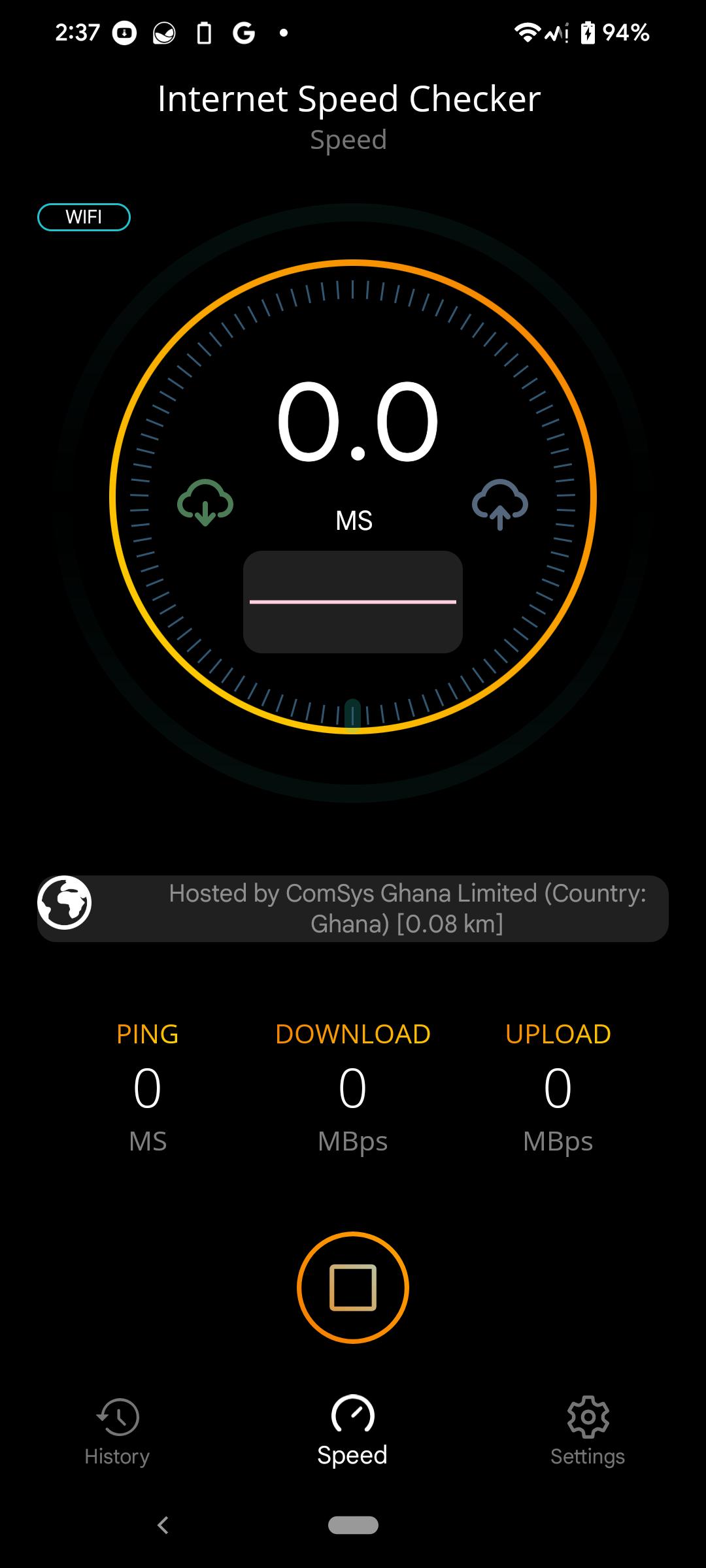
Internet Speed Checker is a simple Internet testing application.
This application allows you to measure downlink (download) and uplink (upload) speeds, as well as packet transmission delays (latency/ping/jitter).
The App has a simple user interface and a plethora of configuration options.
One of the most significant benefits of the Speed Check Light tool is the automatic adaptation of the testing algorithms to the type of connection (WiFi or 2G/3G/4G LTE/5G mobile networks).
This ensures that the results are highly accurate.
Additional features of the Speed Check Light app include:
• The ability to choose the default server, • an integrated map of mobile network coverage
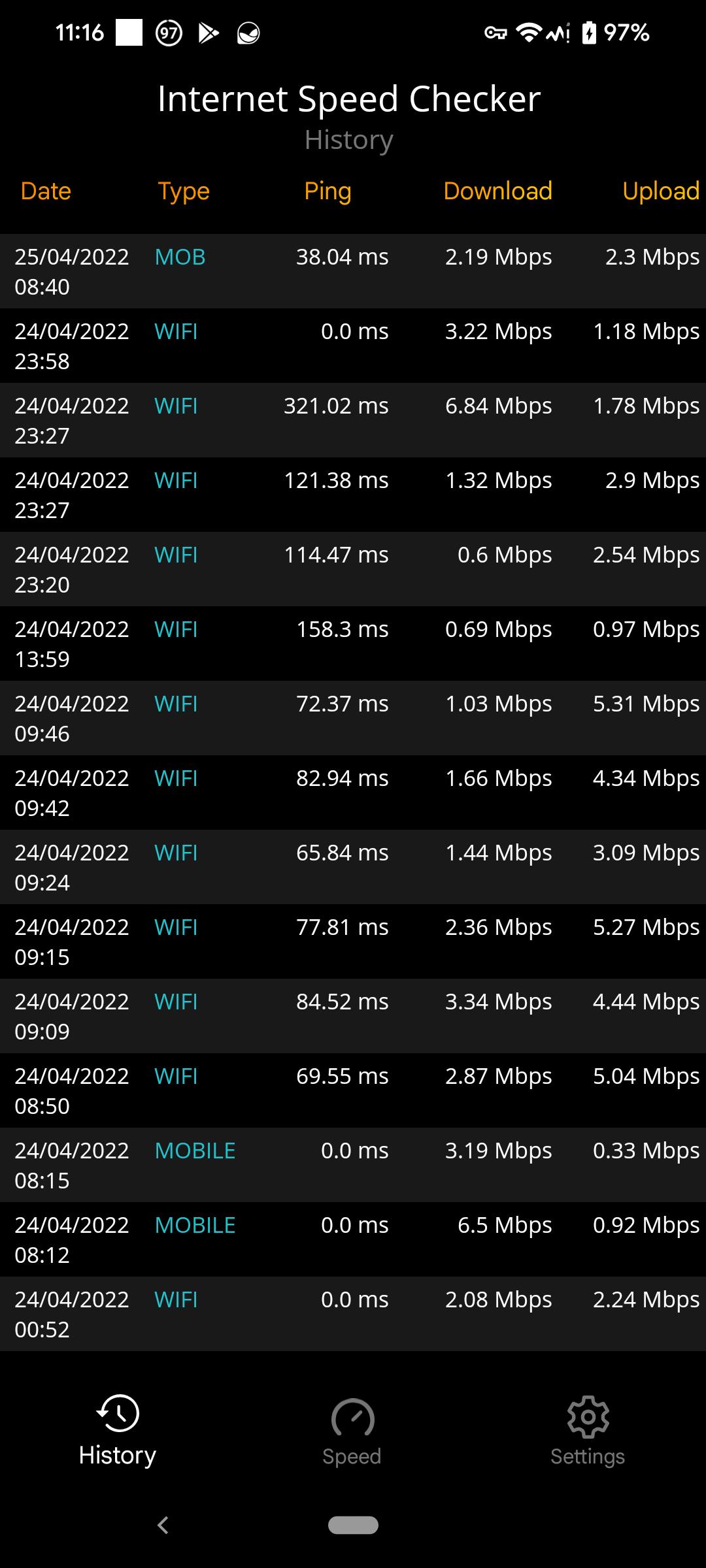
• A history of results with detailed information about the tests,
• Display of IP/ISP addresses
• Four standard units (Mbps , MBps , KBps and kbps)
• Share result with peers (easy to publish results on whatsApp or any other social media account)
•Low system resource consumption
Preview
Tags
ToolsInformation
Developer
SunBurn
Latest Version
1.0
Last Updated
2022-07-26
Category
Tools
Available on
Google Play
Show More
Cara bermain Internet Speed Checker dengan GameLoop pada PC
1. Muat turun GameLoop dari laman web rasmi, kemudian jalankan fail exe untuk memasang GameLoop.
2. Buka GameLoop dan cari "Internet Speed Checker", cari Internet Speed Checker dalam hasil carian dan klik "Pasang".
3. Nikmati bermain Internet Speed Checker di GameLoop.
Minimum requirements
OS
Windows 8.1 64-bit or Windows 10 64-bit
GPU
GTX 1050
CPU
i3-8300
Memory
8GB RAM
Storage
1GB available space
Recommended requirements
OS
Windows 8.1 64-bit or Windows 10 64-bit
GPU
GTX 1050
CPU
i3-9320
Memory
16GB RAM
Storage
1GB available space