
Locate PC
audio-technica
گیم لوپ ایمولیٹر کے ساتھ PC پر Locate ڈاؤن لوڈ کریں۔
پی سی پر Locate
Locate، جو ڈویلپر audio-technica سے آرہا ہے، ماضی میں اینڈرائیڈ سسٹم پر چل رہا ہے۔
اب، آپ پی سی پر Locate آسانی سے GameLoop کے ساتھ چلا سکتے ہیں۔
اسے GameLoop لائبریری یا تلاش کے نتائج میں ڈاؤن لوڈ کریں۔ مزید غلط وقت پر بیٹری یا مایوس کن کالوں پر نظر نہیں ڈالی جائے گی۔
بس بڑی سکرین پر Locate PC کا مفت میں لطف اٹھائیں!
Locate تعارف
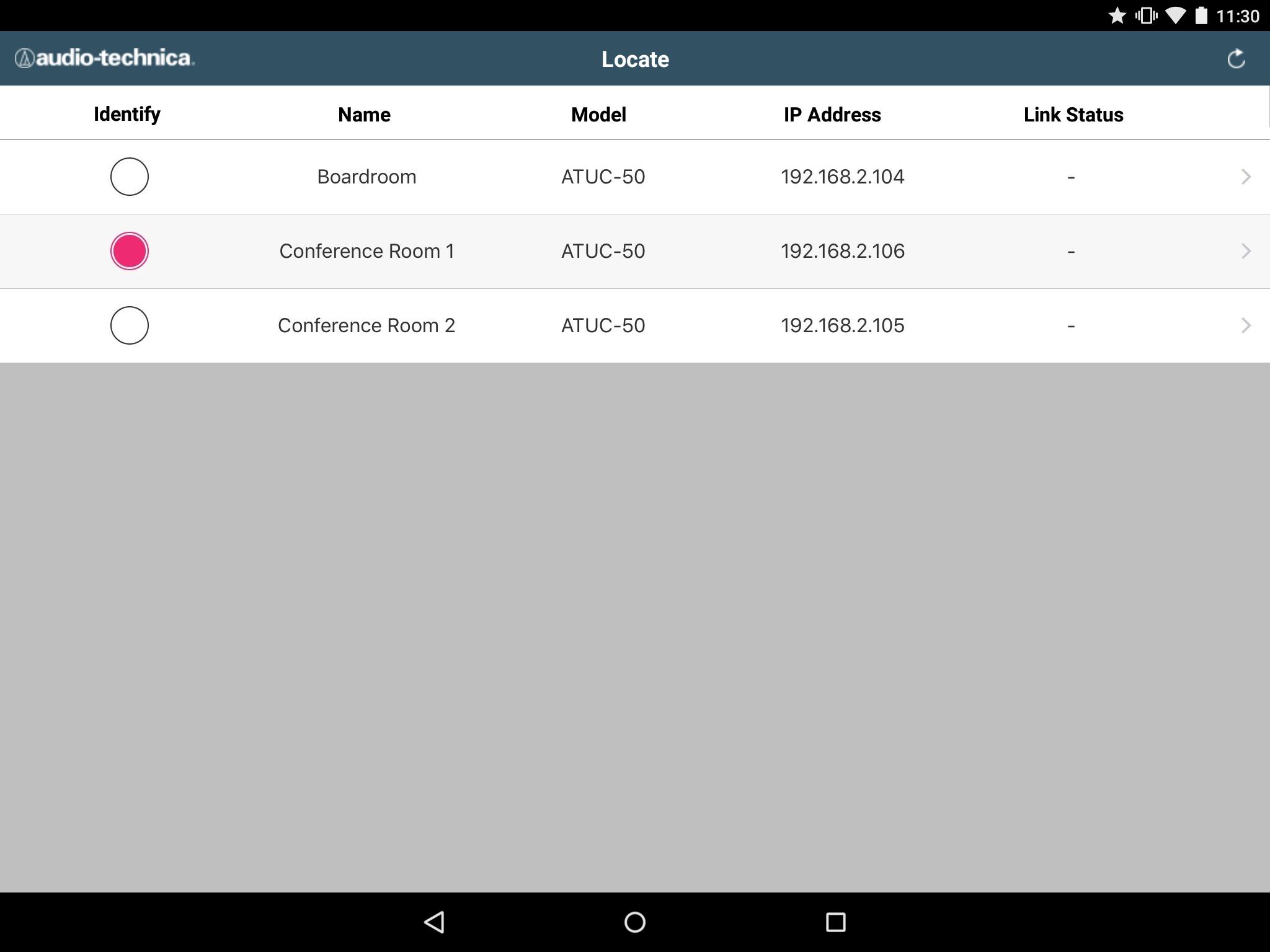
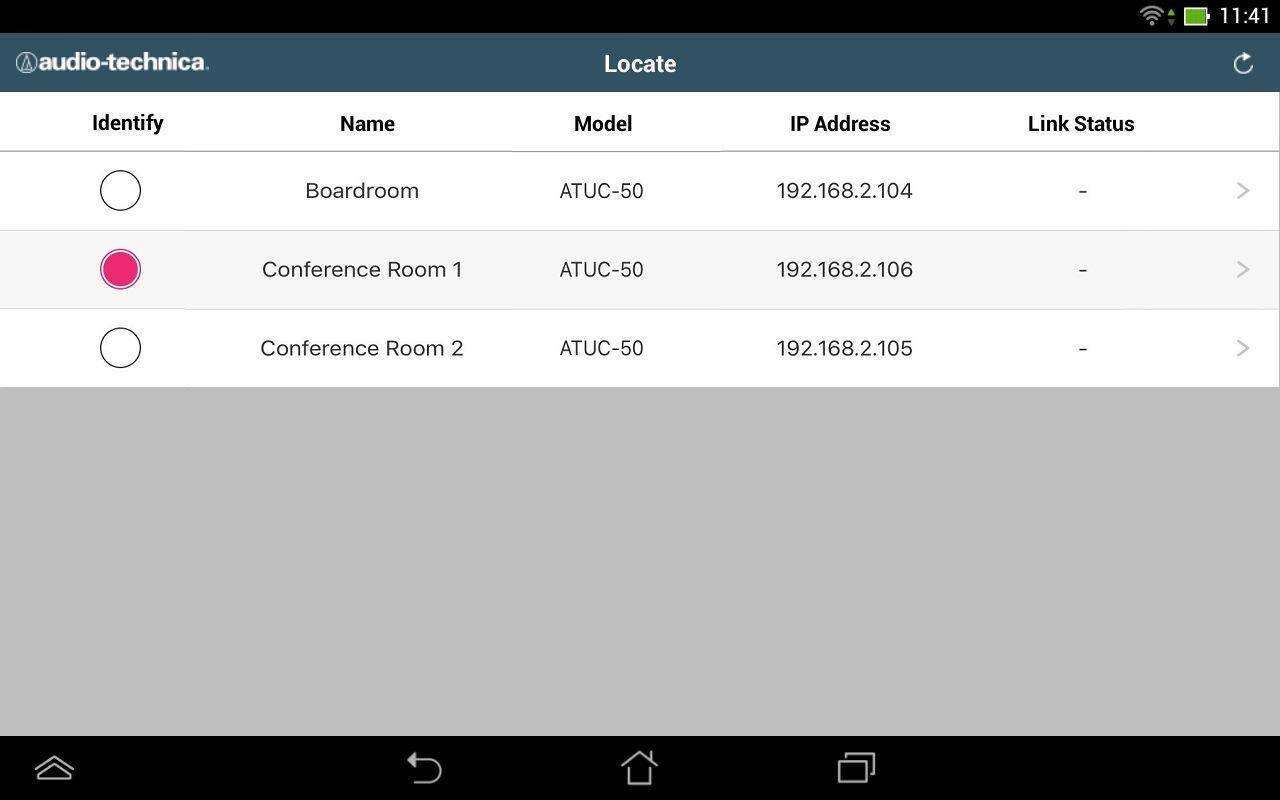
Audio-Technica Locate enables you to use an Android device to easily connect to and control Audio-Technica units present on the local wireless network. The simplified setup doesn’t require knowledge of a unit's IP address. All units that have their discovery setting turned on are automatically detected and listed by the app.
Features:
- The detected units can be sorted by [Name], [Model], [IP Address] and [Link Status].
- The Identify function causes the LED indicators on the front panel of the selected unit to blink so it can be easily identified.
- Link Status indicates whether the unit is set up as a Primary or Expansion unit (when applicable).
- When the app connects to a unit, it automatically opens the corresponding Web Remote Interface.
- The majority of a unit's parameters can be controlled through the Web Remote Interface
Supported units:
- ATUC-50CU
Disclaimer:
Audio-Technica Locate only functions with the aforementioned units. These units must be connected to the wireless network used by the Android device.
More information is available in a unit's Quick Start Guide and User Manual.
Locate offers a quick and easy way to view units on the network and access the Web Remote Interface. It is not a stand-alone control application.
پیش نظارہ
ٹیگز
کاروبارمعلومات
ڈویلپر
audio-technica
تازہ ترین ورژن
1.01
آخری تازہ کاری
2016-05-09
قسم
کاروبار
پر دستیاب ہے۔
Google Play
مزید دکھائیں
پی سی پر گیم لوپ کے ساتھ Locate کیسے کھیلا جائے۔
1. آفیشل ویب سائٹ سے گیم لوپ ڈاؤن لوڈ کریں، پھر گیم لوپ انسٹال کرنے کے لیے exe فائل چلائیں۔
2. گیم لوپ کھولیں اور "Locate" تلاش کریں، تلاش کے نتائج میں Locate تلاش کریں اور "انسٹال کریں" پر کلک کریں۔
3. گیم لوپ پر Locate کھیلنے کا لطف اٹھائیں۔
Minimum requirements
OS
Windows 8.1 64-bit or Windows 10 64-bit
GPU
GTX 1050
CPU
i3-8300
Memory
8GB RAM
Storage
1GB available space
Recommended requirements
OS
Windows 8.1 64-bit or Windows 10 64-bit
GPU
GTX 1050
CPU
i3-9320
Memory
16GB RAM
Storage
1GB available space