Self Camera Timer PC
Novta Applications
گیم لوپ ایمولیٹر کے ساتھ PC پر Self Camera Timer ڈاؤن لوڈ کریں۔
پی سی پر Self Camera Timer
Self Camera Timer، جو ڈویلپر Novta Applications سے آرہا ہے، ماضی میں اینڈرائیڈ سسٹم پر چل رہا ہے۔
اب، آپ پی سی پر Self Camera Timer آسانی سے GameLoop کے ساتھ چلا سکتے ہیں۔
اسے GameLoop لائبریری یا تلاش کے نتائج میں ڈاؤن لوڈ کریں۔ مزید غلط وقت پر بیٹری یا مایوس کن کالوں پر نظر نہیں ڈالی جائے گی۔
بس بڑی سکرین پر Self Camera Timer PC کا مفت میں لطف اٹھائیں!
Self Camera Timer تعارف
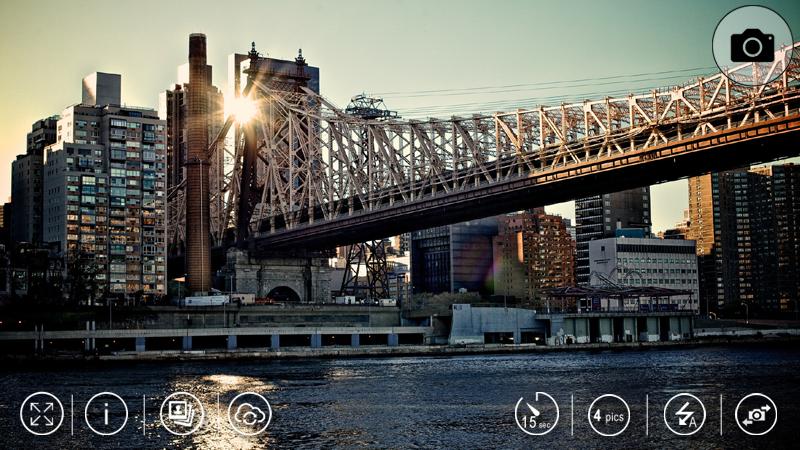
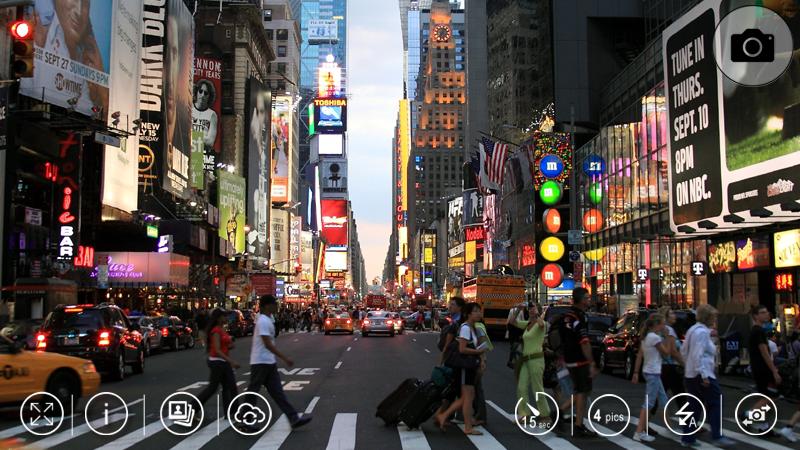
Camera Timer allows you to take photo yourself or share with friends more easily.You can set a countdown before taking pictures at a time. Including the number of shots in a continuous take. Camera Timer is the simple camera with a self-timer function. You can save and share the photo's which you like it. Self Timer is the popular camera app that allows you to delay the shutter release, giving you time between pushing the button and taking the actual photo. This app, Camera Timer has great UI, and many functions:
Delay taking pictures (Timer)
Clear Image
Great Focus
Share Photo
Flash camera
Switching camera /front or back/
Warning sound
Premium version:
1. Without ADS - Clear screen to take a great picture
2. Cloud - you can save and sync all your pictures on cloud with Google Drive account
Dear users,
Buying Premium APP you will invest and support our developing team.
Thanks for your support,
Novta Team.
پیش نظارہ
ٹیگز
فوٹوگرافیمعلومات
ڈویلپر
Novta Applications
تازہ ترین ورژن
2.6.8
آخری تازہ کاری
2020-08-10
قسم
فوٹوگرافی
پر دستیاب ہے۔
Google Play
مزید دکھائیں
پی سی پر گیم لوپ کے ساتھ Self Camera Timer کیسے کھیلا جائے۔
1. آفیشل ویب سائٹ سے گیم لوپ ڈاؤن لوڈ کریں، پھر گیم لوپ انسٹال کرنے کے لیے exe فائل چلائیں۔
2. گیم لوپ کھولیں اور "Self Camera Timer" تلاش کریں، تلاش کے نتائج میں Self Camera Timer تلاش کریں اور "انسٹال کریں" پر کلک کریں۔
3. گیم لوپ پر Self Camera Timer کھیلنے کا لطف اٹھائیں۔
Minimum requirements
OS
Windows 8.1 64-bit or Windows 10 64-bit
GPU
GTX 1050
CPU
i3-8300
Memory
8GB RAM
Storage
1GB available space
Recommended requirements
OS
Windows 8.1 64-bit or Windows 10 64-bit
GPU
GTX 1050
CPU
i3-9320
Memory
16GB RAM
Storage
1GB available space