
Lemmi PC
Jenix
Lemmi'i GameLoop Emulator ile PC'ye indirin
PC'de Lemmi
Jenix geliştiricisinden gelen Lemmi, geçmişte Android systerm üzerinde çalışıyor.
Artık Lemmi'i PC'de GameLoop ile sorunsuz bir şekilde oynayabilirsiniz.
GameLoop kitaplığından veya arama sonuçlarından indirin. Artık yanlış zamanda pile bakmak veya sinir bozucu aramalar yapmak yok.
Lemmi bilgisayarın keyfini büyük ekranda ücretsiz olarak çıkarın!
Lemmi Tanıtım
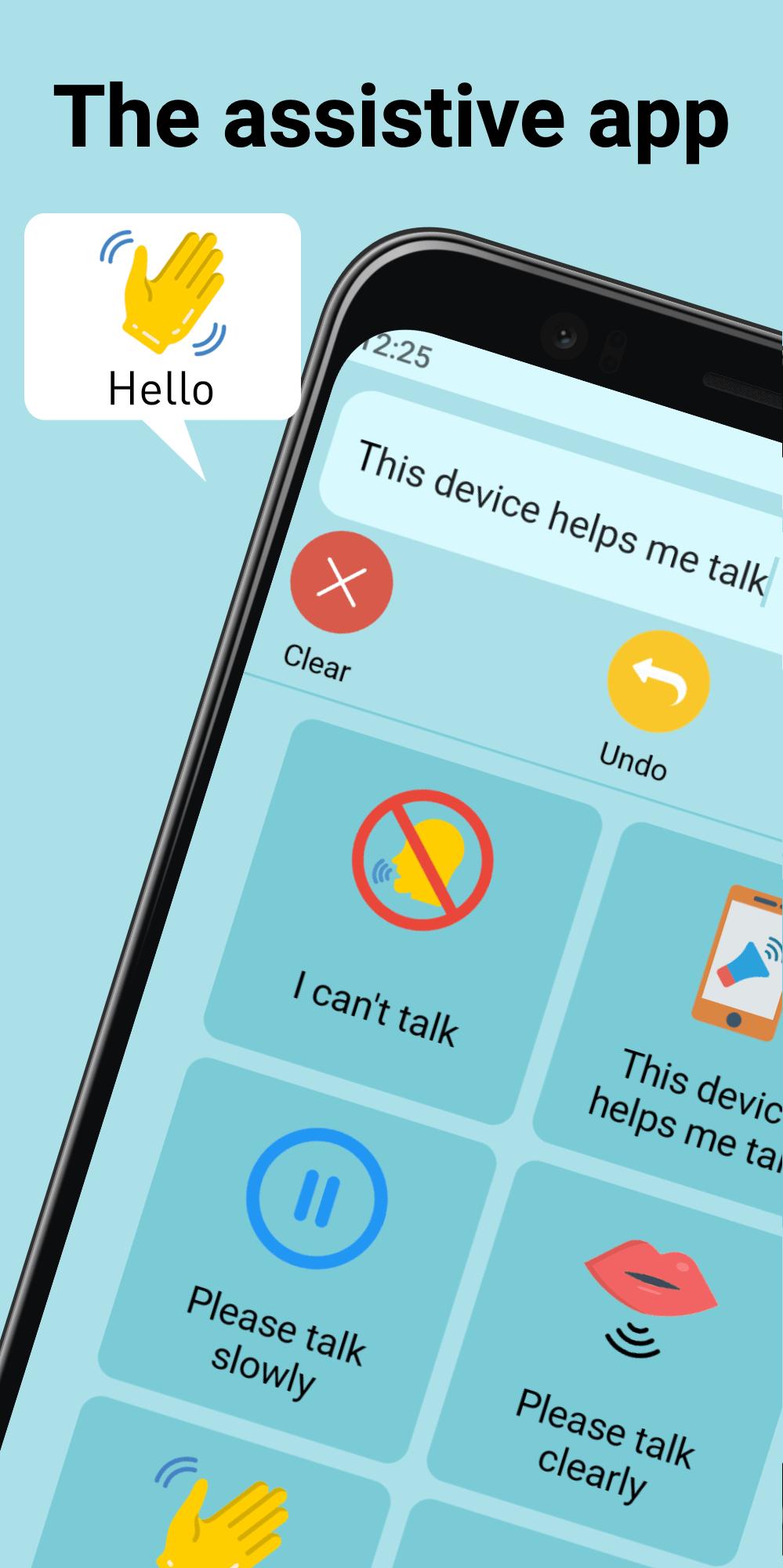
Discover a world of possibilities with this customizable speech app that gives you the independence to take part in conversations wherever you are, with or without a network connection.
Mobile
Use your smart device to build your own sentences from over 700 words that Lemmi will repeat out loud for you, wherever you are
Simple
Our user-friendly design includes a clear menu, easy navigation and simple graphics, making it appropriate for all ages and abilities.
Personal
Create your own vocabulary by adding words, phrases and photos to your private 'Word Book'. Lemmi will back-up and sync these personalizations across multiple devices with a valid iCloud or Google account.
Intuitive
Suggested words will appear underneath the Speech Bar. Lemmi bases these off of words you’ve previously used in succession, and enable you to keep up with flowing conversations.
Customizable
Match your personality by choosing Lemmi’s voice from a range of options in the in-app settings. Lemmi currently supports English-speaking voices with support for additional languages coming soon!
Ön izleme

Etiketler
TıbbiBilgi
geliştirici
Jenix
En Son Sürüm
1.2.2
Son güncelleme
2021-06-15
Kategori
Tıbbi
üzerinde mevcut
Google Play
Daha fazla göster
PC'de GameLoop ile Lemmi nasıl oynanır
1. Resmi web sitesinden GameLoop'u indirin, ardından GameLoop'u kurmak için exe dosyasını çalıştırın.
2. GameLoop'u açın ve “Lemmi”i arayın, arama sonuçlarında Lemmi'i bulun ve “Yükle”ye tıklayın.
3. GameLoop'ta Lemmi oynamanın keyfini çıkarın.
Minimum requirements
OS
Windows 8.1 64-bit or Windows 10 64-bit
GPU
GTX 1050
CPU
i3-8300
Memory
8GB RAM
Storage
1GB available space
Recommended requirements
OS
Windows 8.1 64-bit or Windows 10 64-bit
GPU
GTX 1050
CPU
i3-9320
Memory
16GB RAM
Storage
1GB available space