Dövme fotoğraf editörü PC
Jirapas Tongthong
Dövme fotoğraf editörü'i GameLoop Emulator ile PC'ye indirin
PC'de Dövme fotoğraf editörü
Jirapas Tongthong geliştiricisinden gelen Dövme fotoğraf editörü, geçmişte Android systerm üzerinde çalışıyor.
Artık Dövme fotoğraf editörü'i PC'de GameLoop ile sorunsuz bir şekilde oynayabilirsiniz.
GameLoop kitaplığından veya arama sonuçlarından indirin. Artık yanlış zamanda pile bakmak veya sinir bozucu aramalar yapmak yok.
Dövme fotoğraf editörü bilgisayarın keyfini büyük ekranda ücretsiz olarak çıkarın!
Dövme fotoğraf editörü Tanıtım
Want beautiful Tattoo on your photos, but don't want to pain. Use "Tattoo my photo" Booth for get instantly cool boutique tattoo you!
** All Screenshot picture 100% had made from this app, Not just fake photo. **
** 100+ of tattoo boutique, totally free! **
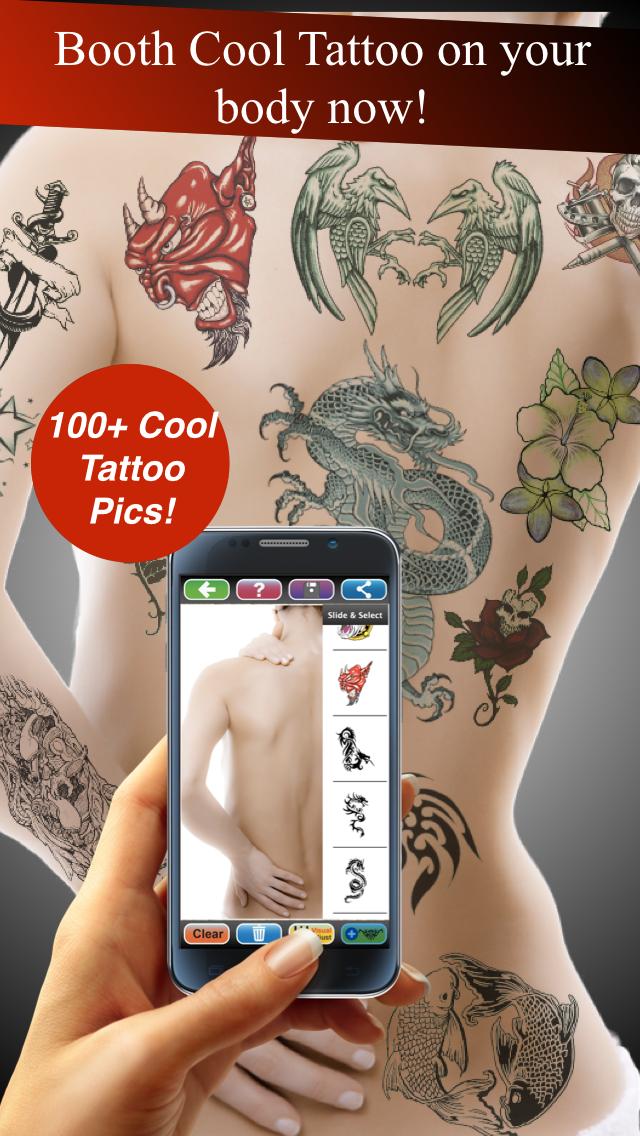
Tattoo my photo App is tattoo maker easy to use and look realistic tattoo by no pain, come with variety of beautiful realistic 100+ tattoos
and available for adjust transparent & color (RGB Color mode).
You will be able to create beautiful tattoo, try before real tattoo, get tattoo ideas and fun with Tattoo my photo!
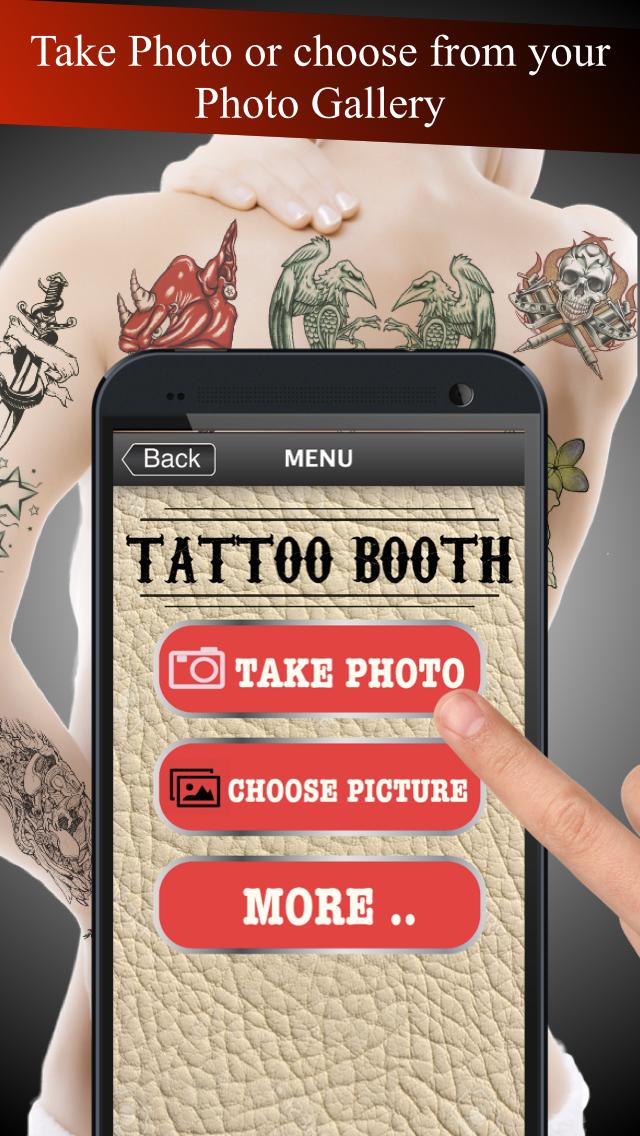
App is easy to use, just take a picture, or select from the camera roll or your photo gallery,
slide then select tattoo picture that you like. Change the position-scale-rotation tattoo item with your fingers.
More realistic with transparent & color change function (RBG Mode), When a your picture with tattoo is good looking,it easy to save images
& share to Twitter, Facebook, Line, Instagram and Email.
** Note: Black line Tattoo will not effect with RGB changing colour mode! but transparent adjust mode can do.**
Features:
1. The Interface is easy to use and beautiful.
2. Variety of beautiful realistic tattoo pictures and available for adjust transparent & color (RGB Color mode).
3. Take photos using the camera or select a picture from your camera roll / photo gallery.
4. Scale, rotate, move adjust with your finger easily.
5. Save and Share your photo with tattoo to Facebook, Twitter, Line, Instagram or email.
Instruction:
1. Select a picture from your camera roll (photo gallery)or take photo.
2. Adjust your photo fix in frame, one finger for move and two fingers for scale and rotation, then tap OK button for use this picture.
3. Tab "+ Tattoo Button" for open/close Tattoo's gallery then slide for view & select tattoo picture that you want to attach on your photo.
4. Use your fingers for adjust (scale-move-rotation) tattoo item by one finger for move and two fingers for scale and rotation.
5. When Tattoo had selected, It's appear white frame around that Tattoo picture. User can tap another Tattoo for change item selection.
6. When Tattoo picture had selected can use "Bin Button" for delete its.
7. Tap "Visual Adjust Button" for open/close "Visual Adjust Panel" by this panel user can adjust transparent and Tattoo's color.
8. Save to Camera Roll or your photo gallery by use "Save Button".
9. For Sharing your tattoo booth photo use "Sharing Button" then select social media Facebook, Twitter, Line, Instagram or email that you want to share.
Ön izleme
Etiketler
FotoğrafçılıkBilgi
geliştirici
Jirapas Tongthong
En Son Sürüm
1.06
Son güncelleme
2019-10-31
Kategori
Fotoğrafçılık
üzerinde mevcut
Google Play
Daha fazla göster
PC'de GameLoop ile Dövme fotoğraf editörü nasıl oynanır
1. Resmi web sitesinden GameLoop'u indirin, ardından GameLoop'u kurmak için exe dosyasını çalıştırın.
2. GameLoop'u açın ve “Dövme fotoğraf editörü”i arayın, arama sonuçlarında Dövme fotoğraf editörü'i bulun ve “Yükle”ye tıklayın.
3. GameLoop'ta Dövme fotoğraf editörü oynamanın keyfini çıkarın.
Minimum requirements
OS
Windows 8.1 64-bit or Windows 10 64-bit
GPU
GTX 1050
CPU
i3-8300
Memory
8GB RAM
Storage
1GB available space
Recommended requirements
OS
Windows 8.1 64-bit or Windows 10 64-bit
GPU
GTX 1050
CPU
i3-9320
Memory
16GB RAM
Storage
1GB available space