Assamese Keyboard PC
Lipikaar Keyboards
Assamese Keyboard'i GameLoop Emulator ile PC'ye indirin
PC'de Assamese Keyboard
Lipikaar Keyboards geliştiricisinden gelen Assamese Keyboard, geçmişte Android systerm üzerinde çalışıyor.
Artık Assamese Keyboard'i PC'de GameLoop ile sorunsuz bir şekilde oynayabilirsiniz.
GameLoop kitaplığından veya arama sonuçlarından indirin. Artık yanlış zamanda pile bakmak veya sinir bozucu aramalar yapmak yok.
Assamese Keyboard bilgisayarın keyfini büyük ekranda ücretsiz olarak çıkarın!
Assamese Keyboard Tanıtım
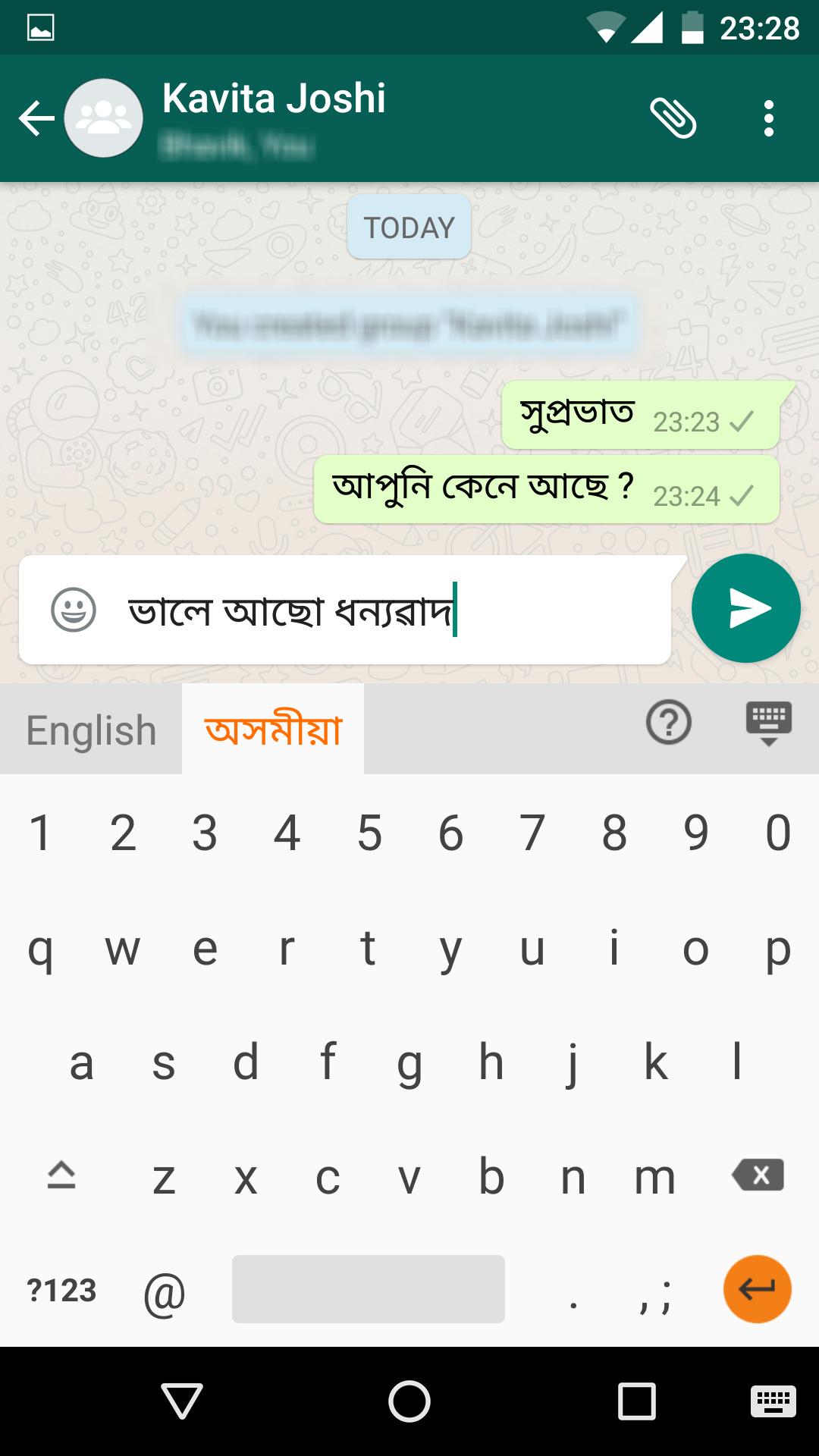
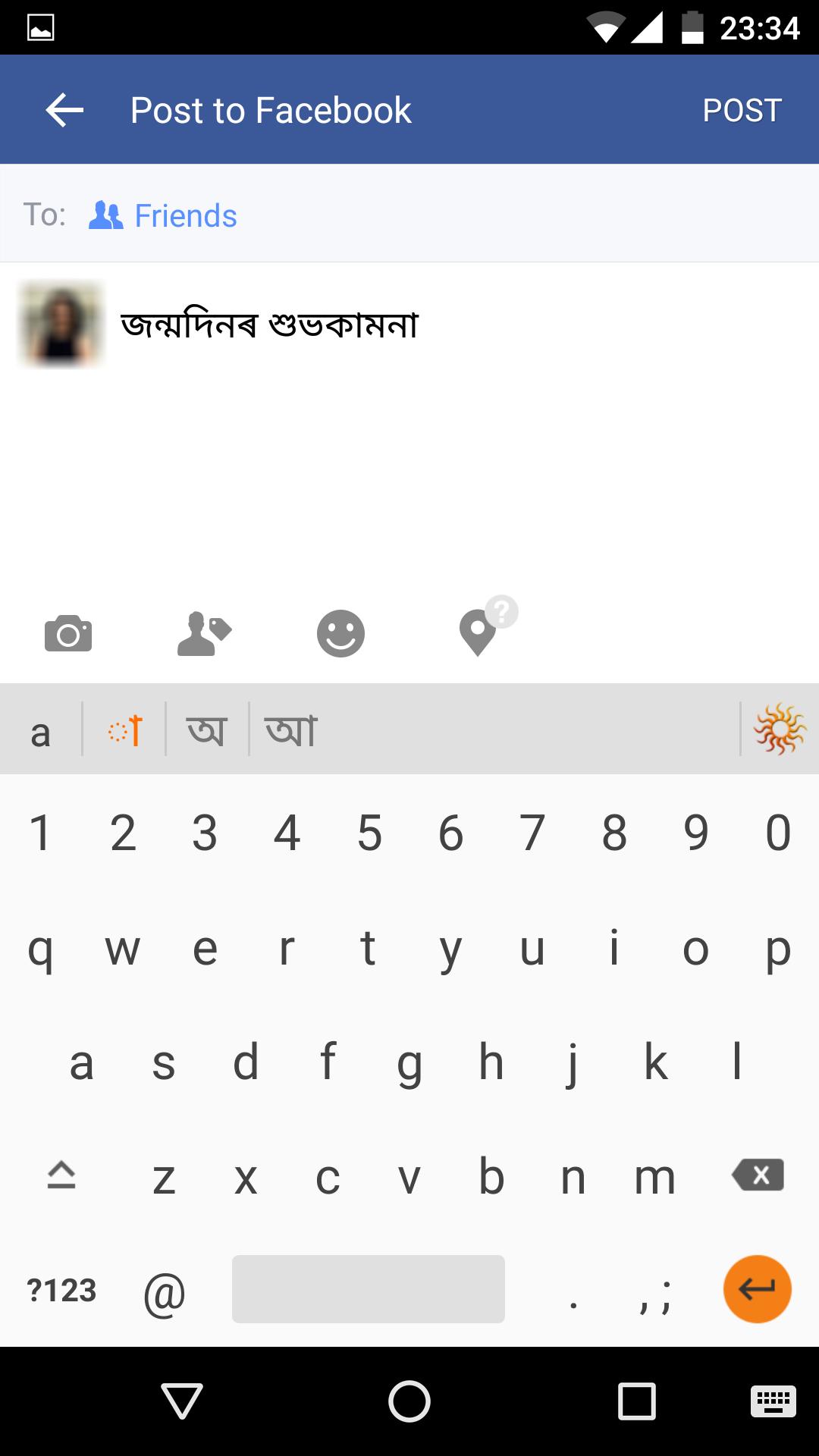
Now you can send emails, post Facebook updates and send messages on Whatsapp in Assamese using the Lipikaar Assamese Keyboard.
How to type in Assamese(অসমীয়া) with Lipikaar:
Rule 1:
Repeatedly type the closest sounding key till you see the correct Assamese script character.
s = স ss = শ sss = ষ krr = ক্ৰ krrr = কৃ
Rule 2:
Join two characters by typing x between them.
rxy = ৰ্য sxk = স্ক nxt = ন্ত
Rule 3:
Type z to add a special symbol of the script.
z = ং zz = ঃ zzz = ঁ zzzz = ।
For more details: http://bit.ly/1TEHmrE
Features:
- No memorizing key positions. Simple and intuitive typing in Assamese using regular English (QWERTY) keyboard.
- No fluency in English is required. Lipikaar encourages users to think in their language.
Ön izleme
Etiketler
AraçlarBilgi
geliştirici
Lipikaar Keyboards
En Son Sürüm
8.0.7
Son güncelleme
2022-05-23
Kategori
Araçlar
üzerinde mevcut
Google Play
Daha fazla göster
PC'de GameLoop ile Assamese Keyboard nasıl oynanır
1. Resmi web sitesinden GameLoop'u indirin, ardından GameLoop'u kurmak için exe dosyasını çalıştırın.
2. GameLoop'u açın ve “Assamese Keyboard”i arayın, arama sonuçlarında Assamese Keyboard'i bulun ve “Yükle”ye tıklayın.
3. GameLoop'ta Assamese Keyboard oynamanın keyfini çıkarın.
Minimum requirements
OS
Windows 8.1 64-bit or Windows 10 64-bit
GPU
GTX 1050
CPU
i3-8300
Memory
8GB RAM
Storage
1GB available space
Recommended requirements
OS
Windows 8.1 64-bit or Windows 10 64-bit
GPU
GTX 1050
CPU
i3-9320
Memory
16GB RAM
Storage
1GB available space