
XCEED ACCESS PC
Xceed
Download XCEED ACCESS on PC With GameLoop Emulator
XCEED ACCESS on PC
XCEED ACCESS, coming from the developer Xceed, is running on Android systerm in the past.
Now, You can play XCEED ACCESS on PC with GameLoop smoothly.
Download it in the GameLoop library or search results. No more eyeing the battery or frustrating calls at the wrong time any more.
Just enjoy XCEED ACCESS PC on the large screen for free!
XCEED ACCESS Introduction
XCEED ACCESS: the multi‑device access control solution for your events and venues.
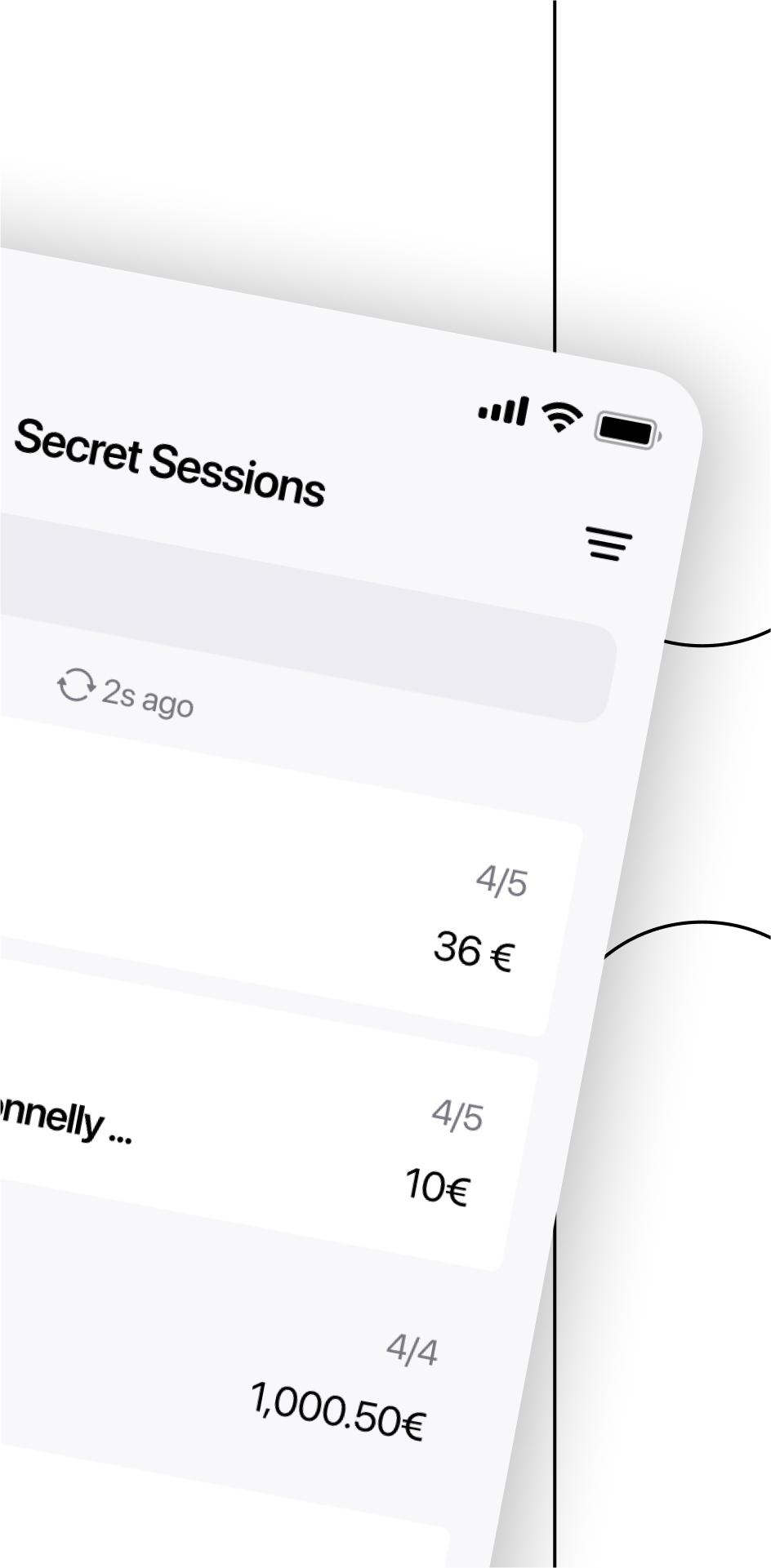
XCEED ACCESS lets you manage doors at clubs, venues and festivals—right from any Android phone or tablet. It runs on unlimited devices at once, works completely offline, and automatically syncs when you’re back online.
Now with an all‑new optimized design and performance, XCEED ACCESS helps your team deliver a seamless guest experience at the door.
How does it work?
- Scan tickets, bottle services, passes, guest lists, and invitations.
- Check in guests by searching their names.
- Filter bookings by admission type, attendance, add‑ons, or purchase channel.
- Download event and booking data before doors open, scan and check in guests offline, then sync attendance once back online.
- View booking details and process refunds straight from the app.
- Register walk‑ins and show‑ups to keep total control of everyone entering.
- Enjoy real‑time data syncing between devices and with Xceed Pro—stay informed from anywhere.
- Define users and roles to keep tight control of sensitive information and let your team work autonomously.
- Use in multiple languages: English, Spanish, Italian, French, Portuguese, German, and Catalan.
Need help setting up? Have questions? We’ve got your back 24/7 at support@xceed.me
Preview

Tags
BusinessInformation
Developer
Xceed
Latest Version
5.0.3
Last Updated
2025-10-02
Category
Business
Available on
Google Play
Show More
How to play XCEED ACCESS with GameLoop on PC
1. Download GameLoop from the official website, then run the exe file to install GameLoop
2. Open GameLoop and search for “XCEED ACCESS” , find XCEED ACCESS in the search results and click “Install”
3. Enjoy playing XCEED ACCESS on GameLoop
Minimum requirements
OS
Windows 8.1 64-bit or Windows 10 64-bit
GPU
GTX 1050
CPU
i3-8300
Memory
8GB RAM
Storage
1GB available space
Recommended requirements
OS
Windows 8.1 64-bit or Windows 10 64-bit
GPU
GTX 1050
CPU
i3-9320
Memory
16GB RAM
Storage
1GB available space