NOVATRON MusicX NEO PC
Novatron
Download NOVATRON MusicX NEO on PC With GameLoop Emulator
NOVATRON MusicX NEO on PC
NOVATRON MusicX NEO, coming from the developer Novatron, is running on Android systerm in the past.
Now, You can play NOVATRON MusicX NEO on PC with GameLoop smoothly.
Download it in the GameLoop library or search results. No more eyeing the battery or frustrating calls at the wrong time any more.
Just enjoy NOVATRON MusicX NEO PC on the large screen for free!
NOVATRON MusicX NEO Introduction
NOVATRON Music X NEO is a app for Cocktailaudio N15, X14, X35, X45, X50 and more.
By Novatron Co., Ltd.
Requeiment :
Cocktailaudio firmware version R1529 or later.
Description
The NOVATRON Music X is a remote controller app for smart phone and tablet PC, which will give you an easy and convenient control for NOVATRON's cocktailAudio X-series products such as N15, X14, X35, X45, X50 and more.
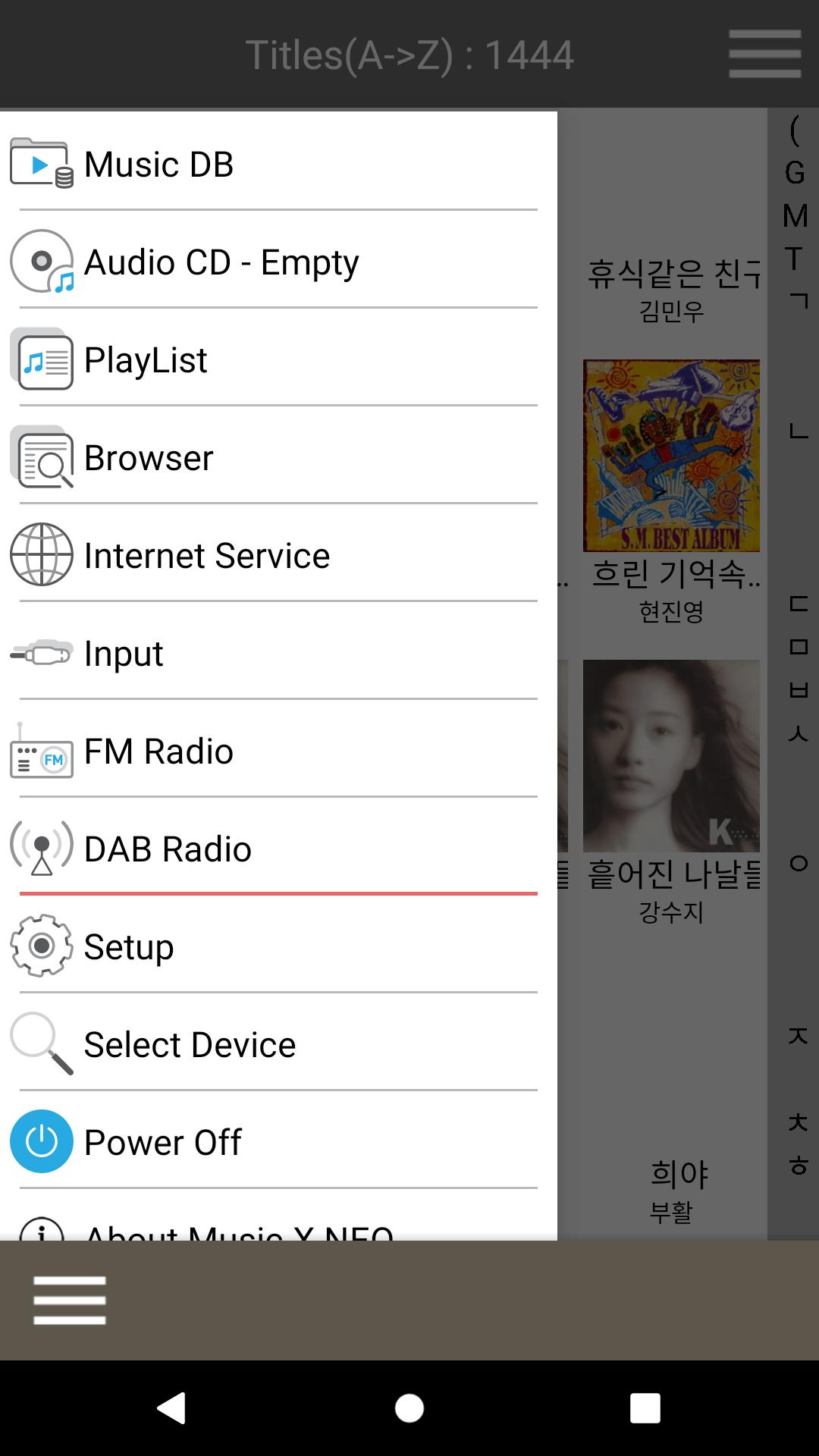
The NOVATRON Music X enables you to control and use most of cocktailAudio X series' features and functions remotely; MusicDB play and management, file management like copy, move, delete, import to MusicDB and export from MusicDB, make a playlist and its management, playing online music services such as TIDAL, Deezer, Qobuz and Airable, etc
Applicable Models
• NOVATRON cocktailAudio X-series such as N15, X14, X35, X45, X50 and more
Main feature
• Simple graphic designed UI
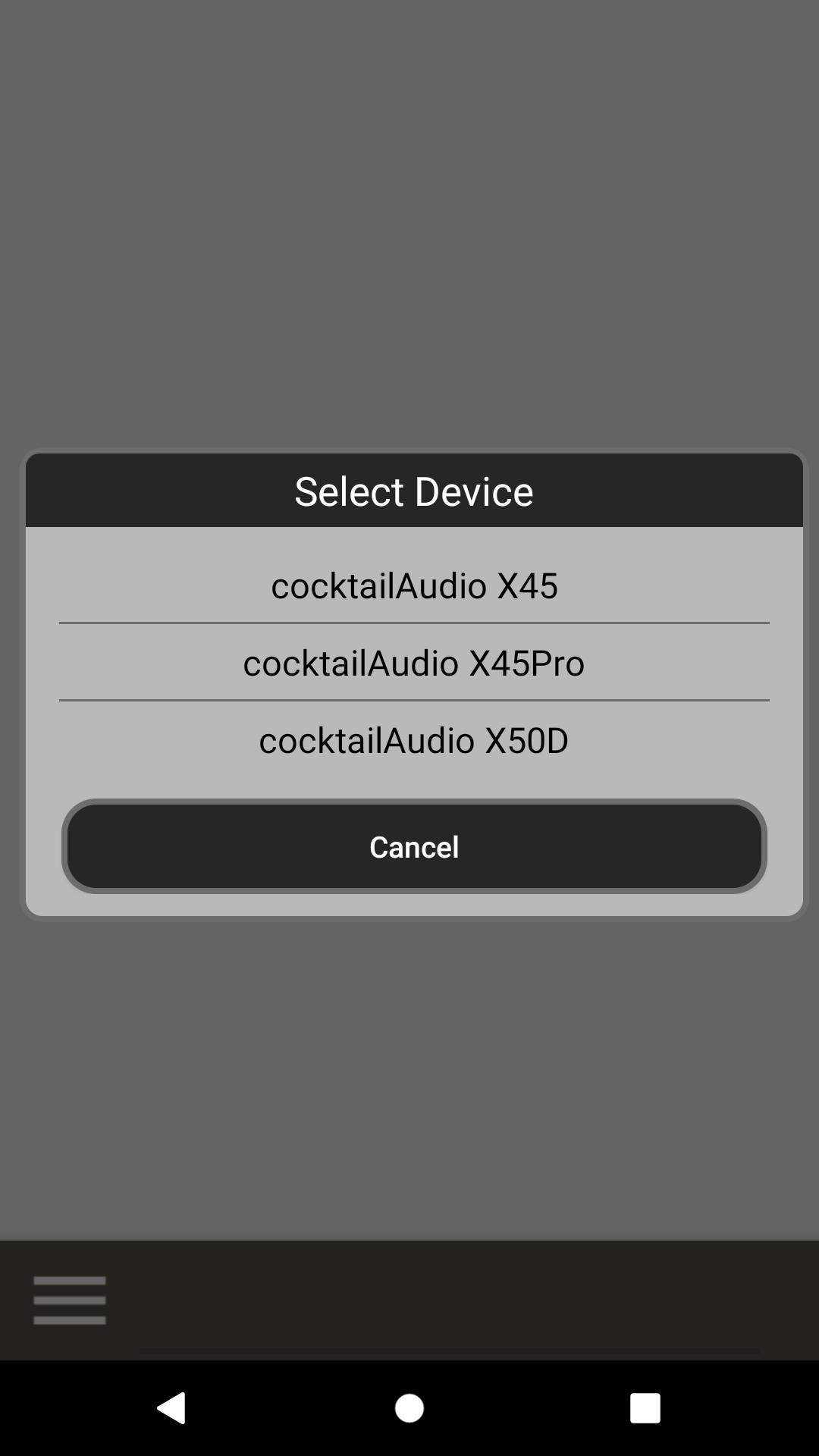
• Intuitive and well organized screen make easy select of Devices, Music Source, Setup and Main Menu like “Home”, “Now Playing”, “Play Queue”.
• Convenient playback on Music DB by Queue system for Music Server and music files in the mobile device
• Well organized folder structure Browsing
• Virtual Remote Control enables you to control all functions perfectly remotely
• Now playing screen shows song information, cover art and control menu for shuffle function, volume, stop, pause, next, previous.
Version ; NOVA-M-X-xxxx
Copyright 2019 NOVATRON CO., LTD
All Rights reserved
www.cocktailAudio.com
Preview
Tags
Music-&Information
Developer
Novatron
Latest Version
1.0.21
Last Updated
2021-10-26
Category
Music-audio
Available on
Google Play
Show More
How to play NOVATRON MusicX NEO with GameLoop on PC
1. Download GameLoop from the official website, then run the exe file to install GameLoop
2. Open GameLoop and search for “NOVATRON MusicX NEO” , find NOVATRON MusicX NEO in the search results and click “Install”
3. Enjoy playing NOVATRON MusicX NEO on GameLoop
Minimum requirements
OS
Windows 8.1 64-bit or Windows 10 64-bit
GPU
GTX 1050
CPU
i3-8300
Memory
8GB RAM
Storage
1GB available space
Recommended requirements
OS
Windows 8.1 64-bit or Windows 10 64-bit
GPU
GTX 1050
CPU
i3-9320
Memory
16GB RAM
Storage
1GB available space